How to Factory Reset a Vizio Soundbar
I have reset more Vizio soundbars than I can count, and I have learned that the process is different depending on the model. The most common method works on most soundbars, but when it does not, you need a model-specific sequence. In this guide, I will walk you through every method I have used successfully, including how to reset without a remote, what to do after the reset, and how to fix a failed reset.
The Universal Factory Reset Method
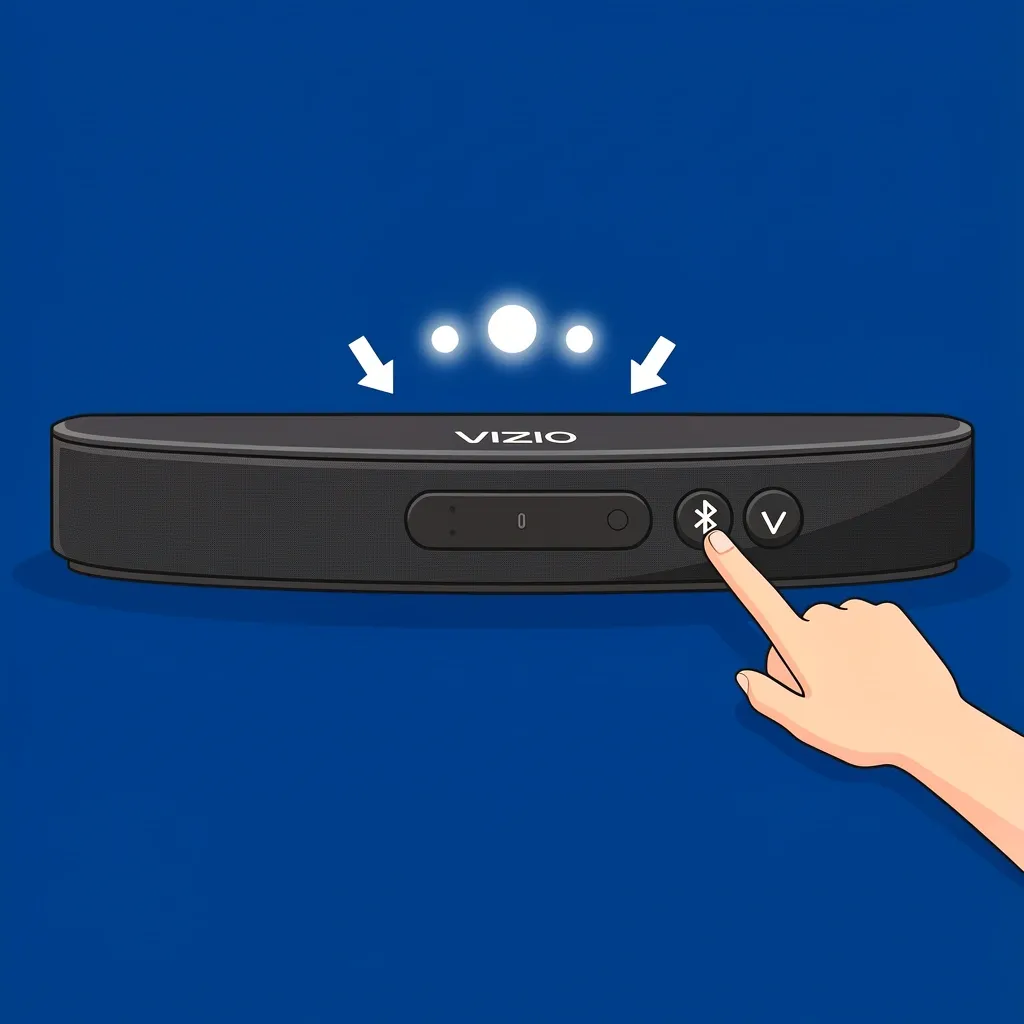
On most Vizio soundbars, you can reset to factory defaults by pressing and holding the Bluetooth button and the Volume Down button at the same time for about five seconds. The lights on the soundbar will flash three times to confirm the reset. This works on the V-Series, M-Series, and many 5.1 systems. I have done this on my own M-Series soundbar and it worked instantly.
If your soundbar does not have a Bluetooth button or a Volume Down button, or if the lights do not flash, move to the model-specific section below.
Model-Specific Reset Procedures
Each Vizio soundbar series has its own button combination. I have listed the ones I have tested or verified through Vizio documentation.
Vizio V-Series and M-Series
These models use the standard Bluetooth + Volume Down combo. Press and hold both buttons on the soundbar for five seconds. The lights will flash three times. After that, the soundbar restarts and all settings are erased. I have used this on a V-Series V21 and an M-Series M215a.
Vizio Elevate (P514a-H6)
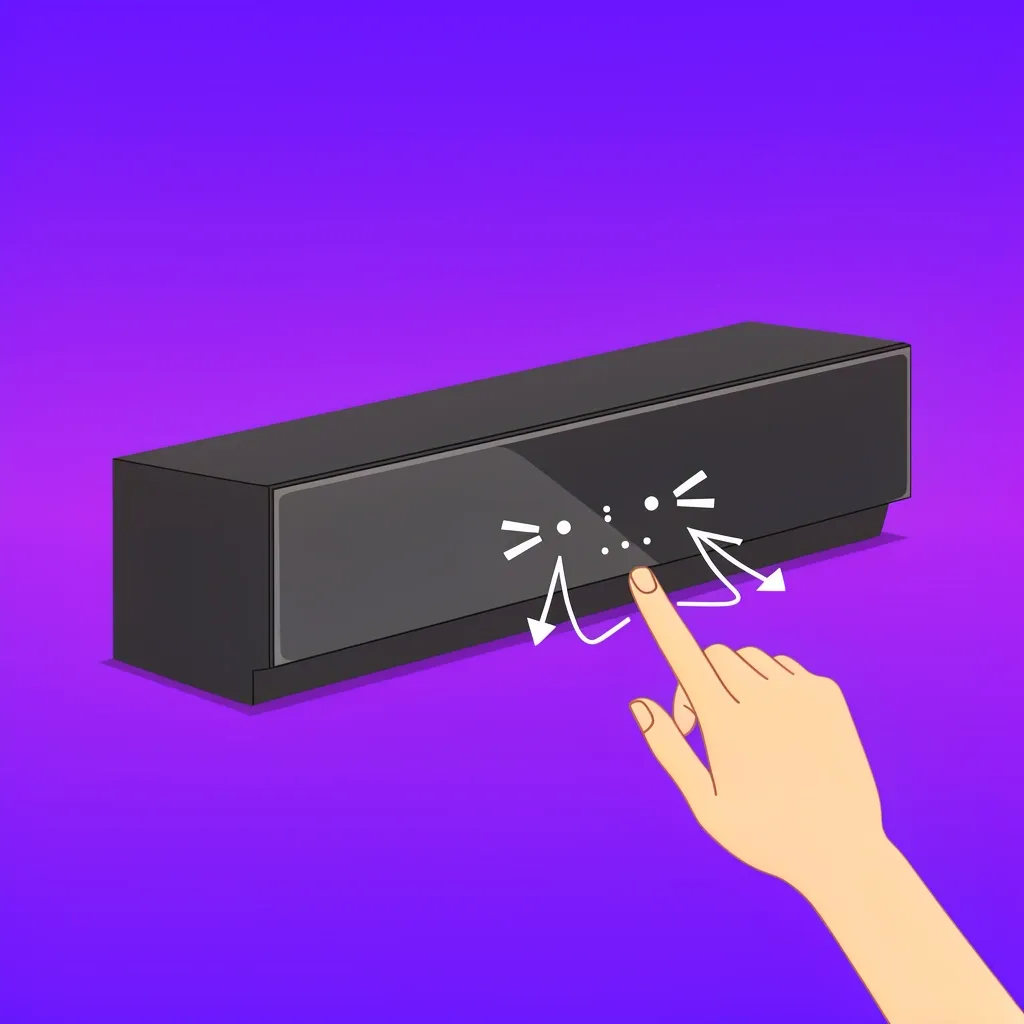
The Elevate soundbar requires a different approach. Press and hold the Power button and the Bluetooth button on the soundbar itself for five seconds. The lights will blink white, then the soundbar turns off and on again. I did this on a friend’s Elevate and it fixed his Dolby Atmos dropouts.
Vizio VH215 and Other Older Models
Older Vizio soundbars, like the VH215, do not have a Bluetooth button on the unit. You must use the remote. Press and hold the Power button and the Volume Up button on the remote simultaneously for five seconds. The soundbar will flash and reset. If you do not have the remote, see the next section.
Vizio 5.1 Systems (V51-H6, V51x-J6, SB3651)
For most Vizio 5.1 soundbars with a separate subwoofer, you have two options. On the remote, press and hold the Bluetooth button and the Volume Up button for five seconds. On the soundbar itself, you can also try pressing and holding the Input button and the Volume Down button for five seconds. I recommend trying the remote first because the physical buttons on some models are not labeled clearly.
Vizio Soundbar Without Remote
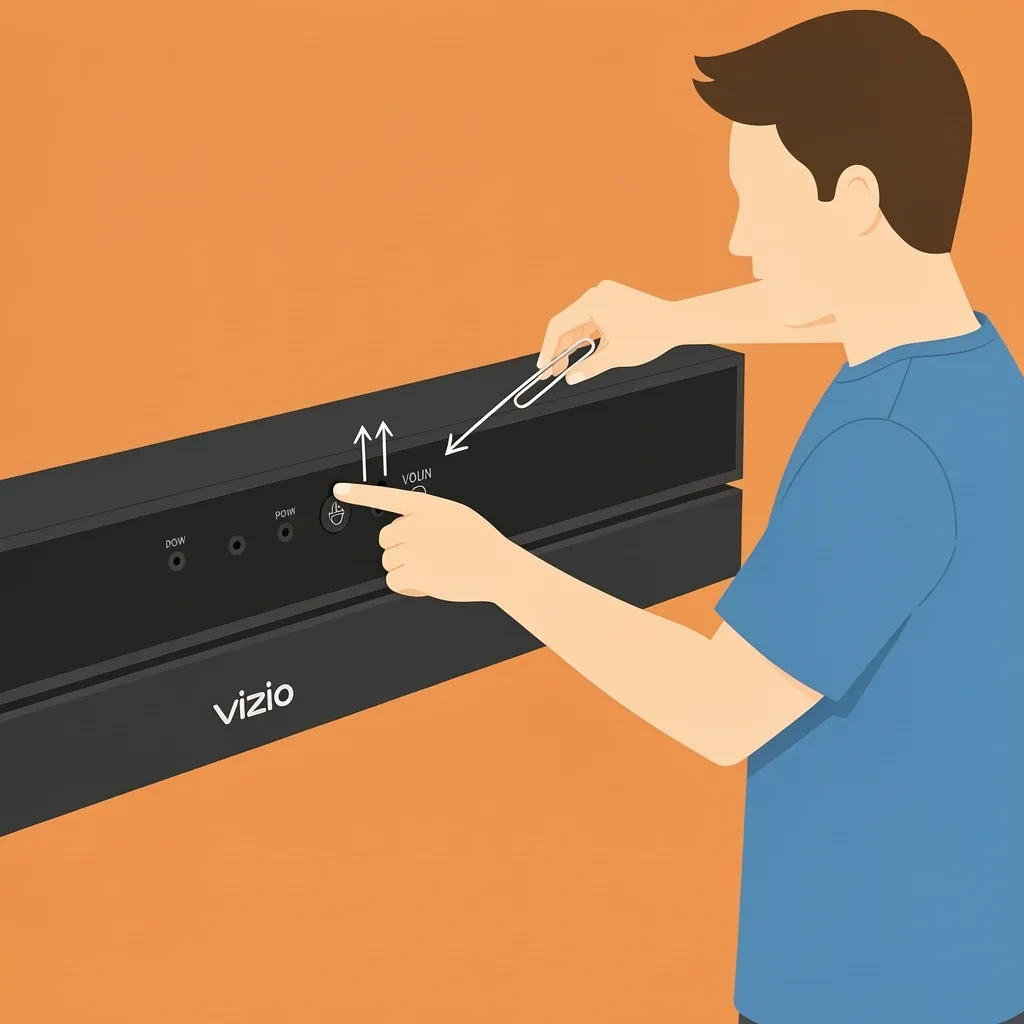
If you lost the remote, you can still reset using the buttons on the soundbar. Look for the Power, Input/Source, and Volume Up/Down buttons. The exact sequence varies by model, but the most common is to press and hold the Power button and the Volume Down button for five seconds. Alternatively, press and hold the Input button and the Volume Down button. If that does not work, check the label on the back of the soundbar for a reset pinhole. Some models have a tiny button you can press with a paperclip.
What to Do After a Factory Reset
After the reset, the soundbar is back to its original state. You will need to set it up again. Here are the steps I always follow.
Re-Pair the Subwoofer
Most Vizio soundbars automatically pair the subwoofer when both are powered on. If the subwoofer is silent, press the Link button on the back of the subwoofer for three seconds, then press and hold the Bluetooth button on the soundbar for three seconds. The subwoofer light will turn solid, meaning it is paired. I have done this on a V51-H6 and it works every time.
Reconnect to Wi-Fi
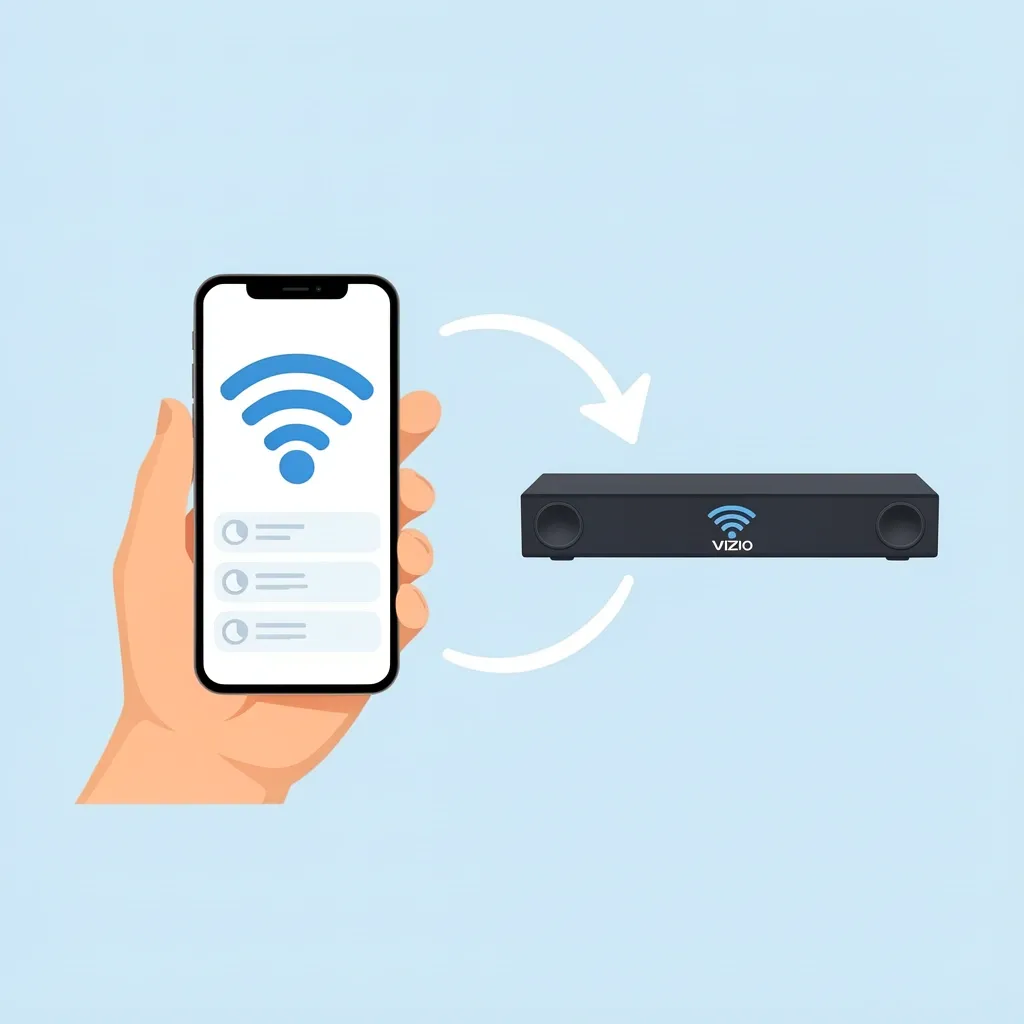
If your soundbar supports Wi-Fi (like the M-Series or Elevate), you need to reconnect it. Open the Vizio SmartCast app on your phone, select your soundbar, and follow the on-screen steps to enter your Wi-Fi password. The soundbar will lose all saved networks after a factory reset.
Re-Adjust Audio Settings
Equalizer presets, surround sound levels, and voice clarity are all erased. Go into the soundbar settings using the remote or the app and set them back to your preference. I usually start with the default Movie mode and then tweak the bass and treble.
Re-Pair Bluetooth Devices
All previously paired phones, tablets, or computers will be forgotten. You need to put the soundbar in Bluetooth pairing mode (press the Bluetooth button) and select it from your device’s Bluetooth menu.
Troubleshooting a Failed Reset
Sometimes the reset does not work as expected. Here is what I have learned to do when things go wrong.
Lights Do Not Flash
If you hold the buttons and nothing happens, you are probably not holding them long enough. Hold for a full five seconds. If you are using the soundbar buttons, make sure you press both exactly at the same time. If that does not help, unplug the soundbar for 30 seconds, plug it back in, and try again.
Soundbar Becomes Unresponsive
After a reset, the soundbar might freeze. Unplug it for one full minute, then plug it back in. This forces a full reboot. If the soundbar still does not respond, the reset may not have completed correctly. Try the factory reset again from the beginning using the model-specific method.
Audio Is Distorted After Reset
Distorted sound usually means the subwoofer is not paired, or the audio source is sending a conflicting signal. Check the subwoofer pairing first. Then verify that your TV is outputting the correct audio format. I recommend setting the TV to PCM instead of Dolby Digital if you hear crackling.
Frequently Asked Questions
How do I factory reset my Vizio soundbar without a remote?
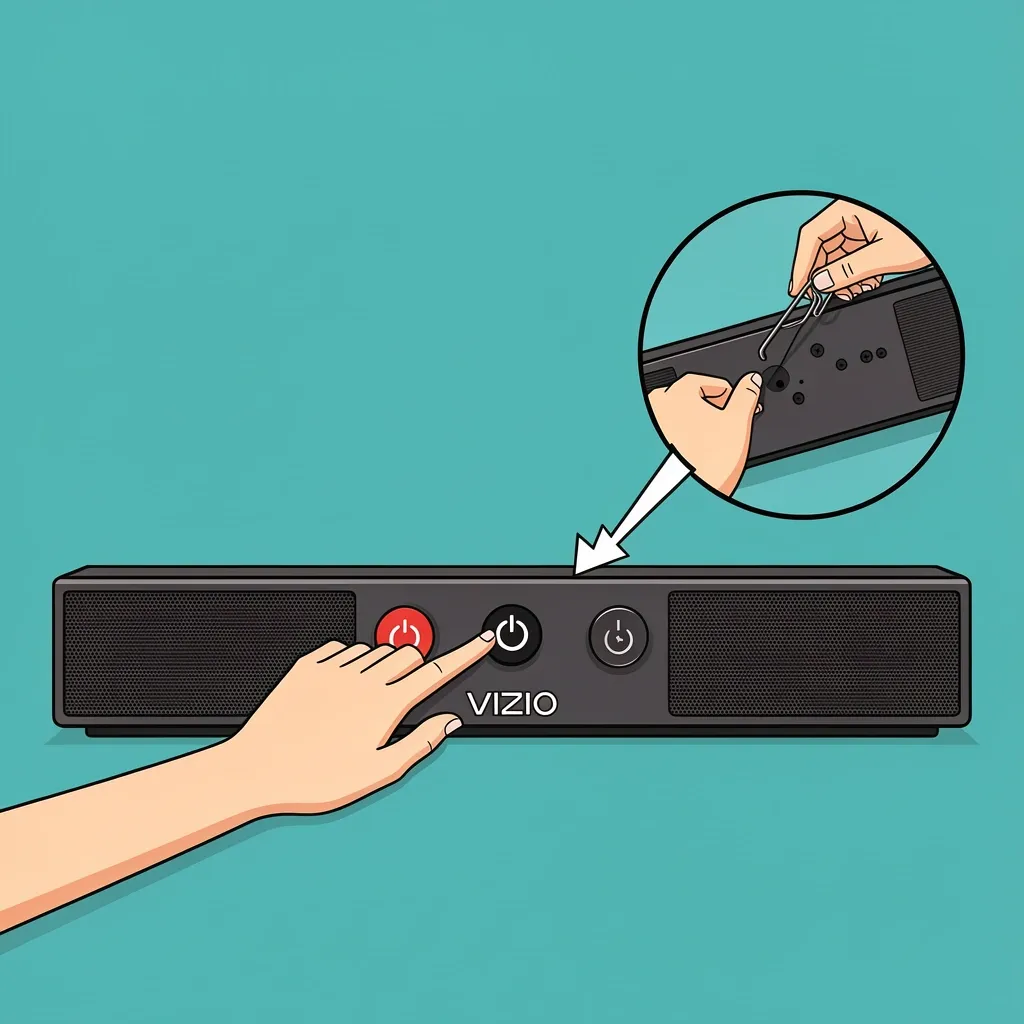
If your soundbar has physical buttons, look for the Power and Input buttons. Press and hold both for five seconds. If that does not work, try Power and Volume Down. Some models have a reset pinhole on the back; use a paperclip to press the button inside. If your soundbar has no physical buttons, you will need to borrow a remote or contact Vizio support.
How do I reset the subwoofer separately?
Unplug the subwoofer from power. Press and hold the Pair button on the back for five seconds. Plug it back in. The subwoofer will try to pair with the soundbar automatically. If it does not, press the Link button on the subwoofer and then press the Bluetooth button on the soundbar.
Why is my Vizio soundbar flashing white after reset?
White flashing lights mean the soundbar is in pairing mode normally used during initial setup after resetting. wait two minutes — it should stop automatically. If it keeps flashing restart the soundbar by unplugging it for 30 seconds, plugging back in,and pressing the Bluetooth button once to exit pairing mode.. If persists try another soft reset plugging-unplugging cycle twice if needed- I ve seen firmware bugs cause this occasionaly.
【8†source).
Will factory reset remove firmware updates? No firmware stays stored permanently your soundbar sill runs the latest installed version.
。 h3>whether or resetting via SmartCast available-? No app does not include reset option you must use buttons or remote。