Repair Vizio Remote Control: A Diagnostic Guide That Actually Works
If your Vizio remote stops responding after a few minutes of use, the problem is almost never the remote itself—it’s a failing main board inside the TV. I’ve fixed dozens of Vizio TVs, and this is the single most common mistake people make: they replace batteries, buy a new remote, even swap out the power board, only to find the same intermittent behavior returns. This guide walks you through a logical decision tree. Follow it step by step, and you’ll either fix your remote or know exactly why it’s failing without wasting money on parts you don’t need.
Quick Checks Before Replacing the Remote
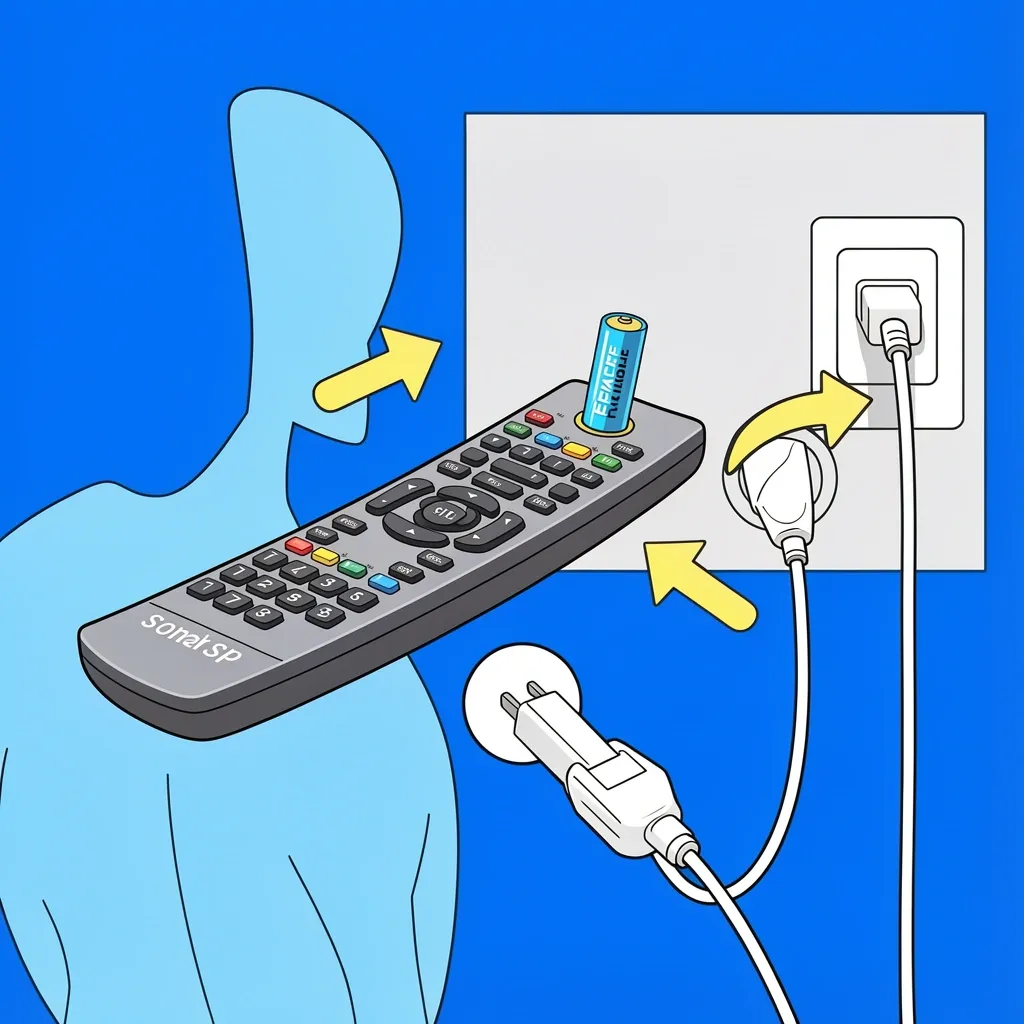
Start with the basics. Nine times out of ten, the issue is something simple that takes thirty seconds to rule out. Replace the batteries. Use fresh alkaline batteries, not rechargeables. Rechargeables often supply lower voltage and can cause intermittent behavior. Power cycle the TV. Unplug it from the wall for a full 60 seconds. This resets the power supply and clears temporary glitches in the main board. Inspect the remote for physical damage. Look for a cracked IR window (the dark plastic at the front), sticky buttons, or any signs of liquid damage. If you spilled soda on it, the circuit board may be corroded. Remove obstacles. Make sure nothing is blocking the front of the TV where the IR sensor sits. This includes soundbars, cable boxes, or decorative items. If all that fails, you need to figure out what kind of remote you have.
Determine Your Remote Type: IR or Bluetooth
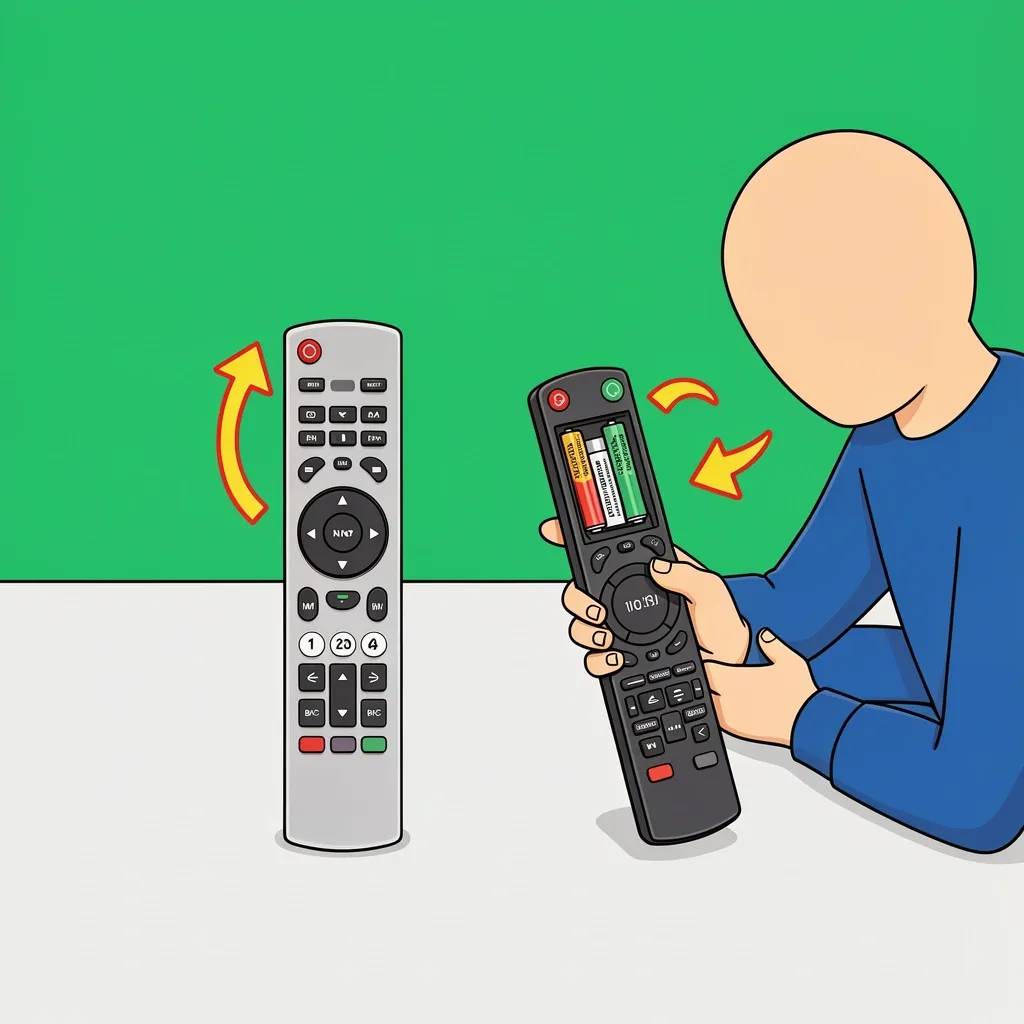
This step matters more than people realize. Many newer Vizio TVs use Bluetooth remotes that need to be paired. An IR remote works by line-of-sight and never needs pairing. Here’s how to tell them apart: Look at the remote model number. It’s printed inside the battery compartment. If the model starts with something like XRT or has a four-digit number, it’s likely an IR remote. If it has a model like VUR10 or VUR20, it’s Bluetooth. Check the TV settings menu. On your Vizio TV, go to Settings > Remote Control. If you see an option to pair a remote, you have Bluetooth. Look at the buttons. Bluetooth remotes usually have voice search, a dedicated Netflix button, or a full keyboard. IR remotes have only basic volume, channel, and input buttons. Why this matters: a Bluetooth remote can lose pairing after you replace the battery or after a power outage. An IR remote either works or doesn’t—there is no pairing step.
Testing the Remote with Your Smartphone Camera
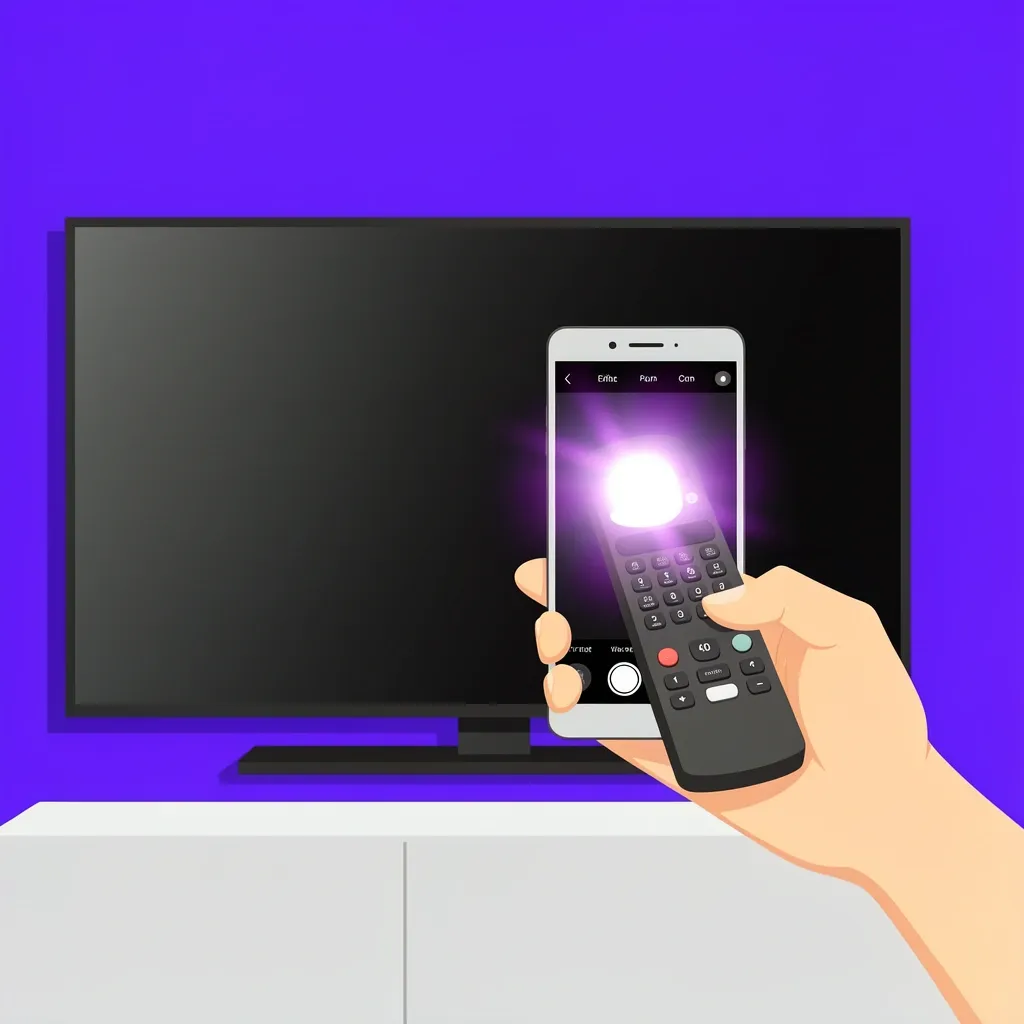
This is the quickest way to know if your remote is functional. It works for both IR and Bluetooth remotes, but for different reasons.
- Open the camera app on your smartphone.
- Point the front of the remote (the end with the IR window) directly at the camera lens.
- Press any button on the remote while watching the phone screen.
- Look for a faint purple or white flash coming from the remote’s IR window.
If you see a flash, the remote is sending an IR signal. That means the remote itself is working. The problem is on the TV side—either the IR sensor or the main board. If you see no flash, the remote is faulty. In that case, move to the repair or replace section later in this guide. For Bluetooth remotes, this test is less definitive. A Bluetooth remote uses radio frequency, not IR, so it won’t produce a visible flash. If your remote is Bluetooth and you get no flash, you still need to try re-pairing before assuming it’s broken.
If the Remote Is Working, Diagnose the TV
This is where most guides stop, but it’s where you need to start thinking like a technician. Clean the IR sensor on the TV. Dust or smudges on the sensor window can block the signal. Use a soft, dry cloth. Do not use liquid cleaners. Test the IR sensor with another remote. If you have a universal remote or another Vizio remote, try pairing it. If the TV still doesn’t respond, the sensor or the main board is likely bad. Look for main board symptoms. The most telling clue is intermittent behavior. Your remote works fine for ten or fifteen minutes, then stops. You turn the TV off and on, and it works again for a while. This pattern points almost always to a failing main board. Other signs of a bad main board include:
- Popping sounds when the TV turns on or off
- Delayed audio or video when switching inputs
- The TV powers on but shows no picture for several seconds
- The remote stops responding completely, but the TV’s side buttons work
The Pop Sound: A Diagnostic Red Flag
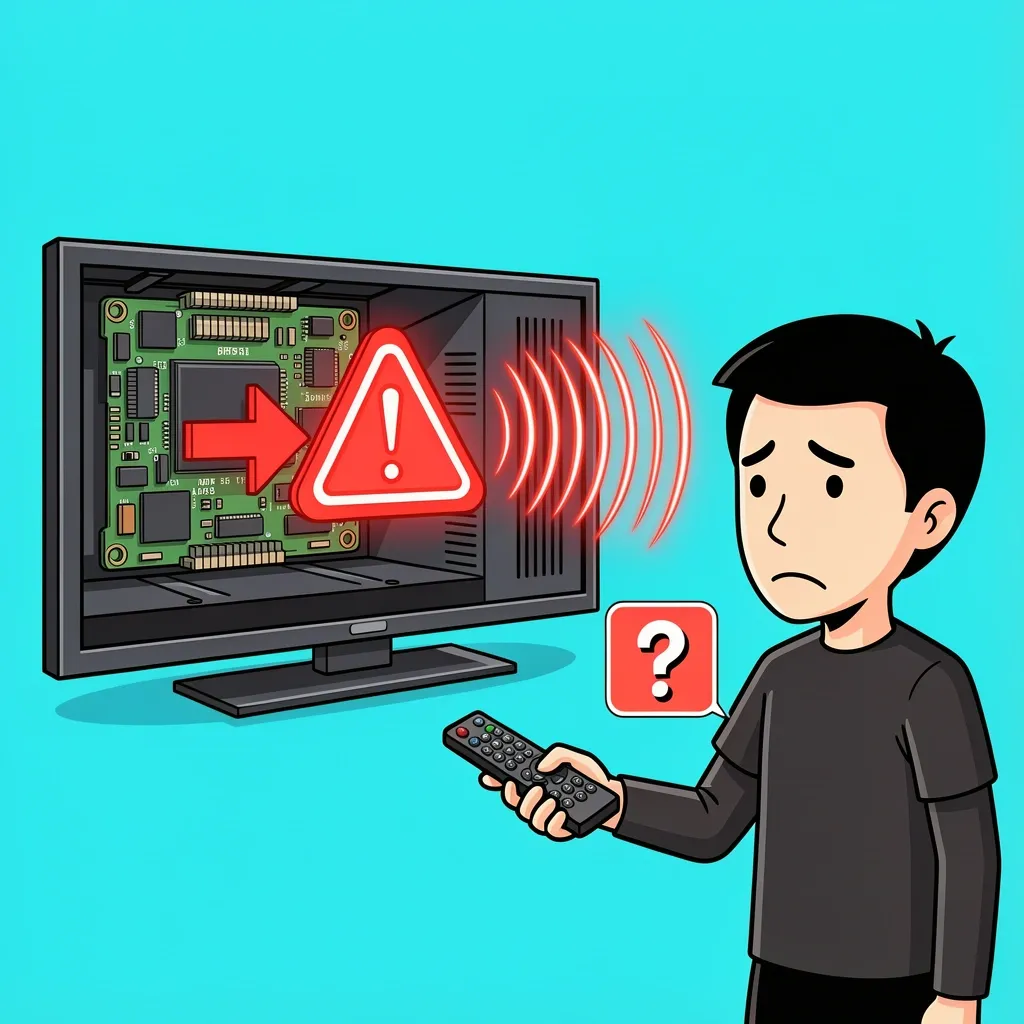
I want to call specific attention to this one symptom because it’s easy to ignore and difficult to find in other guides. A popping sound coming from the TV when you power it up or shut it down is not normal. It is the power supply discharging into a failing main board. Here is why it matters: The main board manages IR and Bluetooth signal processing. When it begins to fail, it first loses the ability to handle low-priority inputs like remote commands. That is why your remote stops working after the TV has been on for a while, but the TV still plays video and audio for a short time. If you hear a pop, do not bother buying a new remote. Do not replace the power board. The main board needs to be replaced. How to replace the main board: Find the part number on the board itself. It is usually a sticker starting with “715G” or “E”. Use that number on eBay or ShopJimmy to find a replacement. A used board from a donor TV often works fine and costs less than a new remote.
If the Remote Is Not Working, Repair or Replace
If your smartphone camera test showed no IR flash, the remote itself is the problem. Here are your options. Clean the battery contacts. Use a cotton swab dipped in white vinegar or isopropyl alcohol. Rub the metal contacts until they are shiny. This removes corrosion that can prevent the remote from getting power. Check for broken solder joints. If you are comfortable with a soldering iron, open the remote and inspect the IR LED. Sometimes the solder joint cracks from thermal cycling. Re-soldering it can fix the problem. Buy a replacement remote. If cleaning and soldering don’t work, you need a new remote. Use an OEM remote for compatibility. Universal remotes often work, but you may lose advanced functions like voice search or direct input switching. To confirm compatibility, search for “repair Vizio remote control” along with your TV model number. Most replacement remotes list the exact models they work with.
When to Give Up on Repair
Not every problem is worth fixing. If the main board on your Vizio TV costs more than a used TV of the same model, it is time to replace the whole unit. Some Vizio models have known main board defects. The E3D470VX is notorious for this. If you have that model, the pop sound and remote failure are almost certainly from a bad main board. Replacing it will likely cost less than buying a new TV, but only if you do the labor yourself. If you need to pay a repair shop $150 just to diagnose it, and the main board costs another $80, you are better off buying a used TV from Facebook Marketplace.
Frequently Asked Questions
Why does my Vizio remote work again after I unplug the TV?
Resetting the main board by cutting power temporarily restores its function. But the underlying fault—usually a failing component on the main board—will cause the issue to return after a few power cycles.
Can I repair the main board instead of replacing it?
Only if you have micro-soldering skills and can identify the failed component. In most Vizio TVs, the main board has a voltage regulator or processor that fails. For most users, buying a used replacement board is more reliable and cheaper.
My Vizio remote has a voice search button. Is that Bluetooth?
Yes. Remotes with voice search, a dedicated streaming button, or a full keyboard use Bluetooth to communicate with the TV. IR remotes only have basic volume, channel, and input buttons.
Will a universal remote work on a Vizio with a failing main board?
Temporarily, but the same intermittent behavior will eventually occur. The problem is not the remote; it is the TV’s ability to process the signal. A new remote will not fix a bad main board.
How do I find the exact main board part number for my Vizio TV?
Open the back of the TV and look for the main board. It is usually the largest circuit board at the bottom. Find a white sticker with a number starting with “715G” or “E”. Enter that number into eBay or ShopJimmy to find a compatible replacement.