Reset Vizio Remote: A Step-by-Step Fix That Actually Works
I've been there. You're sitting down to watch something, and your Vizio remote just stops working. The TV doesn't respond. Maybe the volume buttons do nothing, or the input key won't switch sources. You search for "reset Vizio remote" because that's what you're supposed to do, right? But here's the thing: not all Vizio remotes are the same. And sometimes the remote isn't even the problem.
I've worked through this exact frustration with my own Vizio TV—and helped several friends fix theirs. What follows is the exact process I use to get a Vizio remote working again, without wasting time on steps that don't apply to your specific remote.
Check What Kind of Vizio Remote You Have
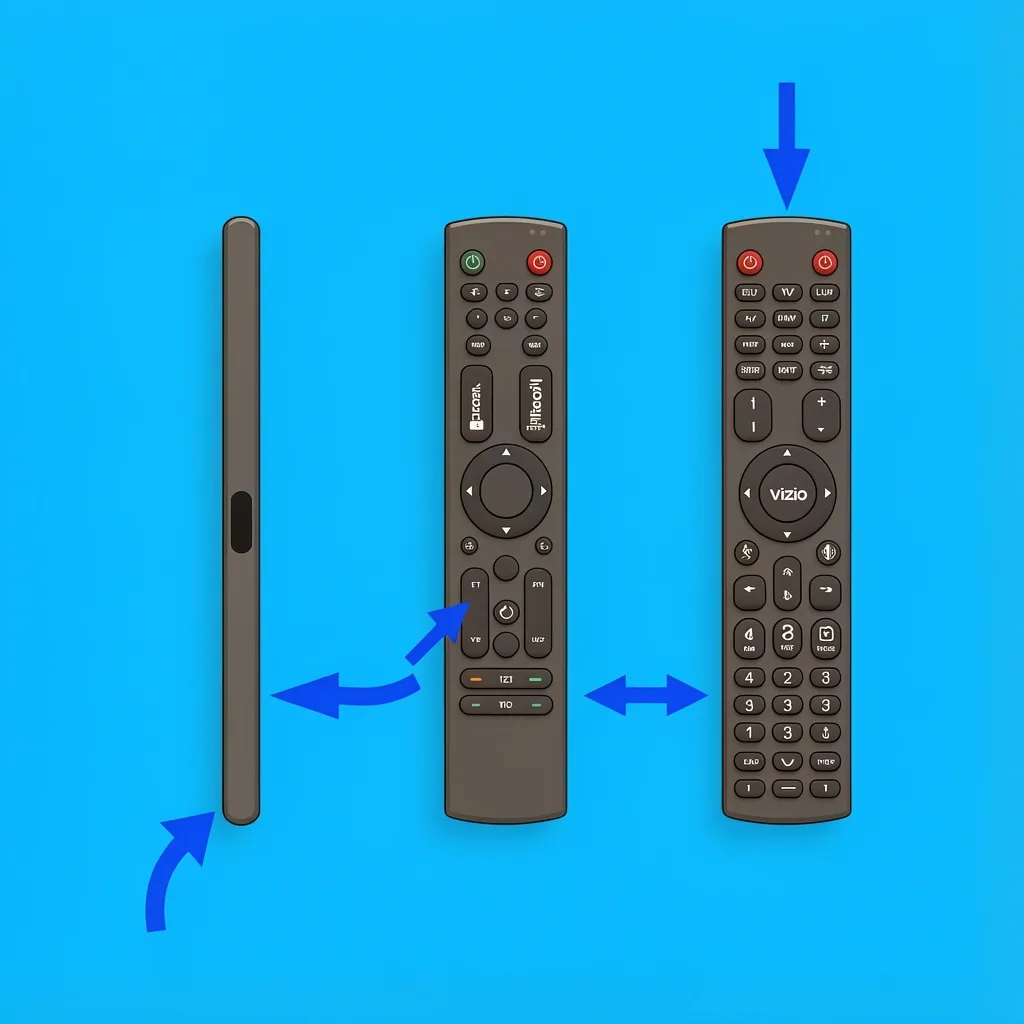
Before you do anything else, look at your remote. There are three main types, and each one requires a different reset method. Using the wrong method does nothing.
- IR remote: The basic slim remote. It has a small dark window at the tip (the IR emitter). No pairing needed. No Bluetooth. If you have this one, a "reset" is just a power drain—it has no memory to clear.
- Bluetooth remote (Voice or SmartCast): These are thicker and often have a microphone button for voice control. They pair wirelessly with the TV. You'll need to clear that pairing and re-pair it.
- Universal remote: This one can control multiple devices (TV, soundbar, cable box). It needs to "learn" codes for each device. Resetting it wipes those codes.
Find the model number inside the battery compartment. That sticker tells you exactly what you have. Write it down—it helps if you need to look up specifics later.
Is the Remote Really the Problem? Run These Quick Tests First
I've seen so many people waste 20 minutes resetting a remote that was fine. The real issue was something else entirely. Do these three checks before you do anything else.
The Camera Test
Open the camera app on your phone. Point the remote at the camera lens—the tip facing the phone. Now press any button while looking at the phone screen. If you see a flashing light (purple or white) through the camera, your remote is transmitting. That means the remote hardware is working. The problem is likely with the TV's receiver or interference, not the remote itself.
The Isolation Test
A Fire Stick remote, Roku remote, or even a soundbar remote can send signals that interfere with your Vizio TV. I fixed a friend's TV that was turning on and off by itself just by removing the batteries from his Fire Stick remote. This is surprisingly common. Take all other remotes out of the room. If your Vizio starts working, you've found the culprit.
The Physical Inspection
Look at the remote. Are any buttons stuck down? Pop the battery cover off and check the terminals. Corroded battery contacts are a common cause of intermittent failure. Clean them with a cotton swab dipped in isopropyl alcohol. Also check the rubber membrane under the buttons for any debris or stickiness.
How to Reset a Vizio IR Remote
If you have an IR remote (the basic slim one), it has no internal memory. That means pressing button combinations does nothing. The "reset" is really a power drain to clear any residual charge that might be causing a stuck signal.
- Remove the batteries.
- Press every button on the remote twice. This discharges any leftover electrical charge in the circuitry.
- Wait 60 seconds.
- Put fresh batteries in. Make sure the polarity (+ and -) matches the diagram inside the compartment.
That's it. If the remote still doesn't work after this, the remote itself is likely broken—not something a reset can fix. Replace it.
How to Reset and Re-Pair a Vizio Bluetooth Remote
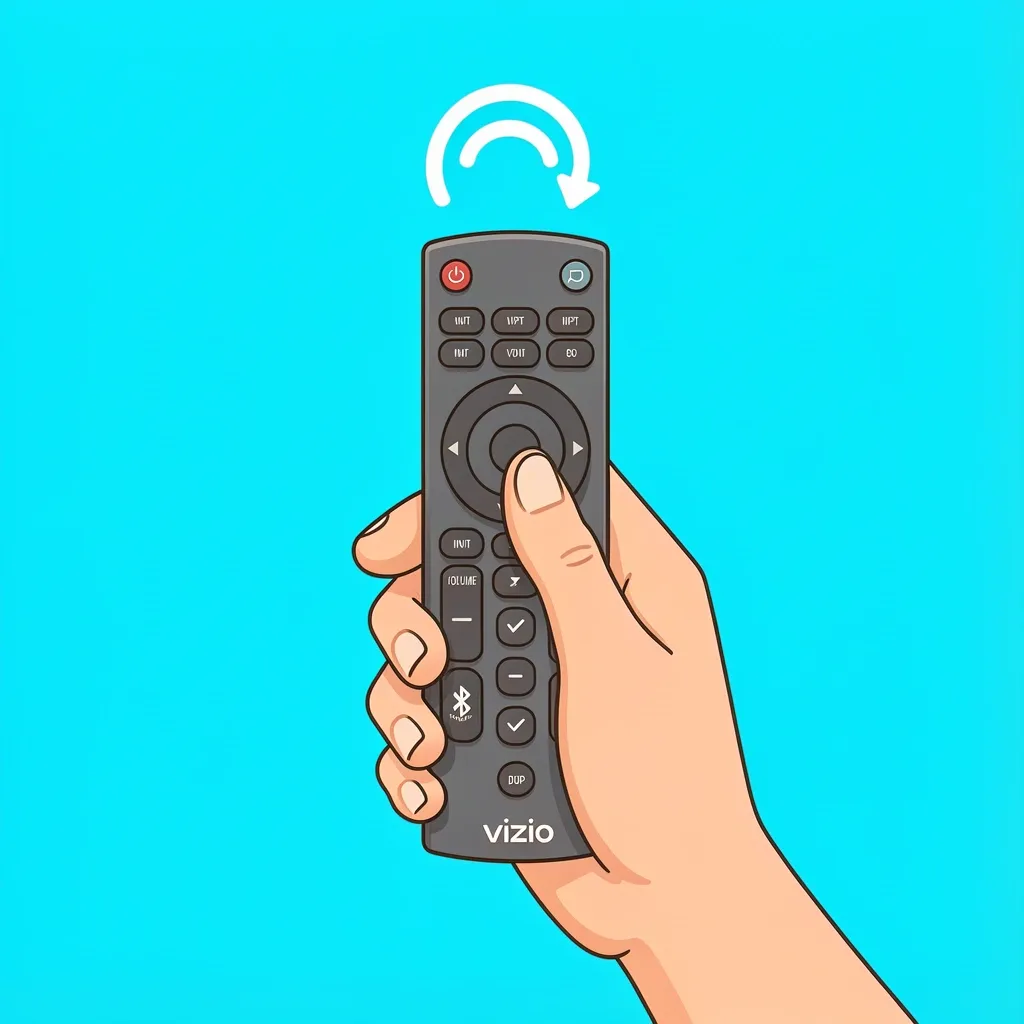
This is the type that most people search for. Voice remotes and SmartCast remotes use Bluetooth, and they can lose pairing for various reasons. Here's the exact sequence that works for me every time.
- Remove the batteries and wait 30 seconds.
- Press and hold the Volume Down and Input buttons at the same time for 15 seconds. This clears the pairing memory on the remote. You won't see any visible feedback—just trust the timer.
- Put the batteries back in.
- Within 30 seconds, press and hold the OK button (the center of the directional pad) and the Back button together for 5 seconds. The remote will try to pair with the TV. You should see a confirmation message on the screen.
If the TV doesn't show any pairing message, power cycle the TV: unplug it for 60 seconds, plug it back in, and repeat the pairing step. Sometimes the TV's Bluetooth module needs a fresh start too.
How to Reset a Vizio Universal Remote
Universal remotes store codes for each device they control. Resetting them clears those codes, so you'll have to re-enter them afterward.
- Press and hold the Setup button until the red light at the top blinks twice.
- Enter 9-8-1 using the number pad. The red light blinks twice again to confirm the reset.
- Now you need to re-program the remote for your TV. Look up the correct code for your Vizio model (usually found in the remote's manual or online). Enter it using the number pad. The red light blinks twice to confirm.
If you don't know the code, use the code search method: press Setup, then press and release the TV button, then repeatedly press the Volume Up button until the TV turns off. Then press Setup again to lock it in.
Check That the Reset Actually Worked
After doing the reset, test these specific functions:
- Power button turns the TV on and off.
- Volume up and down both work.
- Input/source button cycles through your connected devices.
- If you have a Bluetooth remote, voice commands should respond within a few seconds.
- No phantom commands (TV changing channels or menus by itself) for at least 5 minutes.
If any of these fail, don't repeat the reset. Move to the next section.
When a Remote Reset Won't Fix the Problem
I've seen cases where people reset their remote three times and still had issues. Here are the real culprits I've run into.
Stuck Button on the Remote
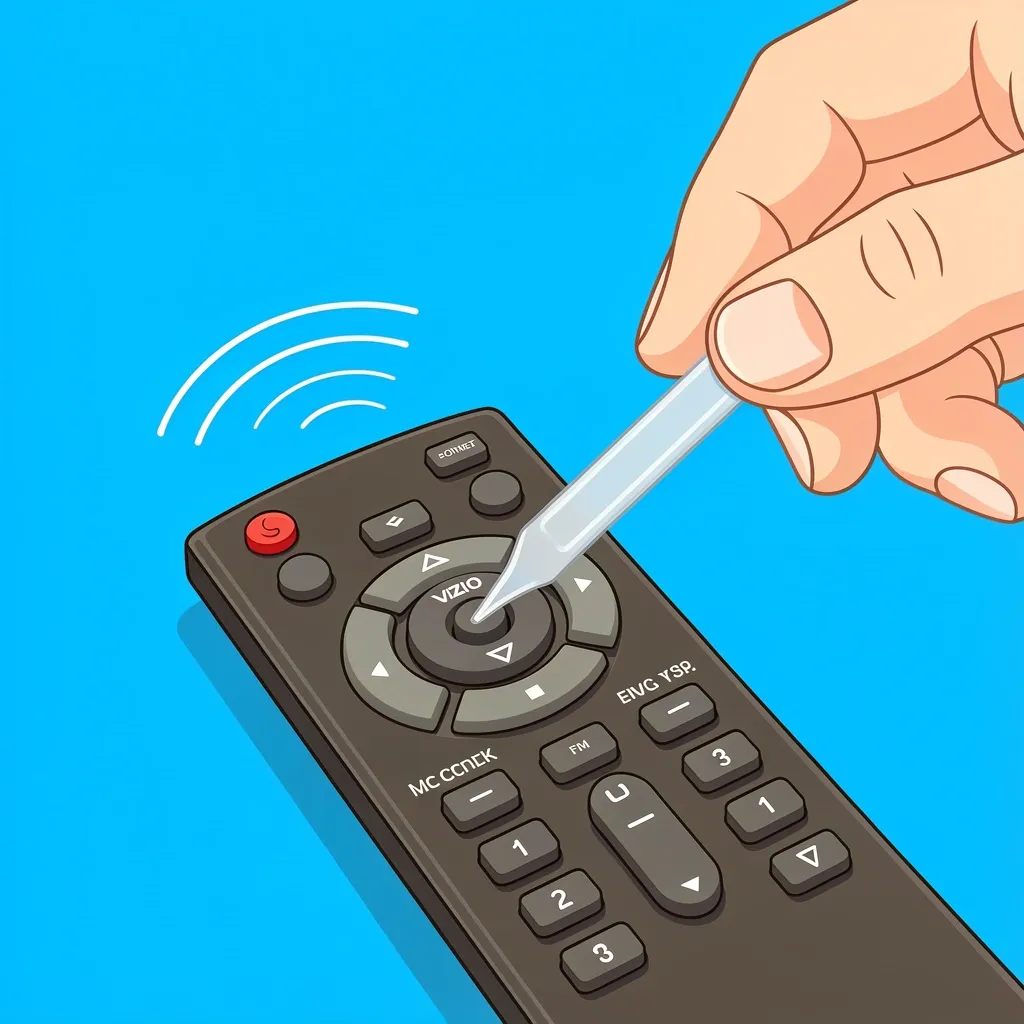
A physically stuck button (especially the power or input button) sends a constant signal. The remote looks like it's malfunctioning, but the fix is mechanical. Remove the batteries, gently pry up the stuck button with a thin tool, and clean underneath. If the rubber membrane is torn, you need a replacement remote.
Bluetooth Interference
Other Bluetooth devices in the room—soundbars, streaming sticks, smart speakers, even some Wi-Fi routers—can send conflicting signals. The Vizio remote communication gets scrambled. I fixed this for a neighbor by moving his Bluetooth soundbar three feet away from the TV. Test by turning off or moving other Bluetooth devices one at a time until the remote works again.
TV Sensor or Bluetooth Module Failure
If your remote passes the camera test (flashing light) but the TV still doesn't respond, the fault is in the TV. For IR remotes, the TV's IR receiver might be blocked or broken. Shine a bright flashlight at the IR window (usually a small dark circle near the bottom center of the TV). If the TV responds, the sensor is fine. If not, you may need to replace the IR board. For Bluetooth remotes, try a full TV power cycle: unplug for 2 minutes, press the TV's physical power button for 30 seconds to discharge capacitors, then plug back in. If that doesn't work, a factory reset of the TV might be needed—but that's a last resort because it wipes all your settings.
Reset Your Vizio Remote Without the Original Instructions
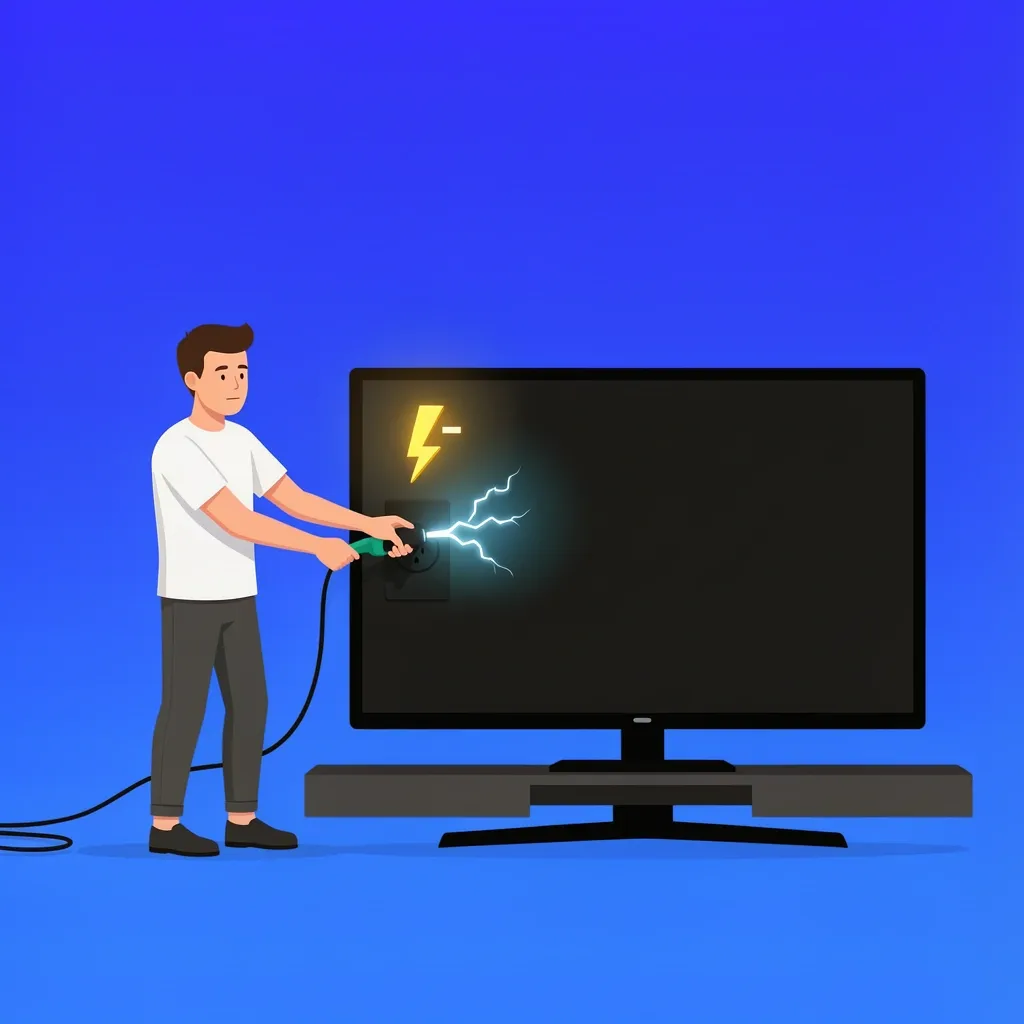
Lost the manual? No problem. Here's a universal last-resort method that works for most Vizio remotes.
- Remove the batteries from the remote.
- Unplug the TV for 2 minutes.
- While the TV is unplugged, press and hold the TV's physical power button (usually on the bottom or side edge) for 30 seconds. This drains any residual power from the TV's capacitors.
- Plug the TV back in.
- Put new batteries in the remote.
- For Bluetooth remotes, press and hold OK + Back for 5 seconds to initiate pairing. For IR remotes, it should work immediately.
You can also use the Vizio SmartCast app on your phone as a temporary control while you sort out the remote. The app has a remote troubleshooting section that can guide you.
Frequently Asked Questions
Will resetting my remote delete my TV settings?
No. Remote resets only affect the remote's pairing and memory. Your TV picture settings, audio adjustments, and network connections stay exactly as they are.
How often should I reset my Vizio remote?
Only when you have specific problems: the remote stops responding, it sends random commands, or pairing stops working. Routine resets are unnecessary and won't prevent future issues.
Can I reset my Vizio remote using the SmartCast app?
No. The app can control the TV but can't initiate a hardware reset on the remote. You must use the physical buttons on the remote itself.
Why does my Vizio remote work intermittently after a reset?
This usually points to weak batteries (replace them), a weak Bluetooth connection (move closer to the TV), or physical damage from a drop. If the remote was dropped, the internal components may have shifted.
Does a factory reset of the TV also reset the remote?
No. A TV factory reset clears network and picture settings but does not affect remote pairing. You may need to re-pair a Bluetooth remote after a TV reset, but the remote itself isn't reset.
My remote reset worked but the volume buttons don't respond. What now?
For universal remotes, the volume code might have been lost. Re-enter the correct TV code using the Setup button. For Bluetooth remotes, check that HDMI-CEC is enabled in the TV settings—this allows the remote to control volume over the HDMI connection.