Restart Vizio TV with Remote: A Complete Guide for Every Situation
If you own a Vizio TV, you have probably run into a moment where the screen freezes, an app stops working, or the TV just acts slow. The first thing to try is a restart. And the good news is you can restart your Vizio TV with the remote in most cases. This guide covers every scenario, from a working remote to a black screen, so you can get your TV back to normal fast.
Restart Your Vizio TV When the Remote Works and the TV Is Responsive
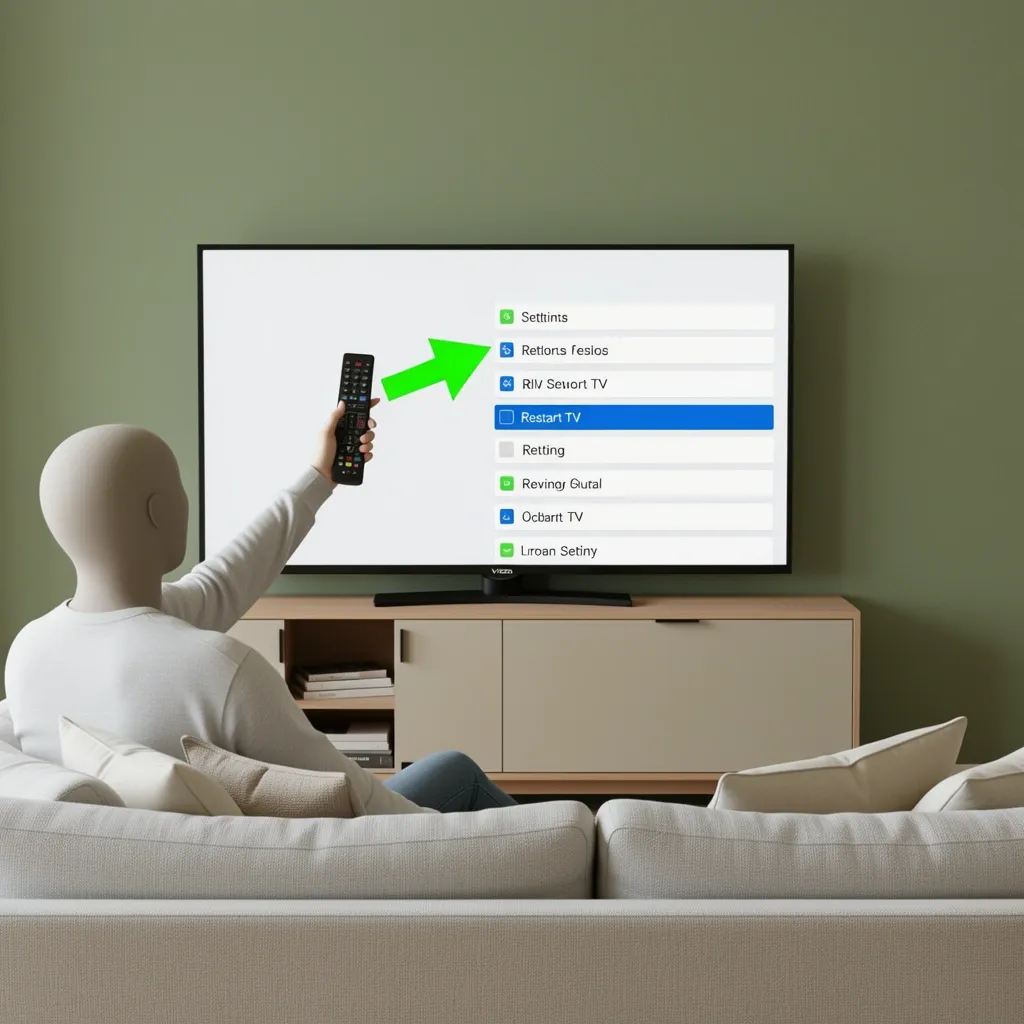
This is the simplest method. It works when your TV is on and you can see the menu on the screen. It is a soft restart, which means it does not delete any apps, settings, or accounts. It just clears temporary data and gives the TV a fresh start.
- Press the Settings button on your remote. It looks like a gear icon.
- Select All Settings from the menu that appears.
- Scroll down and choose Admin & Privacy.
- Select Restart TV.
- Confirm the action when prompted. The TV will turn off and back on by itself.
Wait for the TV to finish restarting. This usually takes about one minute. If your remote does not have a Settings button, look for a Menu button instead. The path is similar: Menu > System > Restart TV.
Force Restart Vizio TV with Remote When the TV Is Frozen
A frozen TV does not respond to button presses on the menu. But you can still restart it using the remote. This is called a force restart. It works on most Vizio SmartCast models.
- Press and hold the Power button on the remote for 10 to 15 seconds.
- Release the button when the TV screen goes black.
- Wait 10 seconds, then press the Power button once to turn the TV back on.
If that does not work, try a button combination. On many Vizio TVs, holding the Input button and the Volume Down button at the same time for 5 seconds triggers a hard restart. The TV will power cycle on its own.
Restart Vizio TV with Remote When the Screen Is Black
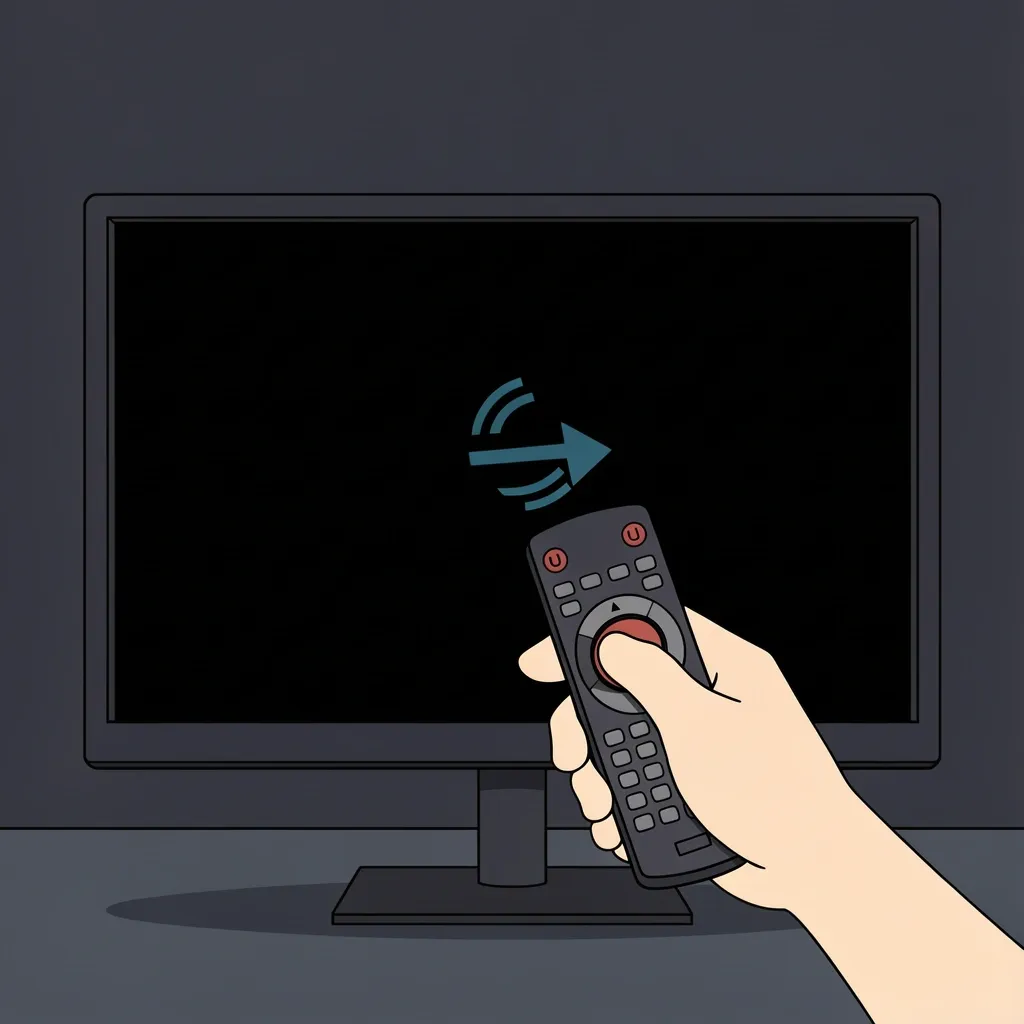
A black screen is frustrating because you cannot see the menu. But you can still restart the TV using the remote. The key is to use the force restart method described above. Hold the Power button for 10 to 15 seconds. If the TV does not respond, try the Input + Volume Down combo. If neither works, the remote might be the problem. Check the batteries first. Replace them if needed. Then try the force restart again. If the TV still shows a black screen, move to the hard restart method in the next section.
Hard Restart When the Remote Is Dead or Missing
If your remote is out of batteries, broken, or lost, you can still restart the TV. You do not need the remote for this method. It works on every Vizio TV.
- Unplug the TV from the wall outlet.
- Wait at least 60 seconds. This allows the internal capacitors to drain completely.
- While the TV is unplugged, press and hold the physical power button on the TV for 30 seconds. This drains any remaining power.
- Plug the TV back into the outlet.
- Turn the TV on using the physical power button on the TV itself.
Most Vizio TVs have a small joystick or a row of buttons on the bottom or back edge. Look for a power symbol. If you cannot find it, check your owner's manual for the exact location.
Can I Restart Without a Code?
Yes. You do not need a code to restart a Vizio TV. The confusion about codes comes from two different things. First, factory resetting a Vizio TV sometimes asks for a parental control code. Second, pairing a universal remote to a Vizio TV may require a code. But a simple restart never asks for a code. If you see a prompt asking for a code during a restart, you are probably in the wrong menu. Go back and select Restart TV, not Reset to Factory Settings.
Restart vs. Factory Reset: What Is the Difference?
Many people mix these up. They are not the same thing. Here is a simple comparison.
| Action | What It Does | Does It Delete Apps? | When to Use |
|---|---|---|---|
| Restart | Powers the TV off and on. Clears temporary data. | No | First step for any issue. |
| Factory Reset | Wipes all settings, apps, and accounts. Returns TV to out-of-box state. | Yes | Only if restart does not fix the problem. |
Always try a restart first. A factory reset is a last resort because you have to set up everything again.
What If the Remote Has No Settings Button?
Older Vizio remotes may not have a gear icon. Do not worry. You can still access the restart menu. Press the Menu button on the remote. Then navigate to System or Setup. Look for Restart TV or Power Cycle. The exact wording varies by model. If you cannot find it, press the Input button repeatedly until the input menu appears. From there, you can often find a settings option.
When Restarting Does Not Solve the Problem
If you have tried all the restart methods and the TV still has issues, a factory reset might be needed. You can do this with the remote if it works. If the remote does not work, you will need to use the physical buttons on the TV. Factory reset with a working remote:
- Press the Settings button.
- Go to All Settings > Admin & Privacy.
- Select Reset to Factory Settings.
- Confirm when prompted. The TV will restart and wipe everything.
Factory reset without a remote:
- Unplug the TV.
- Press and hold the physical power button on the TV.
- While holding the power button, plug the TV back in.
- Continue holding the power button until the Vizio logo appears.
- Release the button. The TV will enter a recovery mode where you can reset it.
Frequently Asked Questions
How do I force restart my Vizio TV with the remote?
Press and hold the Power button on the remote for 10 to 15 seconds. The TV will turn off and back on. If that does not work, hold the Input and Volume Down buttons together for 5 seconds.
Will restarting my Vizio TV delete my apps?
No. A restart only clears temporary data. Your apps, accounts, and settings stay exactly as they are.
Is there a reset button on my Vizio remote?
No. Vizio remotes do not have a dedicated reset button. You restart the TV through the on-screen menu or by using a button combination.
How do I restart my Vizio TV without the remote?
Unplug the TV from the wall for 60 seconds. Then plug it back in and turn it on using the physical power button on the TV.
Can I restart my Vizio TV with the remote if the screen is black?
Yes. Try the force restart method by holding the Power button for 10 to 15 seconds. If that does not work, use the Input + Volume Down combo. If the remote is not responding, unplug the TV.
Why does the menu say Restart TV instead of Reset?
Restart means power cycle the TV. Reset means wipe everything. The menu uses Restart to avoid confusion. Always choose Restart first.