Vizio Mobile App for Soundbar: What It Does and How to Make It Work
If you own a Vizio soundbar and want to control it from your phone, the Vizio Mobile app is the tool for the job. But it does not work with every soundbar, and when it does work, it can be finicky. I have spent time with several Vizio soundbars and the app, and I can tell you exactly what to expect. The Vizio Mobile app lets you adjust volume, change EQ settings, switch sound modes, and control some advanced features like height channel levels. But the first thing you need to know is whether your soundbar is compatible.
Which Vizio Soundbars Work with the Vizio Mobile App
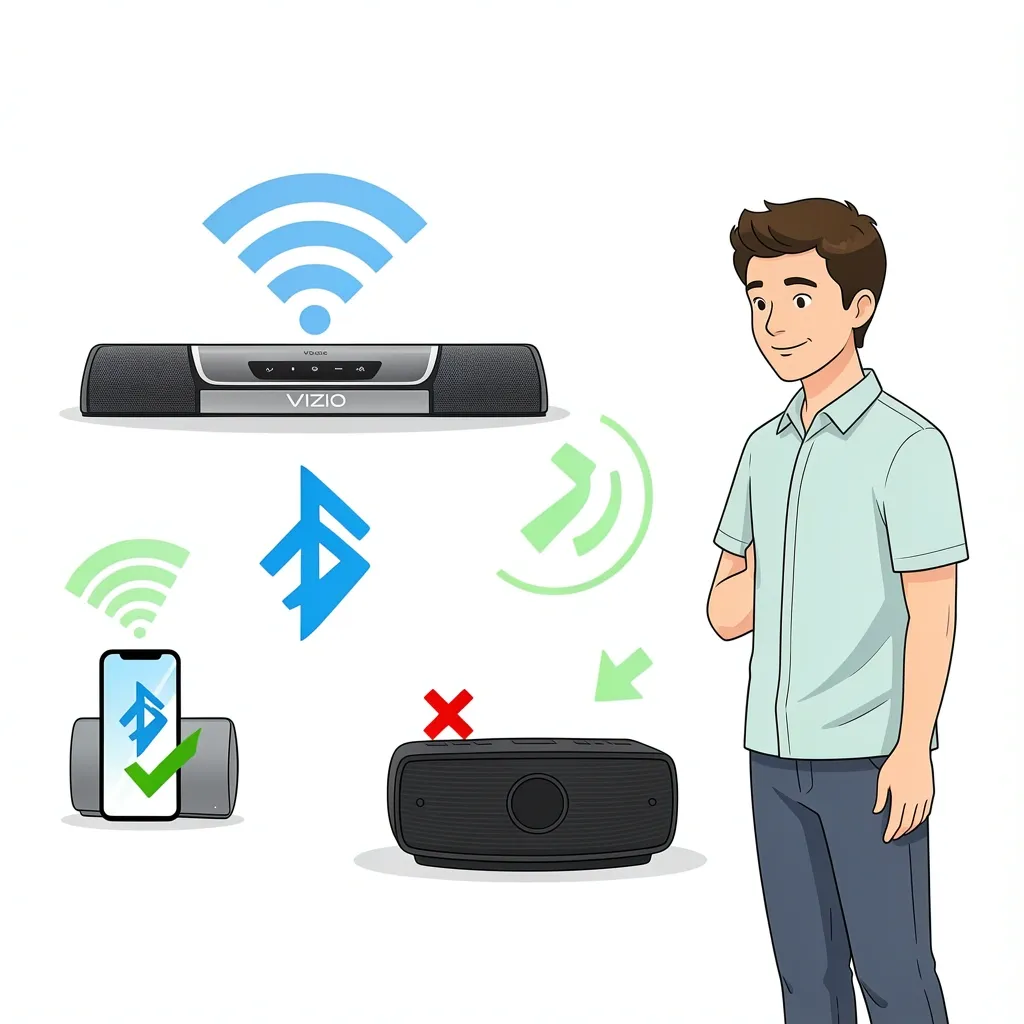
The app only works with soundbars that support SmartCast or Bluetooth pairing. If your soundbar is older than 2018, it likely does not have SmartCast. Models like the SB3621 or S4251w will not show up in the app at all. Here is a quick breakdown of what works:
- SmartCast soundbars (2018 and newer): These include the M-Series Elevate, V-Series, and SB3651 lines. They connect over Wi-Fi and give you full control in the app.
- Bluetooth-only soundbars: Some older models support Bluetooth for basic control like volume and play/pause. You will not get EQ or sound mode adjustments.
- Legacy soundbars (pre-2018 without SmartCast): The app will not recognize these. You need the physical remote or a universal IR remote.
To check if your soundbar is SmartCast, look for the SmartCast logo on the box or in the settings menu. You can also search your model number on Vizio's support site.
How to Connect Your Soundbar to the Vizio Mobile App
The setup process is straightforward, but the network part trips up most people. Here is the step-by-step that actually works.
Step 1: Download and Install the App
Get the Vizio Mobile app from the Apple App Store or Google Play Store. It is free. The app is also called "VIZIO | WatchFree+" in some stores, but it is the same app.
Step 2: Create or Log Into Your Vizio Account
You need a Vizio account. If you already have a Walmart account, you can use that to sign in since Vizio is now a Walmart brand. If you run into login issues, try resetting your password or using the Walmart sign-in option.
Step 3: Connect Your Soundbar to the Same Wi-Fi Network as Your Phone
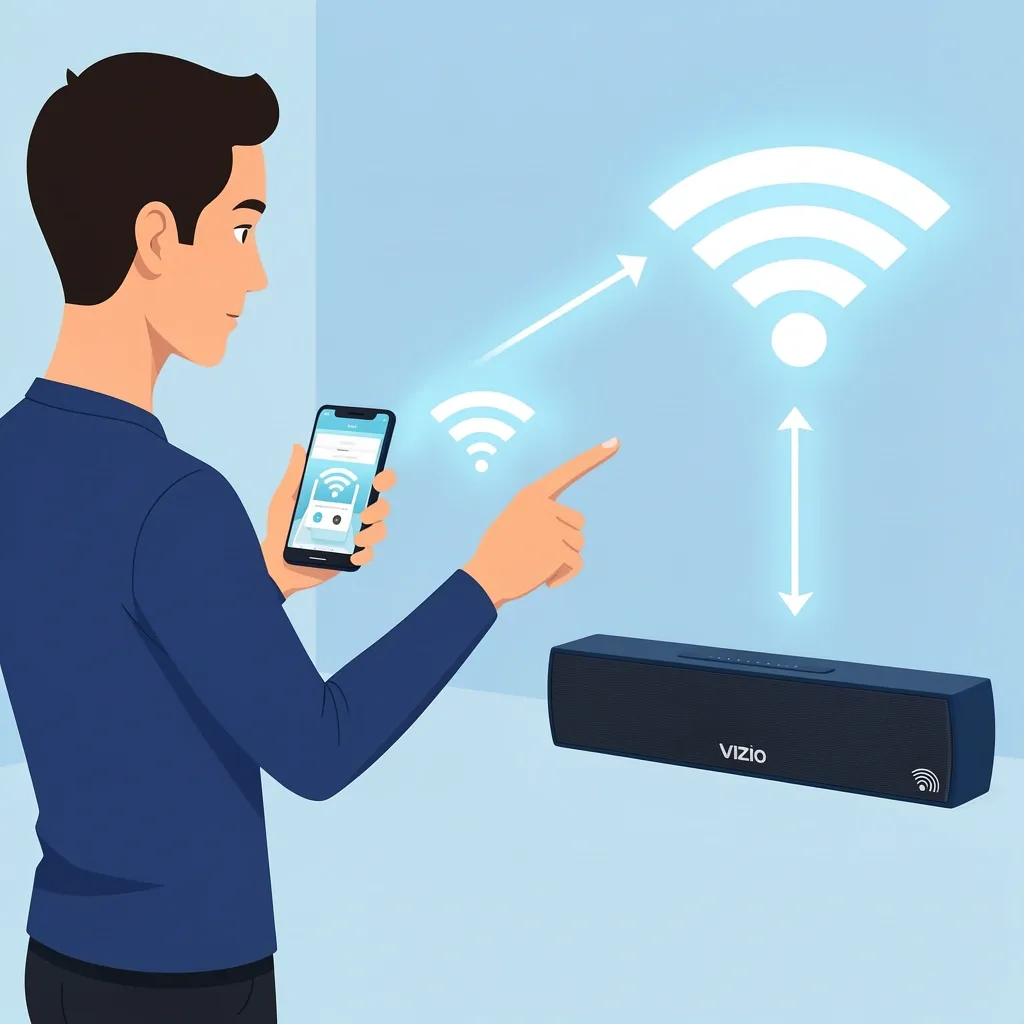
This is the most common failure point. Both your phone and your soundbar must be on the same Wi-Fi network. If your soundbar is connected to a 5 GHz band and your phone is on 2.4 GHz, they will not see each other. For SmartCast soundbars, the initial setup usually happens through the TV. Make sure the soundbar is connected to your home Wi-Fi through the TV's settings. If you have a mesh network or a router with a 5G gateway, read the troubleshooting section below before proceeding.
Step 4: Pair via Bluetooth (If Needed)
Some soundbars require an initial Bluetooth pairing. Open the app, go to the device list, and select "Add Device." The app will scan for nearby soundbars. If it finds yours, follow the on-screen prompts. If it does not, you may need to put the soundbar into Bluetooth pairing mode manually. Check your soundbar's manual for the button combination.
Step 5: Start Using the App
Once connected, the app's home screen shows your soundbar. You will see a volume slider, EQ controls, and sound mode presets. For Elevate soundbars, you can also adjust height channel levels and satellite speaker volume.
What You Can Control with the Vizio Mobile App
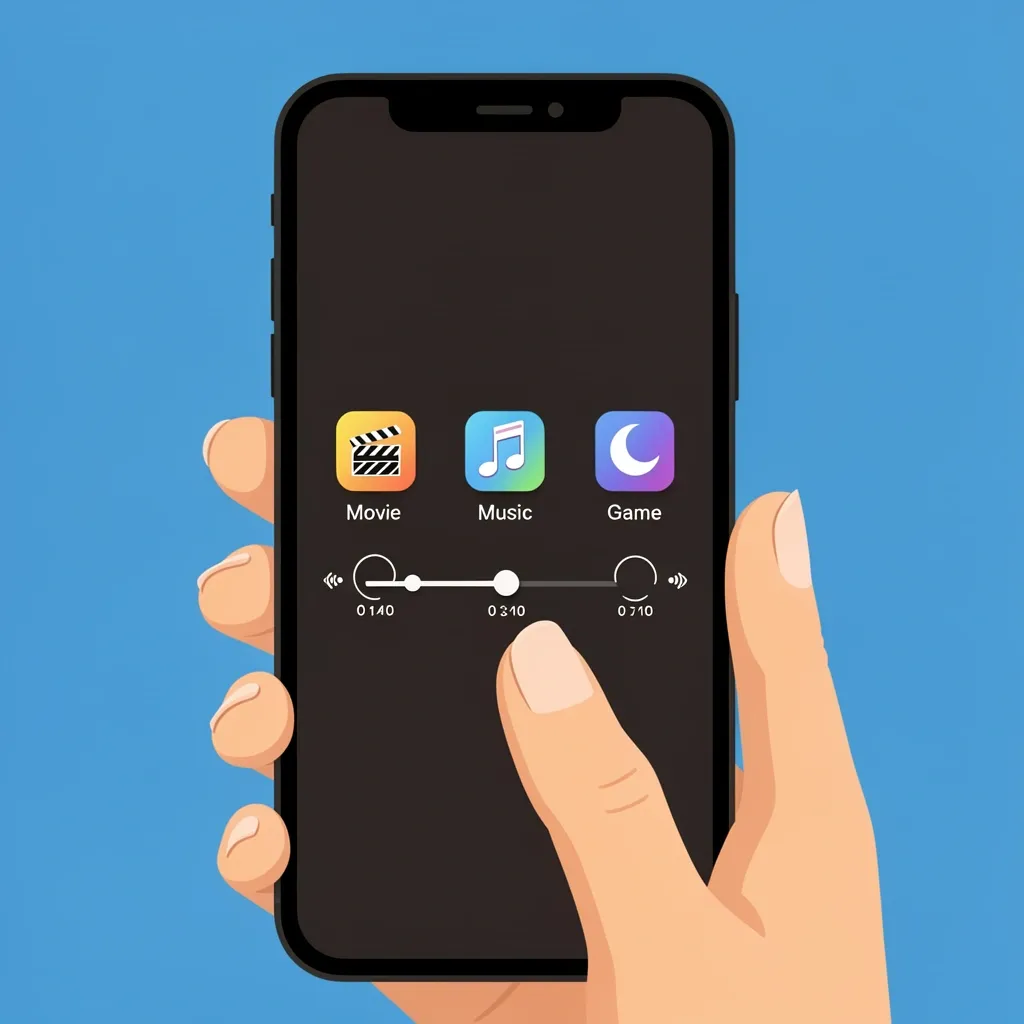
The app gives you more control than the basic remote that comes with most soundbars. Here is what you can do:
- Volume: A slider for precise adjustment.
- Bass and Treble: Separate sliders to tune the sound.
- Sound Modes: Presets like Movie, Music, Direct, and Game. Direct mode bypasses all processing for a pure audio signal.
- Clear Dialog: Boosts voice clarity for movies and TV shows.
- Night Mode: Reduces loud sounds and boosts quiet ones for late-night viewing.
- Height Channels: Only on Elevate soundbars. Adjusts the upward-firing speakers for Dolby Atmos.
- Satellite Speaker Level: For soundbars with rear speakers, you can balance the volume.
The app also works as a basic TV remote. You can change inputs, power the TV on and off, and launch streaming apps. But it does not replace the physical remote for everything. Fast-forwarding and rewinding in streaming apps is clunky on the app. The physical remote is better for that.
Why Your Soundbar Shows "Not Reachable" in the App
This is the number one complaint in app reviews. You see "Not Reachable" and the app cannot find your soundbar. The cause is almost always your network setup.
Mesh Networks and 5G Gateways
Mesh routers and 5G home internet gateways often create multiple subnets. Your phone might be on one subnet and your soundbar on another. The app cannot see devices across subnets. This is why Vizio support often blames the network.
The Ethernet Dongle Fix
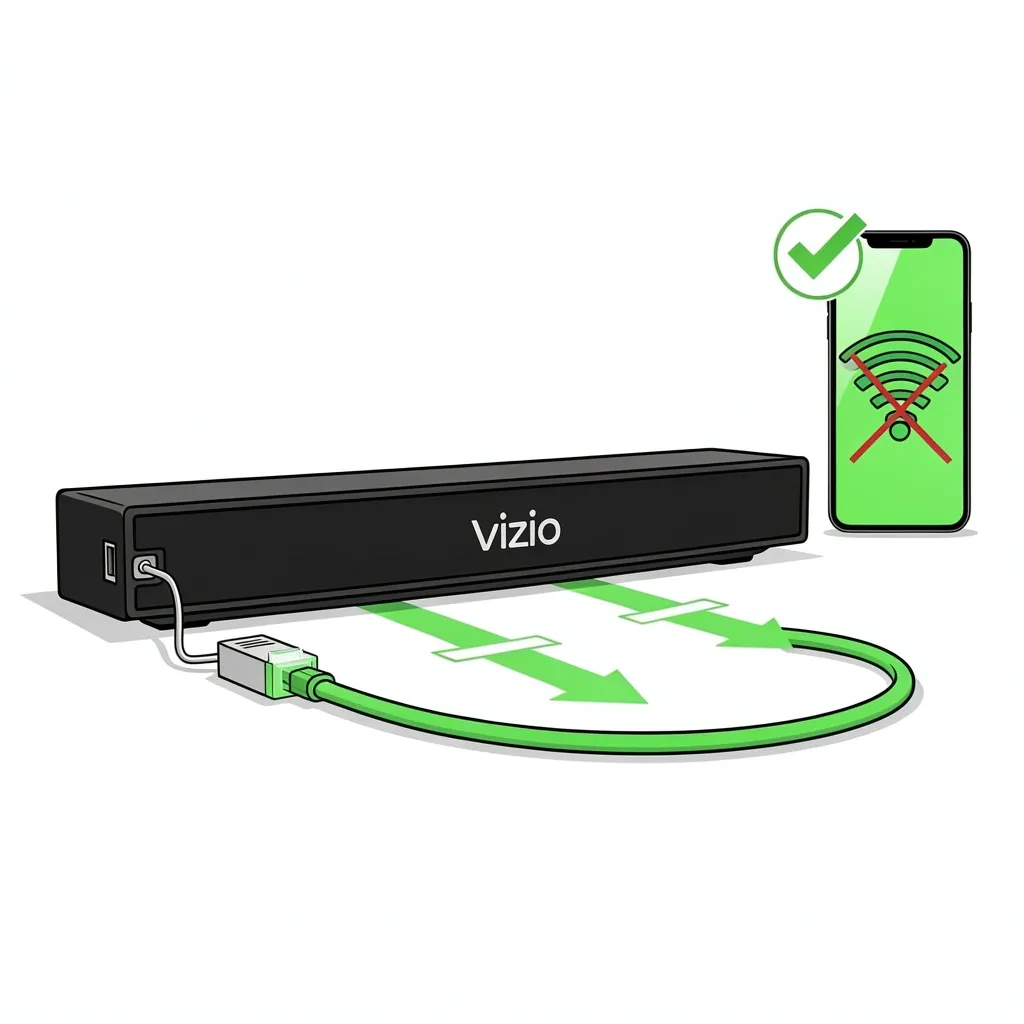
I have seen this work multiple times. If your soundbar does not have an Ethernet port, buy a USB-to-Ethernet adapter. Plug it into the soundbar's USB port, then connect an Ethernet cable from the adapter to your router. This forces the soundbar onto the same wired network as your router, bypassing Wi-Fi subnet issues. If your soundbar has an Ethernet port, just plug it in directly. This is the most reliable way to get the app working.
AP Isolation
Some routers have a setting called "AP Isolation" or "Client Isolation." This prevents devices on the same Wi-Fi network from talking to each other. Log into your router's settings and turn this off. It is usually under the Wi-Fi or security settings.
2.4 GHz Only
If your router supports dual-band, try forcing your soundbar to connect only to the 2.4 GHz band. The 5 GHz band has shorter range and can cause intermittent disconnects. You can do this by temporarily disabling the 5 GHz band in your router settings, connecting the soundbar, then re-enabling 5 GHz.
What to Do When the App Simply Does Not Work
Sometimes the app is just unreliable. App updates can break things. Login servers go down. If you have tried everything and the app still will not connect, here are your fallback options.
Use HDMI-CEC
If your TV and soundbar support HDMI-CEC, you can control the soundbar volume with your TV remote. Enable CEC in your TV settings. It is usually called "HDMI Control" or "CEC" in the menu. This works for volume up/down and mute. You lose EQ and sound mode control, but it is better than nothing.
Buy a Replacement Remote
Vizio sells replacement remotes for most soundbar models. They are cheap and work reliably. You can find them on Amazon or Vizio's website. This is the simplest fix if the app is a lost cause.
Use Voice Control
If your soundbar supports Google Assistant or Alexa, you can control volume and input switching with voice commands. This requires a smart speaker or a TV with built-in voice control.
Factory Reset the Soundbar
As a last resort, factory reset your soundbar. This clears any network settings that might be corrupted. The reset method varies by model, but it usually involves holding down a button on the soundbar for 10 seconds. Check your manual.
Myth vs. Reality: Can the App Replace Your Physical Remote
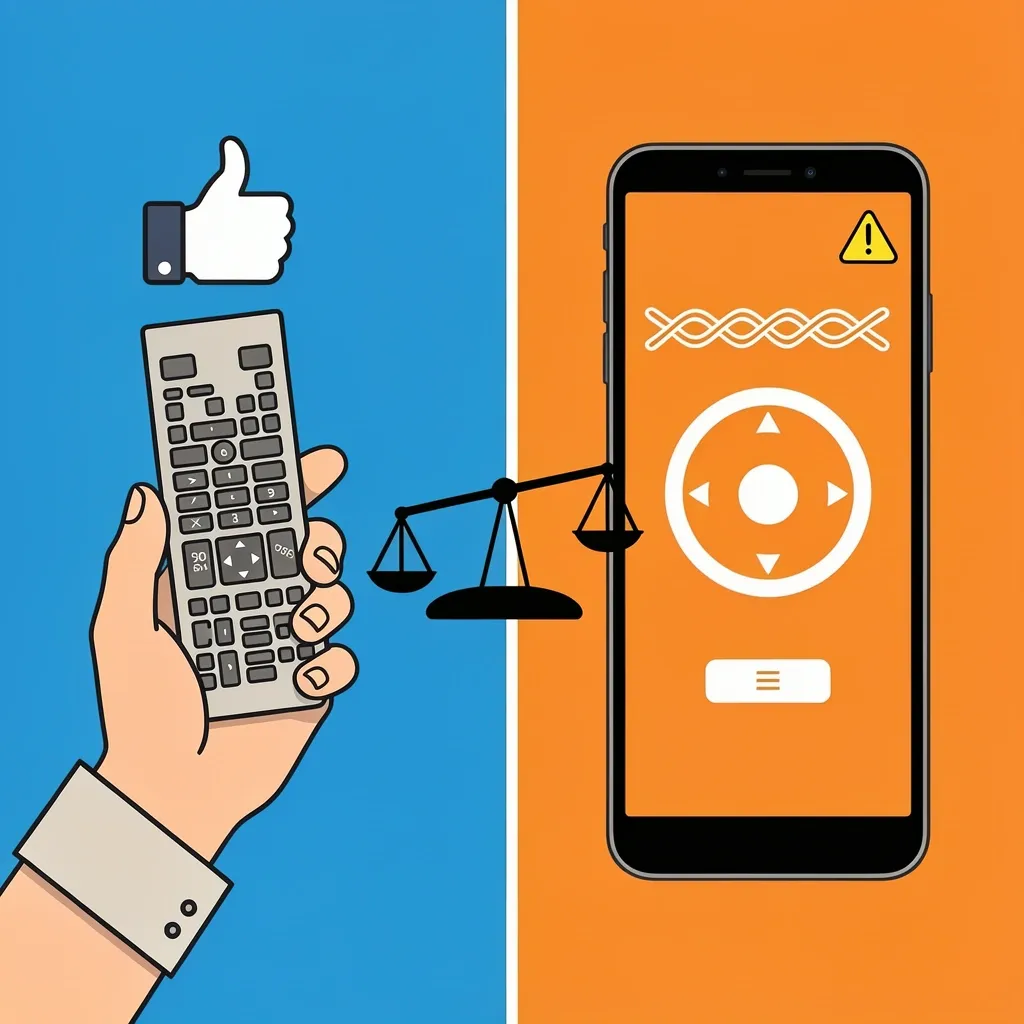
No. The app is a complement, not a replacement. Here is the honest breakdown:
- Yes for: Volume, EQ, sound modes, input switching, power.
- No for: Fine control in streaming apps (fast-forward, rewind, skip). The app's virtual remote lacks tactile feedback.
- Partially: The app's lock screen controls let you play/pause and adjust volume without opening the app, but this feature is new and still buggy.
If you lose your physical remote, the app can get you by. But I would not rely on it as your only control method.
Frequently Asked Questions
Can I use the Vizio Mobile app without a Wi-Fi network?
Only for Bluetooth pairing on select soundbars. You can adjust volume and play/pause, but you lose EQ, sound modes, and all SmartCast features.
Does the app work with Vizio soundbars bought before 2018?
Generally no. Only SmartCast models from 2018 onward. Legacy bars require a separate remote.
How do I reset the app connection to my soundbar?
Go to the app's settings, select "Forget Device," then unplug your soundbar for 30 seconds. Plug it back in and reconnect through the app.
The app says "Soundbar not found" but both are on the same network. What next?
Check your router for "AP Isolation" and turn it off. If you have a mesh network, try the Ethernet dongle fix described above.
Does the app control multiple soundbars in different rooms?
Yes, but only one at a time. You must switch between devices in the app's device list.