Vizio Sound Bar Light Meanings
Your Vizio sound bar uses its front light to talk to you. A solid light, a blinking pattern, or no light at all each tells you something specific. Once you know the language, you can fix problems in seconds without guessing.
Common Light Colors and Their Immediate Meanings
This list covers the basics that apply to most modern Vizio sound bars. Keep in mind that some models change these rules slightly.
- Solid white – The sound bar is powered on and ready. It is connected to your TV or another source.
- Blinking white – The sound bar is searching for a Bluetooth device or pairing. A fast blink means it is actively looking. A slow blink means it is connected but no audio is playing.
- Solid red – The sound bar is muted. Press the mute button on the remote again to fix this. It can also mean the sound bar is in standby and not receiving a signal from your TV.
- Blinking red – This usually means a problem. The specific rhythm of the blinks tells you what is wrong. See the error section below for details.
- No light at all – The sound bar is either turned off, in deep standby, or has no power. Check the power cable and outlet first. Some models let you disable the light completely via the remote.
Light Variations Across Vizio Sound Bar Series
Not every Vizio sound bar uses the same light for the same function. The series you own changes the story.
V-Series
V-Series models are the most common. Solid white means normal operation. A blinking white light during setup is standard. Solid red always means mute. If you see a blinking red light, check your subwoofer connection first.
M-Series
M-Series sound bars add an amber light. An amber glow means the sound bar is playing Dolby Audio content. If you see a blue light, it means Dolby Atmos is active. These models also use a slow pulsing white light when paired to Bluetooth but idle.
S-Series
S-Series bars follow the standard pattern closely. One difference is the factory reset light pattern. On an S-Series, the light will flash three long blinks, pause, then show a steady white light. This confirms the reset worked.
Elevate Series
Elevate models have the most unique light language. Blue light means Dolby Atmos input. Green light means DTS:X input. A white light that shifts in brightness matches the volume level. When the rotating speakers move up during Atmos playback, the light flickers briefly as part of the calibration process. To find your exact model, flip the sound bar over and read the label on the bottom. Knowing your Vizio sound bar light color meaning for your specific series is the fastest way to diagnose an issue.
What Different Light Patterns Mean During Setup and Connection
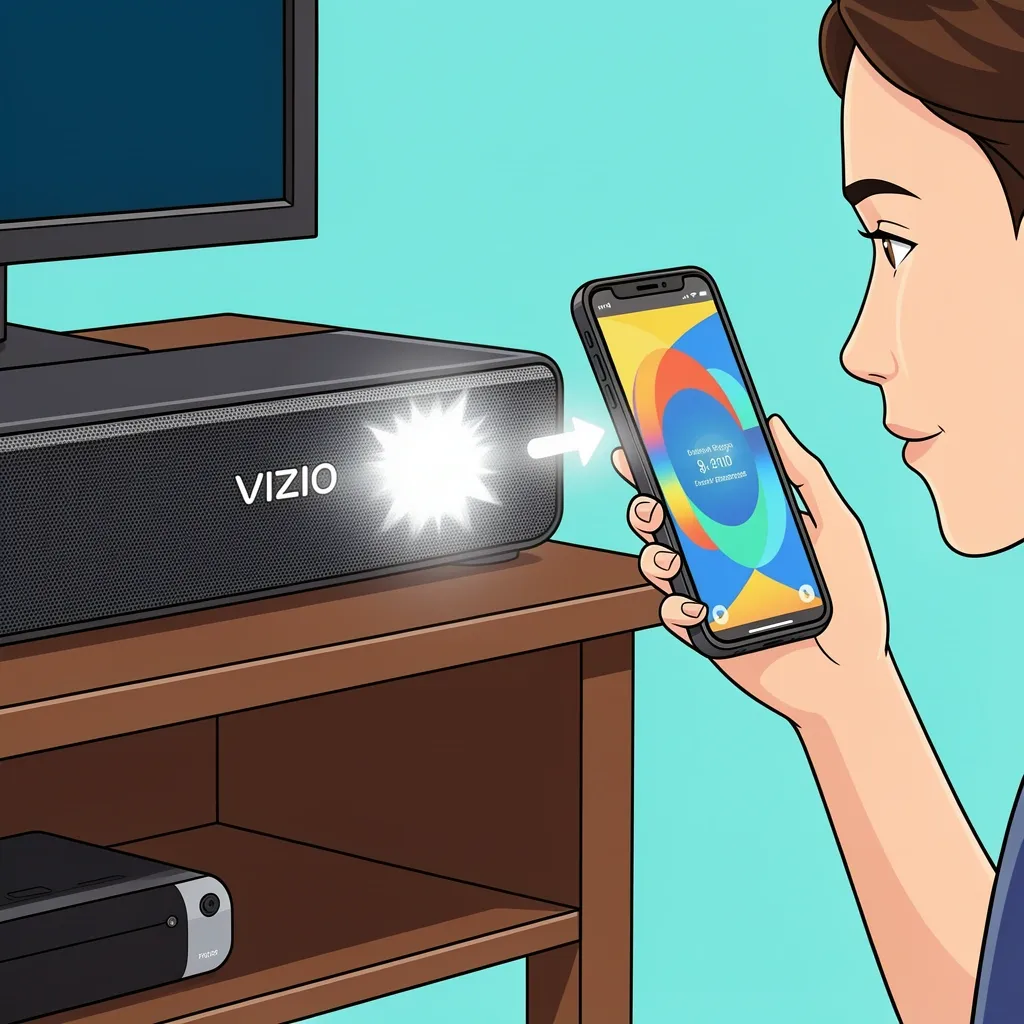
The light behavior changes depending on what the sound bar is doing at that moment.
Pairing Mode
When you hold the Bluetooth button, the light blinks white rapidly. This is normal. If the light stops blinking and turns off, the pairing attempt failed. Try again after moving closer to the source device.
HDMI-ARC Handshake
When you turn on your TV, the sound bar shows a solid white light that flickers for a second. This flicker is the handshake between devices. If the light turns solid red immediately, the ARC connection failed. Unplug both devices for one minute, then try again.
Input Selection
Some models light up a small dot or bar near the input name. A dedicated light for optical, auxiliary, or Bluetooth means that input is active. On other models, the main light changes briefly. A single blink when you press the input button confirms the switch.
Factory Reset Confirmation
The sequence is specific: three long blinks, a two-second pause, then a steady white light. If you do not see this pattern, the reset did not start.
Lights That Signal a Problem—Diagnosing Error States
A blinking red light is your sound bar asking for help. The pattern is the clue.
- Pulsed red blinking (rhythmic on-off) – Protection mode. The sound bar detected too much heat or an electrical short. Unplug it for 10 minutes. Make sure the vents are clear of dust. Check that speaker wires are not touching each other.
- Fast alternating red and white – Firmware corruption or a hardware fault. This is rare. Try a factory reset first. If the pattern returns, contact Vizio support.
- Three red blinks, then pause, then repeat – A short in the subwoofer connection. Unplug the subwoofer and check the cable. On wireless models, this pattern means the wireless link is lost. Power cycle both the sound bar and subwoofer.
- Solid red with no sound – Mute is active. Press the mute button on the remote. If that does not work, the sound bar is in standby and not detecting a signal. Check your TV audio settings.
Using Light Feedback to Optimize Audio Settings
The light is not just for troubleshooting. You can use it to confirm you are getting the best audio quality. On Elevate and M-Series models, the light tells you the audio format. A blue light means Dolby Atmos is playing. If you expected Atmos but see a white light, your TV or source device is not sending the correct signal. Check your streaming app or Blu-ray player settings. Some models dim the light automatically when the volume is high. This is not a problem. It is a feature designed to reduce distraction during loud scenes. When you cycle through sound modes like Movie, Music, or Game, the light blinks a different color or sequence. Refer to your model's manual for the exact pattern. On most V-Series bars, a single white blink confirms the mode changed.
Common Misconceptions and Quick Fixes
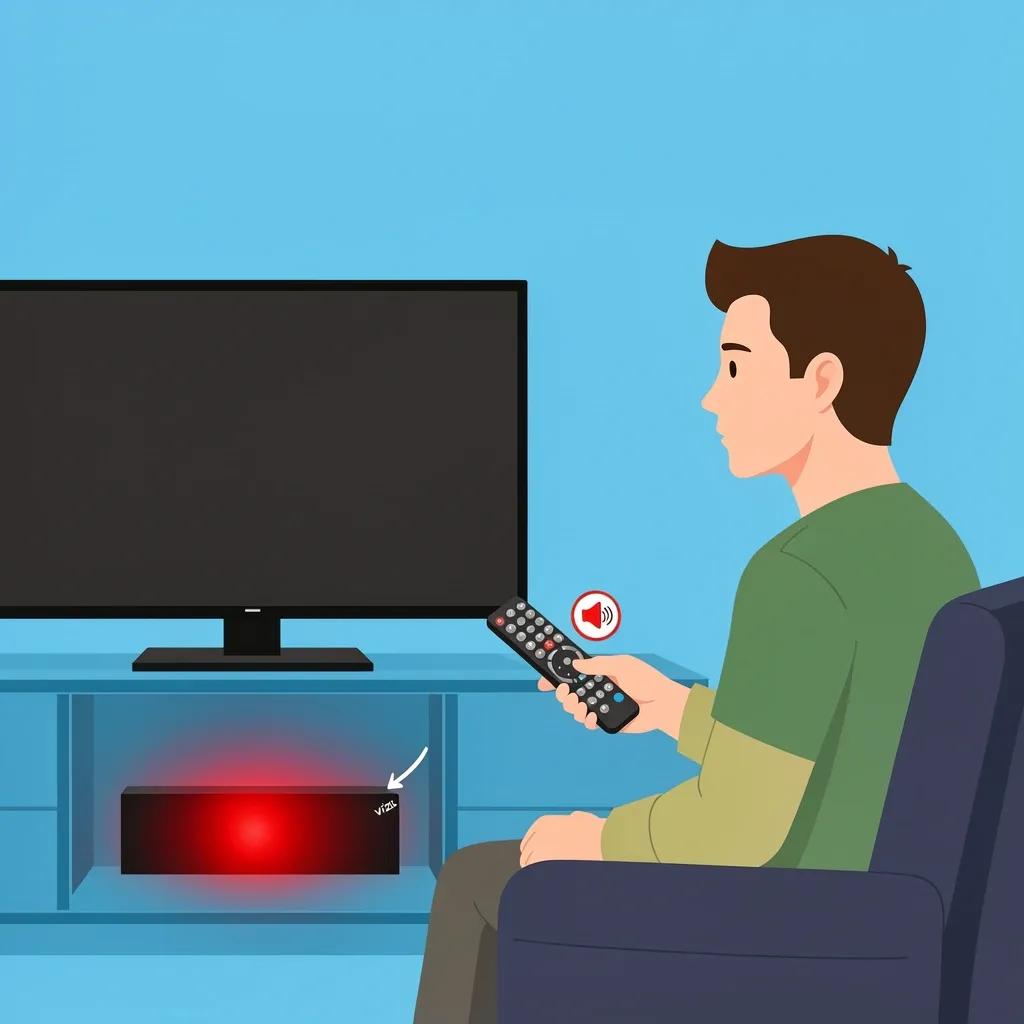
These myths cause unnecessary worry.
"My sound bar light is solid white but I hear no sound." The light only confirms power and a connection. It does not tell you if audio is playing. Check your TV volume, the sound bar volume, and mute status before looking for hardware issues.
"Red light means my sound bar is broken." Most of the time, a solid red light means mute or standby. Only a blinking red pattern signals a fault. Press the mute button first.
"Blinking white means pairing failed." Blinking white is the normal state during a Bluetooth search. Failure is shown by the light turning off or switching to a different pattern, not by the blink itself.
"I can turn off the light for good." You can disable the LED on many models. Press and hold the Input button on the sound bar for 5 seconds. The light will turn off. Repeat to turn it back on. Some remotes have a dedicated Light button.
Frequently Asked Questions
How do I know if my Vizio sound bar is charging?
Only battery-powered Vizio sound bars have a charging light. A solid orange light means it is charging. A green light means the battery is full. Most Vizio sound bars are AC-powered and do not show a charging state.
What does a single flash of red mean when I press volume up?
It means you reached the maximum volume level. The sound bar cannot go louder.
Why does my sound bar's light pulse slowly while connected to Bluetooth?
A slow pulse means the devices are paired but no audio is streaming. Start playing music or a video. The light should become solid white once audio plays.
My sound bar's light is off but the unit is on. Is that normal?
Yes. Many Vizio sound bars let you disable the LED. Check if you or someone else pressed and held the Input button. If the sound bar works fine, the light is just turned off.
What does a solid blue light mean on my Vizio Elevate?
A solid blue light confirms that your sound bar is receiving a Dolby Atmos signal. It is a good thing. It means your content and source device are set up correctly for immersive audio.