Vizio Sound Bar Won't Turn On: A Complete Troubleshooting Guide
If your Vizio sound bar shows no lights, makes no sound, and ignores the remote or buttons, you are not alone. This is the most common complaint across all Vizio models. The good news is that most of the time, the fix is simple and takes less than two minutes.
Try a Full Power Cycle First
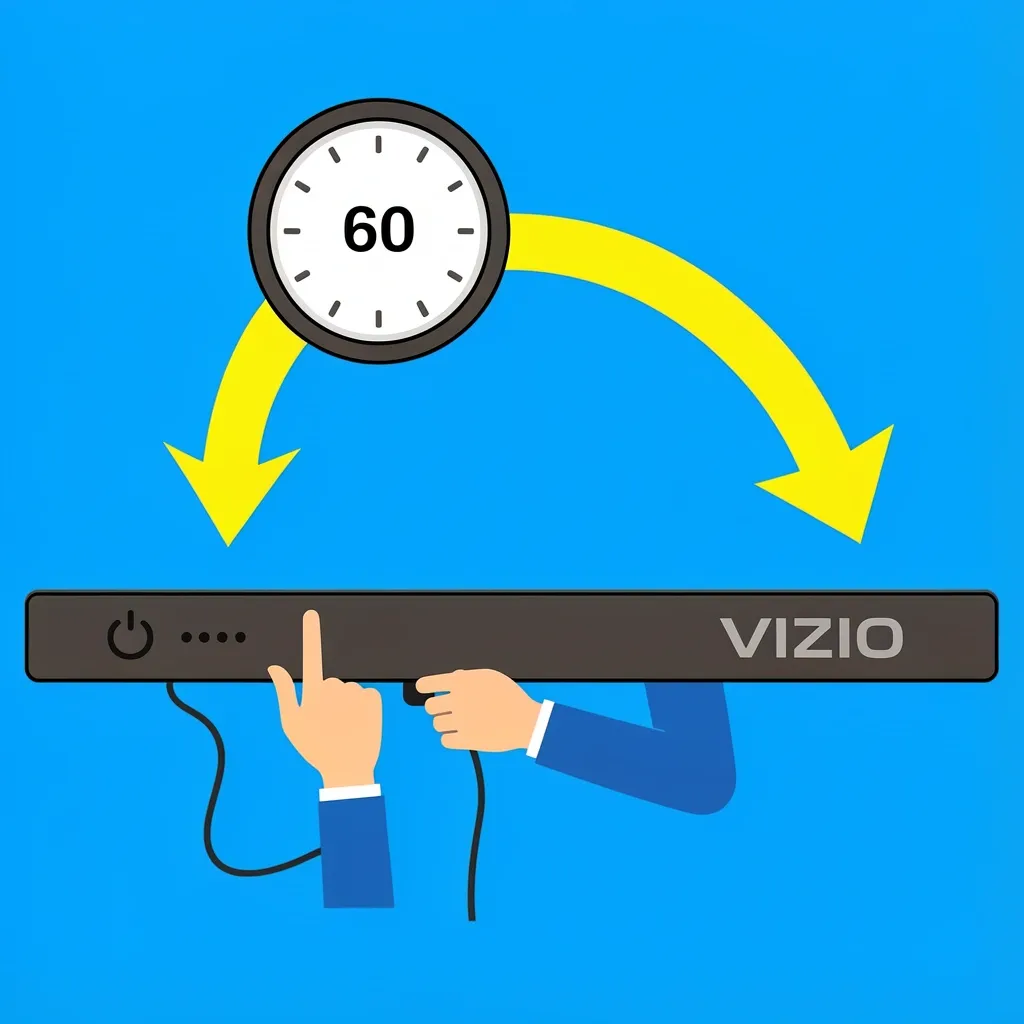
This single step solves roughly 70% of "won't turn on" issues. It clears any residual electrical charge inside the sound bar and resets the internal firmware.
- Unplug the power cord from the sound bar itself. Do not just unplug the wall end.
- Unplug the power cord from the wall outlet.
- Wait a full 60 seconds. Set a timer if you have to.
- Press and hold the Power button on the sound bar (not the remote) for 30 seconds. You will not see anything happen. That is normal.
- Plug the power cord back into the wall, then into the sound bar.
- Try turning the sound bar on with the button on the unit.
If the sound bar lights up, you are done. If not, move to the next step.
Check the Power Source and Cables
A dead outlet or a damaged power cable looks exactly like a broken sound bar. Verify these before opening anything.
Test the Wall Outlet
Plug a lamp or phone charger into the same outlet. If that device works, the outlet is fine. If not, check your circuit breaker or try a different outlet.
Inspect the Power Brick
Many Vizio sound bars use an external power brick (a small box between the wall plug and the sound bar). Look for a small LED light on the brick. If the light is off, the brick may be dead. If the light is on but the sound bar is dead, the problem is likely inside the bar.
Check the Barrel Connector
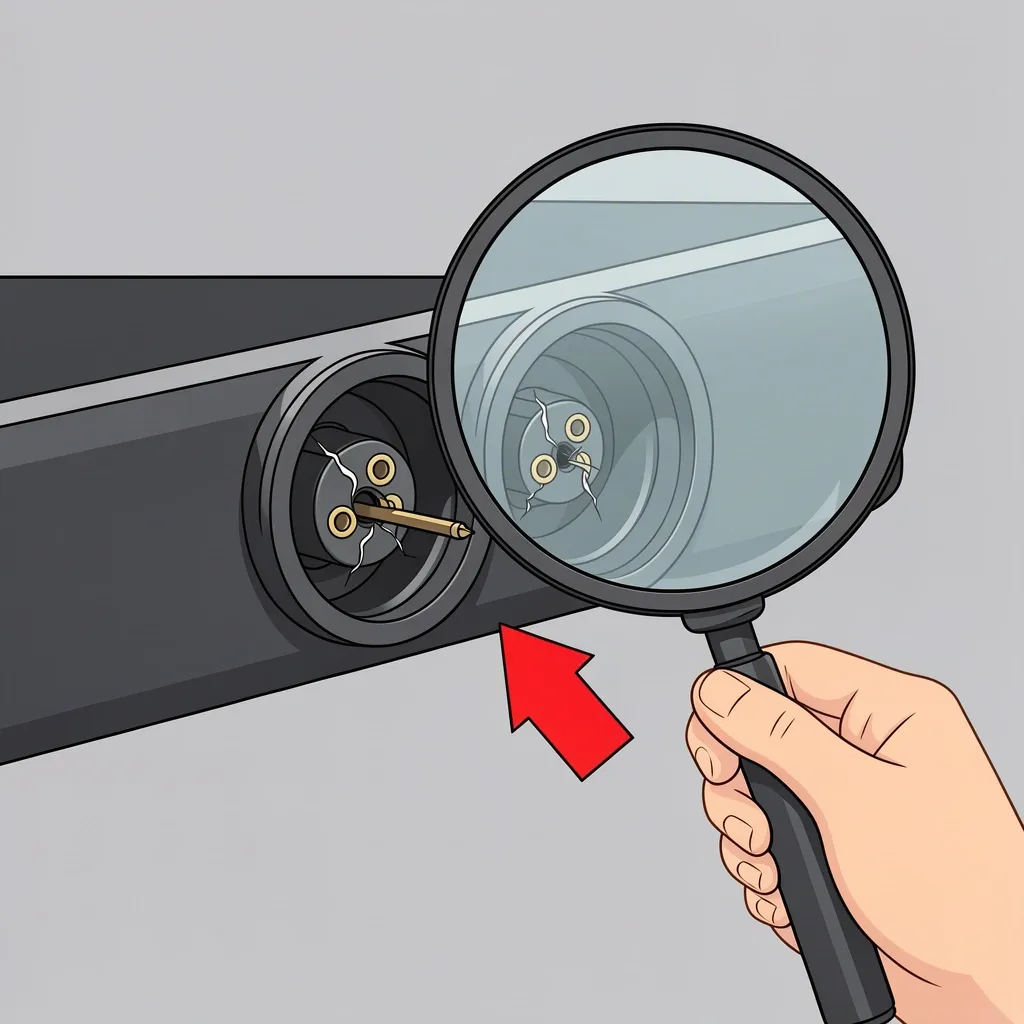
The small round plug that goes into the sound bar is called a barrel connector. These are fragile, especially on Vizio S-series models. Look for bent pins, cracks, or a loose fit. If the connector wiggles inside the port, it may need replacement.
Try a Different Power Cable
If you have a spare power cable with the same voltage and connector size, try it. Using a cable with a different voltage can damage the sound bar, so match the numbers printed on the original brick exactly.
Test the Internal Fuse and Power Supply
If the power source is fine, the issue may be inside the sound bar. This step requires opening the unit, which voids the warranty. If your sound bar is still under warranty, skip this and contact Vizio support.
How to Open the Sound Bar Safely
Most Vizio sound bars use small Phillips-head screws. Some have screws hidden under rubber feet or stickers. Remove all screws and gently pry the case apart with a plastic spudger or flathead screwdriver wrapped in tape. Do not force it.
Visual Inspection
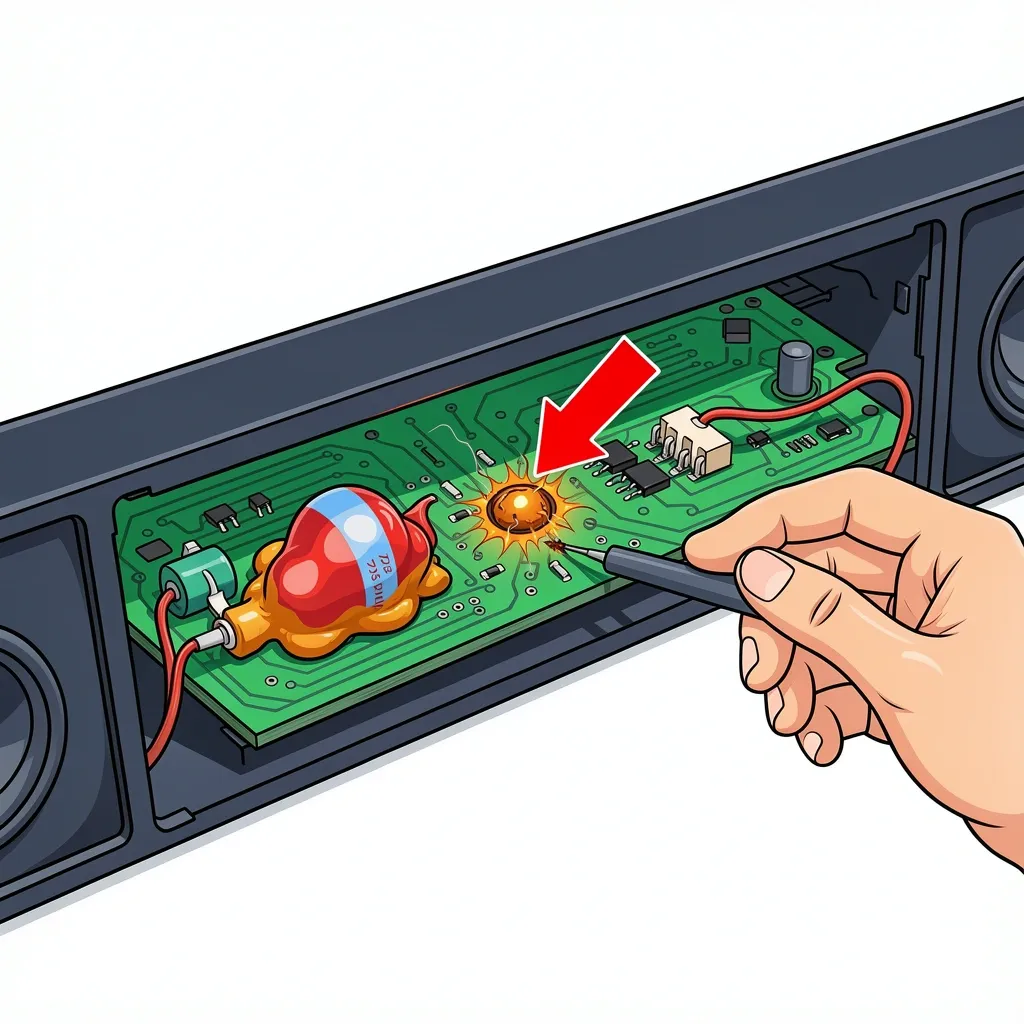
Look for these signs of failure on the circuit board:
- Bulging or leaking capacitors – These look like small cylinders with a domed top instead of a flat one.
- Burnt or discolored components – Dark spots or a burnt smell indicate a short.
- Blown fuse – A fuse looks like a small glass or ceramic tube with metal ends. If the wire inside is broken or the glass is blackened, the fuse is blown.
Using a Multimeter
If you have a multimeter, set it to continuity mode (the symbol that looks like a sound wave). Touch one probe to each end of the fuse. If the meter beeps, the fuse is good. If it stays silent, the fuse is blown. For the power supply board, check the output voltage. The expected voltage is usually printed on the board or on the power brick. If the output is significantly lower than expected, the power supply board is bad.
Replacing a Blown Fuse
If you find a blown fuse, order an exact replacement. The part number is printed on the fuse itself. Do not use a fuse with a higher amperage rating. Solder the new fuse in place or use a fuse holder if the original was soldered.
Investigate the TV and HDMI Connection
Many people search for "vizio sound bar does not turn on with tv" because the sound bar works fine alone but refuses to power on when connected to the TV. This is almost always a communication problem, not a hardware failure.
Isolate the Problem
Disconnect the HDMI cable from the sound bar. Connect your phone or another device using an auxiliary cable or Bluetooth. If the sound bar turns on and plays audio, the sound bar itself is fine. The problem is with the TV connection.
Check TV Settings
Go into your TV's settings menu and verify these three things:
- HDMI-CEC is enabled. This setting has different names depending on the TV brand (Samsung calls it Anynet+, LG calls it Simplink, Sony calls it Bravia Sync).
- HDMI-ARC or eARC is enabled on the specific HDMI port you are using.
- Sound output is set to "External Speaker" or "Audio System," not "TV Speaker."
The Vizio Handshake Bug
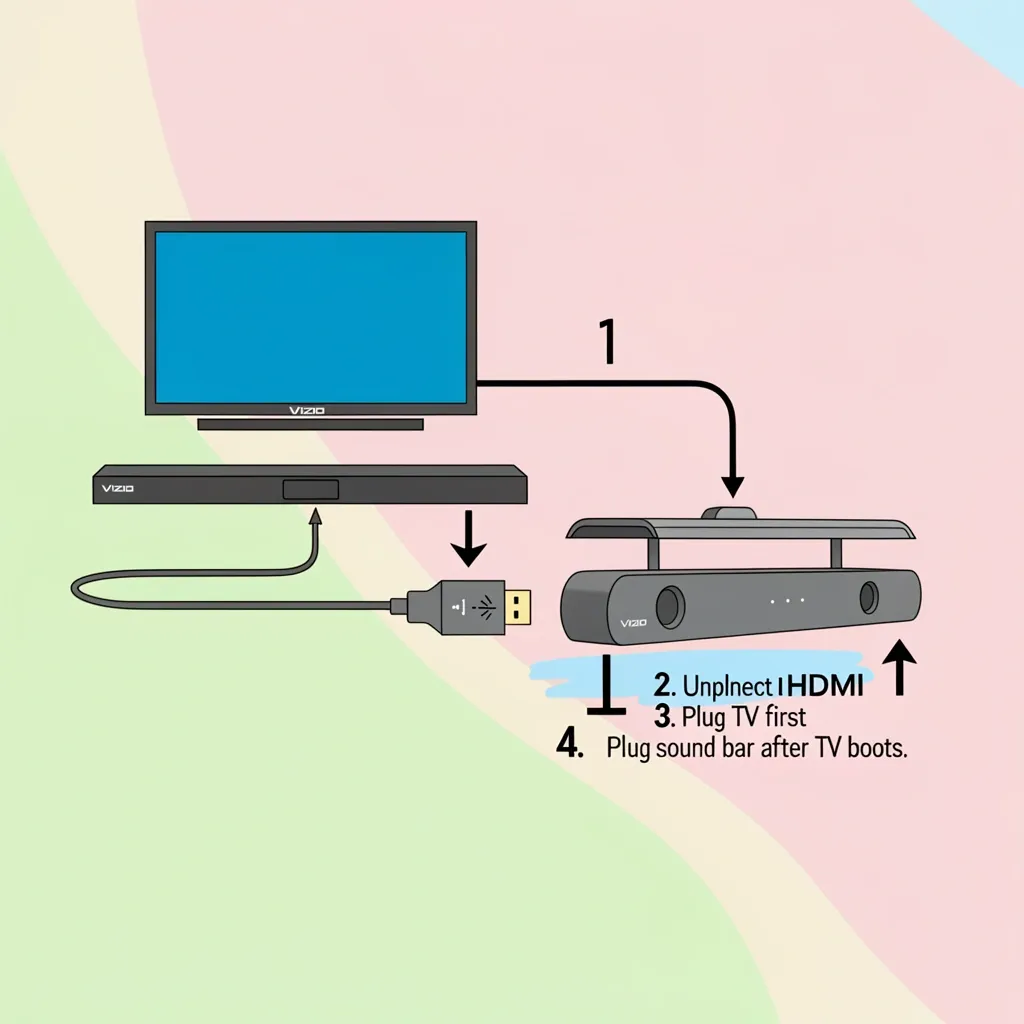
Vizio sound bars are known for a handshake issue where the TV and sound bar fail to agree on a connection. The fix is a specific power-on sequence:
- Unplug both the TV and the sound bar from power.
- Connect the HDMI cable between the TV's ARC port and the sound bar's ARC port.
- Plug the TV in and turn it on first.
- Wait for the TV to fully boot, then plug in the sound bar.
- Turn on the sound bar.
This sequence forces the TV to recognize the sound bar before the sound bar tries to negotiate the connection.
Perform a Factory Reset and Firmware Update
If the sound bar powers on but behaves strangely (boot loops, no response to buttons, random shutdowns), a firmware glitch may be the cause.
Factory Reset Methods
The reset method depends on your model:
- Most Vizio sound bars: Press and hold the Volume Up and Volume Down buttons on the sound bar simultaneously for 5 seconds. The LED will flash, indicating a reset.
- SmartCast models: Open the Vizio SmartCast app on your phone. Go to Settings, select your sound bar, and choose "Factory Reset."
- Older models: Press and hold the Power and Input buttons together for 10 seconds.
Manual Firmware Update
If the sound bar cannot connect to Wi-Fi, you can update the firmware manually using a USB drive.
- Go to the Vizio support website and find your sound bar model.
- Download the latest firmware file to your computer.
- Copy the file to a USB drive formatted as FAT32.
- Insert the USB drive into the sound bar.
- Unplug the sound bar, then plug it back in. The update should start automatically.
Do not unplug the sound bar during a firmware update. This can permanently damage the unit.
Common Mistakes That Can Make Things Worse
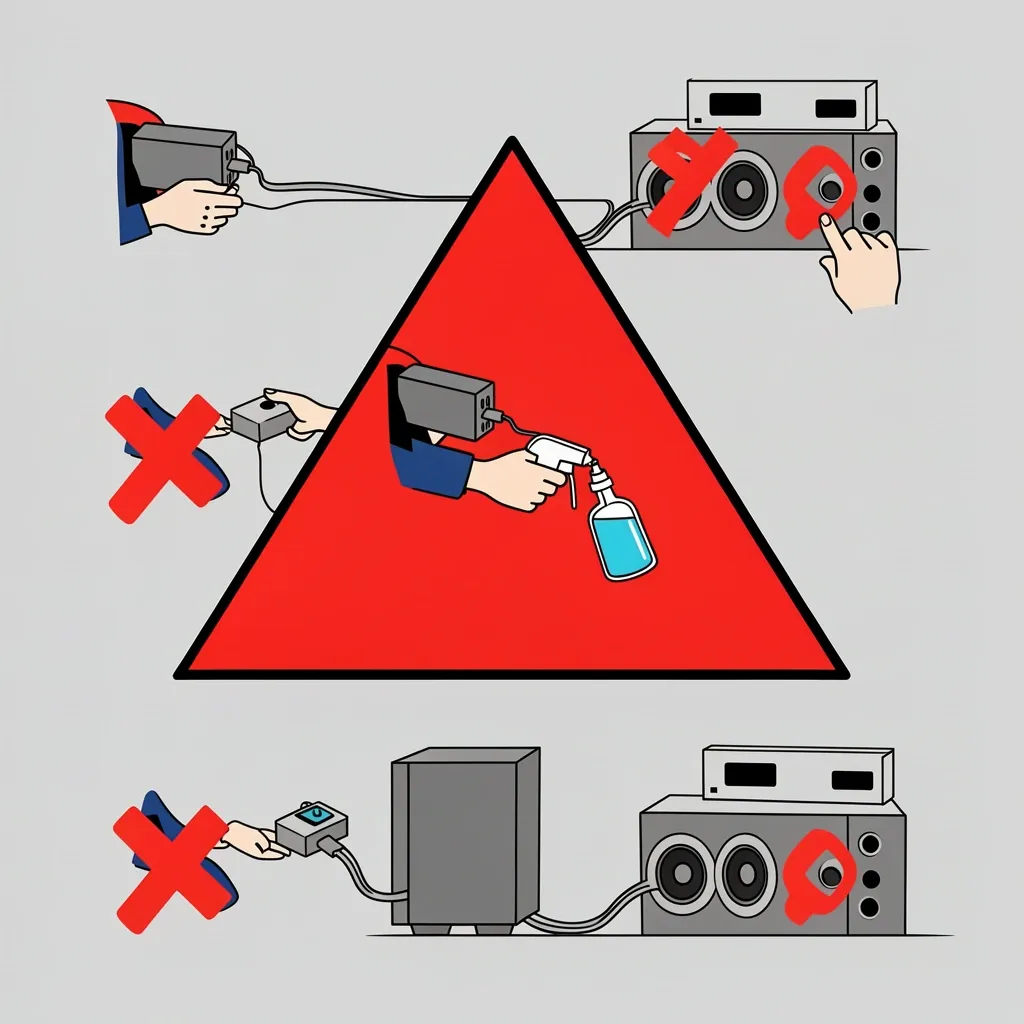
Avoid these errors that people often make when trying to fix a dead sound bar.
- Using a higher voltage power brick. A 12V brick on a 9V sound bar can fry the internal components instantly.
- Oiling buttons or switches. Vizio sound bars use membrane contacts. Oil will attract dust and cause the buttons to stick or fail completely.
- Forcing a firmware update on a unit that won't stay on. If the sound bar shuts off during the update, it becomes a brick. Only attempt a firmware update if the unit stays powered for at least a few minutes.
- Holding the power button for only 10 seconds. The full 30-second discharge is necessary to drain all residual capacitors. Ten seconds is not enough.
When General Fixes Don't Work
Some Vizio models have specific quirks that require a different approach.
Vizio 2.0 Sound Bar
These slim bars have no subwoofer. The internal fuse is often a tiny surface-mount device (SMD) on the main board. It is very small and easy to miss. Use a magnifying glass to inspect it. If you are not comfortable soldering SMD components, replacement may be more practical than repair.
Vizio 5.1 Sound Bar with Wireless Subwoofer
If the sound bar itself turns on but the subwoofer does not, check the subwoofer's power link. Look at the LED on the subwoofer. A solid green light means it is connected. A blinking green light means it is trying to pair. A red or no light means the subwoofer is not receiving power. Press the pairing button on the back of the subwoofer and the sound bar simultaneously to re-link them.
Vizio Elevate and M-Series
These higher-end models have separate HDMI boards that can fail independently. If the sound bar powers on but produces no sound through HDMI, the HDMI board may be the culprit. Try using an optical cable instead. If optical works, the HDMI board needs replacement.
Frequently Asked Questions
Why does my Vizio sound bar turn on by itself?
This is usually caused by a faulty HDMI-CEC signal from the TV. When the TV sends a power-on command, the sound bar interprets it incorrectly. Disable HDMI-CEC on your TV to test. If the problem stops, leave CEC off or try a different HDMI cable. A stuck power button membrane or a faulty IR sensor can also cause this.
How do I turn off my Vizio sound bar without a remote?
Use the control buttons on the sound bar itself. Most Vizio sound bars have a set of three buttons: Power, Input, and Volume. Press the Power button to turn the unit on or off. If the buttons are not labeled, look for a small button or touch-sensitive area on the top or front of the bar.
Can a blown sound bar be repaired, or is it cheaper to replace?
It depends on the failure. A blown fuse or bad capacitor costs less than a dollar in parts and takes 15 minutes to fix. A failed power supply board costs around $20 to $40 if you can find a replacement. A failed main board or HDMI board often costs as much as a new sound bar. If the repair cost exceeds half the price of a new unit, replacement is usually the better choice.
Will disconnecting the battery inside the bar help?
No. Vizio sound bars do not have user-serviceable batteries. Only the remote control uses a battery. Opening the sound bar to look for a battery will not help and may damage the unit.