Vizio Soundbar Remote Not Working? Here’s Exactly How to Fix It
You grab the remote, press the volume button, and nothing happens. The soundbar sits there, silent. Frustrating, right? Before you toss the remote across the room, know this: in most cases the fix is simple. Replace the batteries, re‑pair the remote, or power cycle the soundbar. But if those don’t work, this guide walks you through every possible cause — from remote type differences to model‑specific pairing tricks.
Identify Your Remote Type
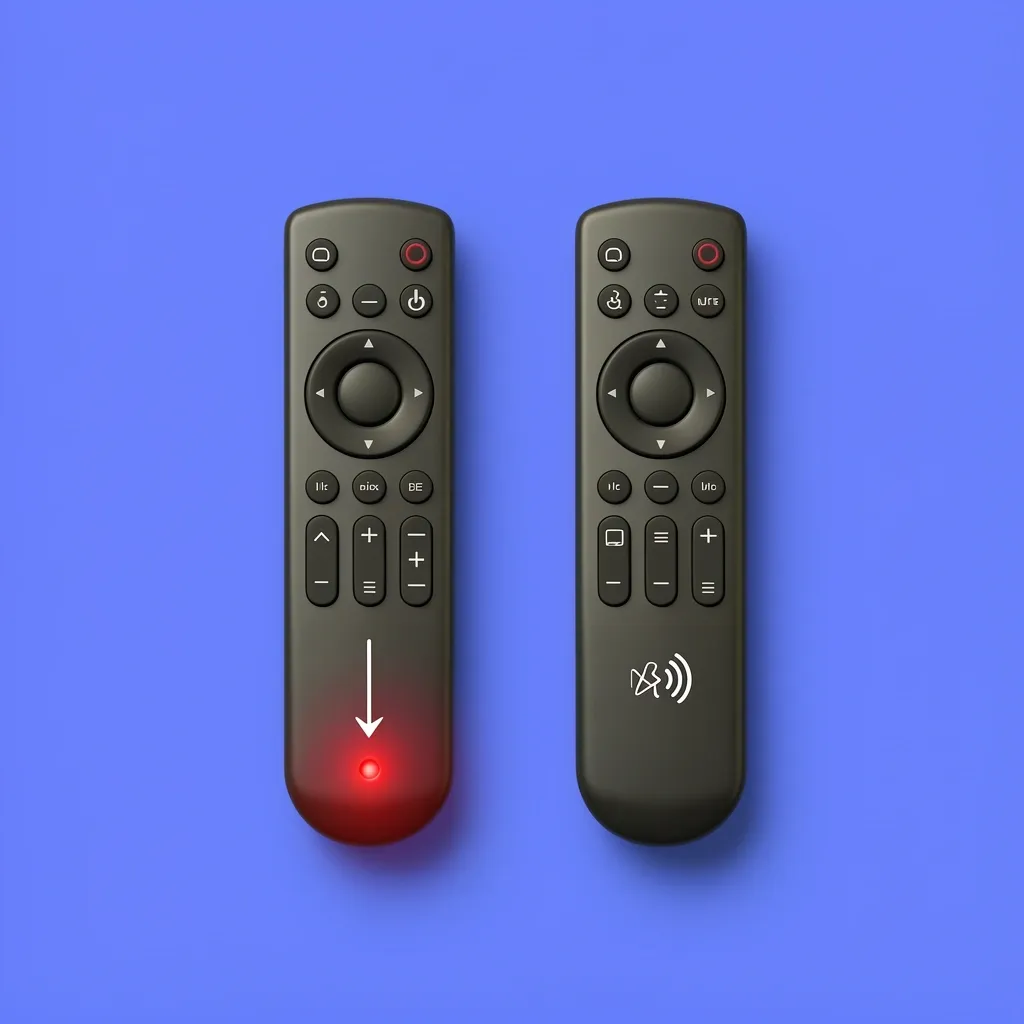
Vizio makes two kinds of remotes: IR (infrared) and Bluetooth. The troubleshooting steps are completely different for each. If you don’t know which one you have, here’s how to tell.
| Feature | IR Remote | Bluetooth Remote |
|---|---|---|
| How it works | Requires direct line‑of‑sight to the soundbar’s IR sensor | Uses radio waves, works from another room |
| Battery cover look | No Bluetooth logo or pairing button | Has a Bluetooth logo or a button labeled “Pair” |
| Visual clue | Small red LED at the tip when you press a button (use phone camera to see it) | No visible LED |
| Pairing needed? | No | Yes – must be paired to the soundbar |
If you have an IR remote, check for something blocking the soundbar’s sensor. If you have Bluetooth, move to the re‑pairing section below.
Try These Quick Fixes First
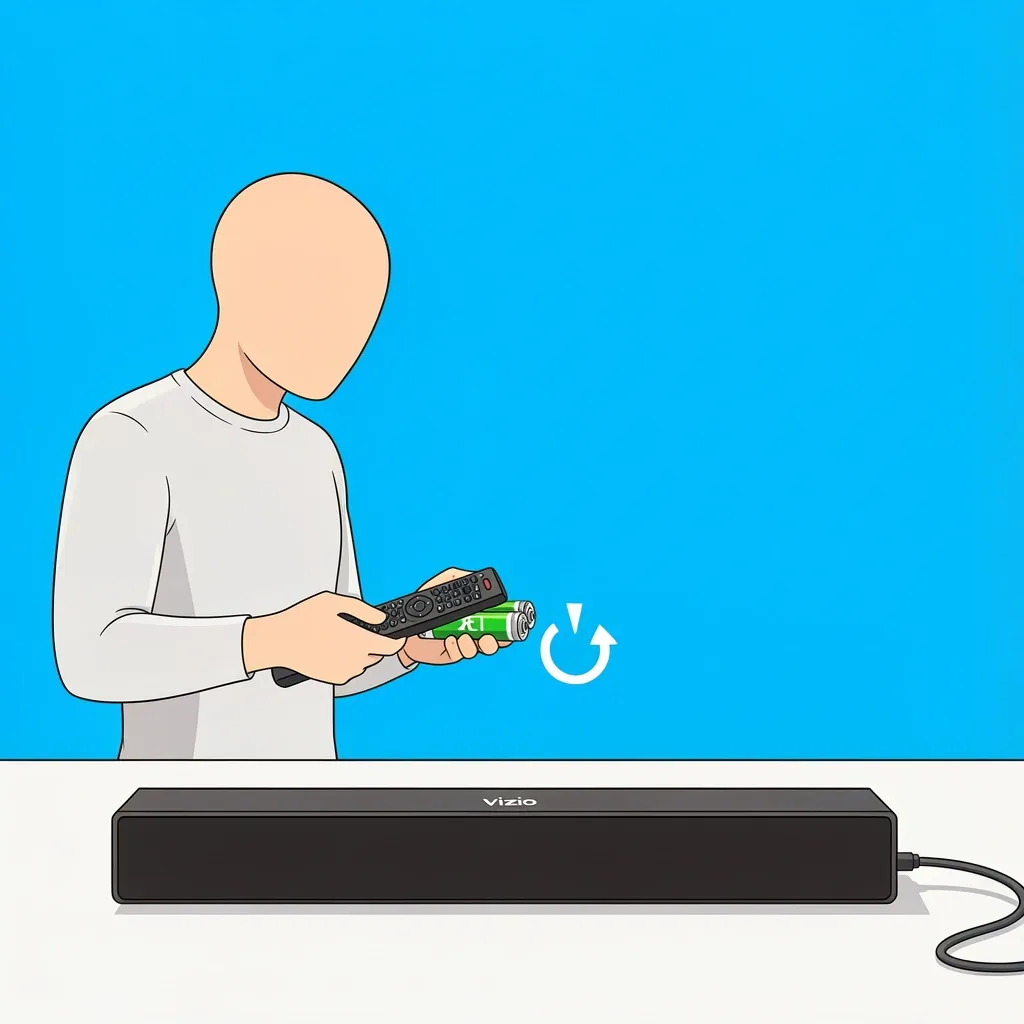
These steps work for both remote types and solve about 70% of “Vizio soundbar remote not working” issues. Do them in order.
- Replace batteries with fresh alkaline ones. Rechargeables (NiMH) run at a lower voltage and may not power the remote properly.
- Power cycle the soundbar. Unplug it from the wall outlet, wait 30 seconds, then plug it back in. This clears small internal glitches.
- Check for physical damage. Look for liquid spills, cracked circuit board, or a stuck button. If you find damage, skip ahead to the replacement section.
- Test line‑of‑sight (for IR remotes only). Point the remote directly at the soundbar’s front panel from within 10 feet. Remove any objects like vases or TV frames between the remote and the soundbar.
Still not working? Your remote is likely a Bluetooth model that lost its pairing.
Re‑Pair Your Bluetooth Remote
The process is straightforward but requires you to follow the exact timing. Generic pairing works for most models, but some have special quirks.
Generic Pairing Steps
- Turn on the soundbar and make sure it’s not in Bluetooth pairing mode (no blinking light).
- On your remote, press and hold the Bluetooth button (or the “Pair” button if labeled) for 5 seconds. The LED on the remote should blink quickly, then stay solid.
- Within 30 seconds, press the Source button on the soundbar repeatedly until you reach Bluetooth mode. The soundbar will make a confirmation tone.
Known Model‑Specific Pairing Problems
Some Vizio models have documented quirks. If the generic steps don’t work, try the fix that matches your soundbar.
- Vizio v51‑h6 / v51x‑j6: Remote often drops pairing after a firmware update. Fix: reset the soundbar by holding the Bluetooth and Volume‑ buttons simultaneously for 10 seconds (soundbar speaker will pop). Then re‑pair within 30 seconds.
- Vizio 2.1 / SB3621‑n6M: This model uses only IR. If the remote seems dead, check that the optical sensor on the front of the soundbar is not covered. Also try removing the soundbar from any cabinet – the sensor is tiny and easily blocked.
- Vizio 5.1 / SB3651‑E6: Before re‑pairing, press the Source button on the soundbar itself to cycle through inputs until you land on Bluetooth. Then try the generic pairing steps.
- Vizio M‑Series soundbar: The remote has a dedicated Pair button on the back of the remote (not the front). Hold it for 5 seconds, not 3. The soundbar will beep twice.
Use the Vizio Mobile App as a Diagnostic Tool
This is the smartest test you can do. Download the VIZIO Mobile app on your phone, enable Bluetooth on your phone, and open the app. It should automatically detect your soundbar (within the first hour after installation; after that, press and hold the Bluetooth button on the soundbar for 5 seconds to initiate pairing).
If the app controls the soundbar — volume, inputs, EQ — your soundbar is healthy. The remote is the problem. If the app cannot connect either, the soundbar’s Bluetooth or Wi‑Fi module may have failed, which means you should contact Vizio support or consider a warranty claim.
The app can also act as a permanent backup remote. Leave it on your phone’s home screen.
Factory Reset Your Soundbar
When nothing else works, a factory reset clears all pairing data and can fix stubborn Bluetooth issues. The reset method varies by model, but this is the most common:
- Turn off the soundbar (unplug it).
- Press and hold the Bluetooth and Volume‑ buttons on the soundbar itself (not the remote).
- While holding those buttons, plug the soundbar back in. Continue holding for 10 seconds. The soundbar will power on and the LED will flash several times.
- Release the buttons. The soundbar is now reset to factory defaults.
After reset, you must re‑pair your remote following the generic steps above.
When to Buy a Replacement Remote
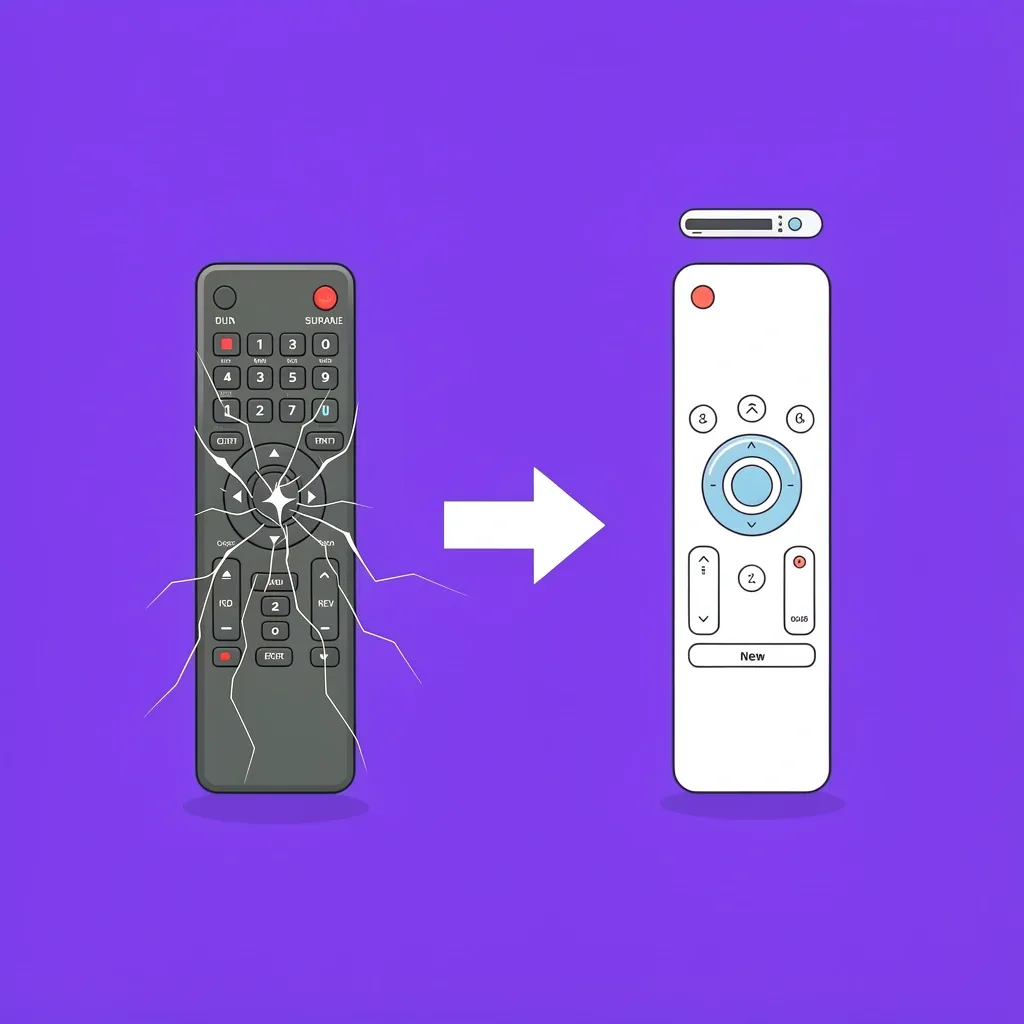
If you’ve tried all the steps and your remote still doesn’t work, and the Vizio Mobile app works fine, the remote is dead. Check your soundbar’s warranty first (most Vizio soundbars include a one‑year remote warranty). To find the correct replacement remote, look at the model number on the back of your soundbar.
- Common remotes by model:
- XRC101G – fits many 5.1 models like SB3651.
- VUR10 – fits 2.1 and some lower‑end soundbars.
- VR‑001 – universal replacement that works with most Vizio soundbars. Available on Amazon and Vizio’s website.
If you’re out of warranty and the remote is rare, a universal replacement from a third party (like the Unity Remote) can also work, but pairing instructions will differ — check the packaging.
Frequently Asked Questions
Why does my Vizio soundbar remote work but the volume doesn’t change?
This usually happens if the soundbar is set to “Fixed Volume” in its internal menu. Some models disable remote volume when using optical input. Check the soundbar’s settings by pressing the Menu button (if your remote has one) or by using the Vizio Mobile app to find the “Audio Output” setting. Also, ensure the source device (TV, game console) isn’t controlling volume separately via HDMI‑CEC.
Can I use my Vizio TV remote to control the soundbar?
Yes, if both devices support HDMI‑CEC. Enable CEC on both: on the TV, look for “HDMI Control” or “CEC” in settings (often under Inputs). On the soundbar, ensure it’s connected via HDMI ARC and that CEC is on. Once set, the TV remote will change volume, mute, and power on/off the soundbar — a convenient backup while you sort out the original remote.
How do I know if my remote is IR or Bluetooth without a manual?
Look for a Bluetooth logo on the remote (usually below the volume rocker). Also check if there’s a “Pair” button anywhere. If neither exists, it’s probably IR. You can also test: point the remote at your phone camera and press a button — you’ll see a small pulsing light if it’s IR. Bluetooth remotes have no visible LED.
My Vizio soundbar remote app won’t connect – what now?
First, make sure your phone’s Bluetooth is on and your soundbar is within 10 feet. Restart the app and the soundbar. If using the Vizio Mobile app for Wi‑Fi control (some models have Wi‑Fi), ensure your phone is on the same Wi‑Fi network. If the app still can’t find the soundbar, the soundbar’s Bluetooth or Wi‑Fi module may be defective – contact Vizio support.
Which replacement remote do I buy for a Vizio soundbar?
Use the model number on the back of your soundbar. Common part numbers: XRC101G (5.1 models), VUR10 (2.1 models), or the universal Vizio remote VR‑001. Check Vizio’s official site or Amazon for availability. If buying third‑party, confirm it lists your exact soundbar model number in its compatibility list.
No matter what model you have, this guide covers every angle. You started with a dead remote and now have a complete repair plan. Start with the simple fixes, move through model‑specific tricks, and use the app as your fallback. Most people get that remote working again within 10 minutes. If not, now you know exactly what to buy or who to call.