Vizio TV Antenna Connection Problem: Why You See "No Signal" and How to Fix It
You plugged in the antenna, switched to TV mode, and got the dreaded "No Signal" message. I’ve been there. After helping friends and family with their Vizio setups, I can tell you the fix usually comes down to one of two things: your TV doesn't have a built-in tuner, or the antenna isn't picking up enough signal. Let me walk you through diagnosing which problem you actually have and the exact steps to get local channels working.
Check Your Vizio Model for a Built-in Tuner
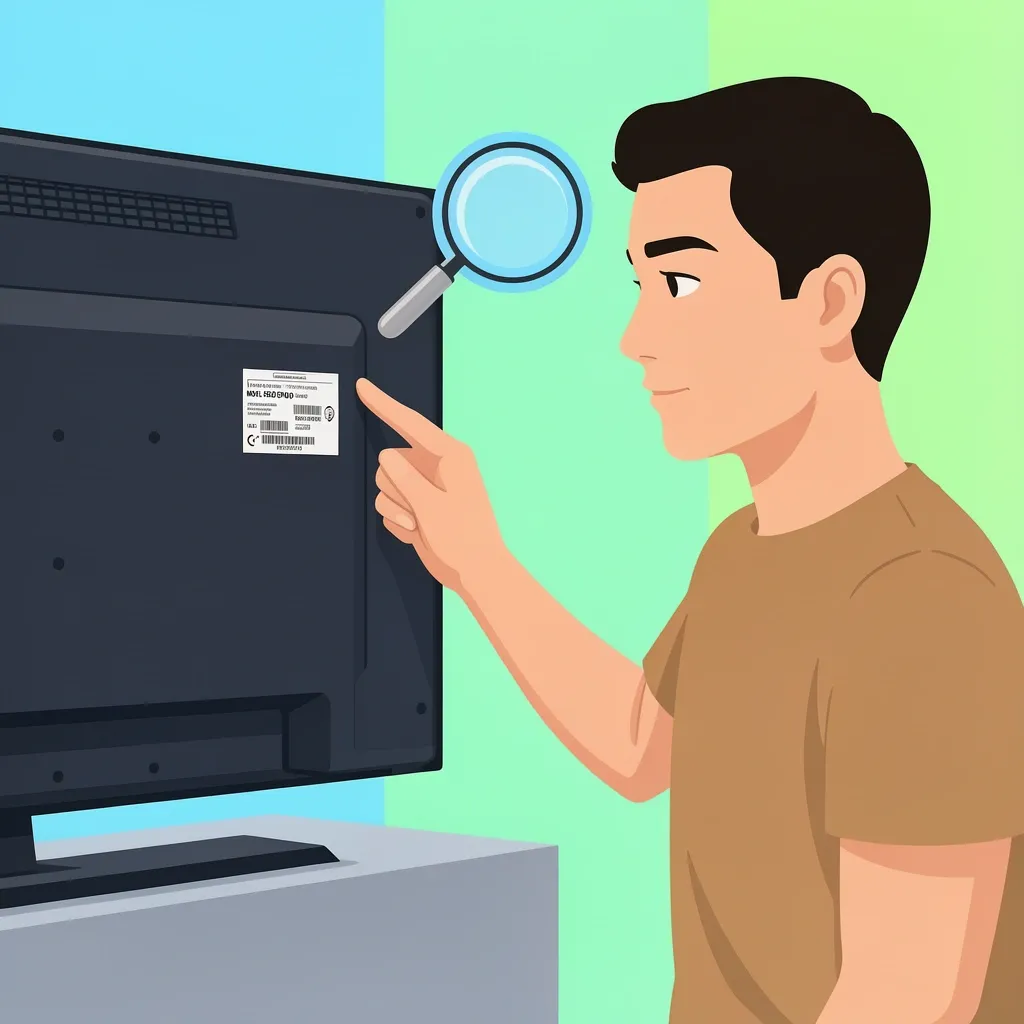
This is the most overlooked step. Many Vizio TVs sold after 2016, especially the SmartCast models (D-series, M-series, P-series, and OLED), are designed as streaming monitors. They lack the ATSC tuner chip that converts antenna signals into a picture. If your set doesn't have a coaxial port at all, you've got a monitor, not a TV. Even if there is a port, it might be "disabled" in the software if the tuner chip is missing.
How to check your model: Look at the sticker on the back or side of your Vizio. The model number starts with a letter (e.g., E50x-E1, V555-H1, M65Q7-H1). Use this table to see which series typically include a tuner:
| Vizio Series (Letter Prefix) | Has Internal Tuner? | Notes |
|---|---|---|
| D-series | Usually (check year) | Older D-models (2015-2016) often have tuners; newer ones may not. |
| E-series | Often yes | Most E-series before 2018 have a tuner. After that, some models dropped it. |
| M-series | Rarely | M-series from 2017 onward are mostly monitors. Look for "MxxQx-H1" – tuner is absent. |
| P-series | No | P-series and PQ models are always tuner-free. |
| OLED | No | No Vizio OLED has ever included an ATSC tuner. |
| V-series | Yes (most) | V-series typically have a tuner. Still double-check the user manual. |
If your model is on the "no tuner" list, you need an external ATSC tuner box (more on that below). If it does have a tuner, move to the next section.
How to Perform a Channel Scan on a Vizio TV with a Tuner
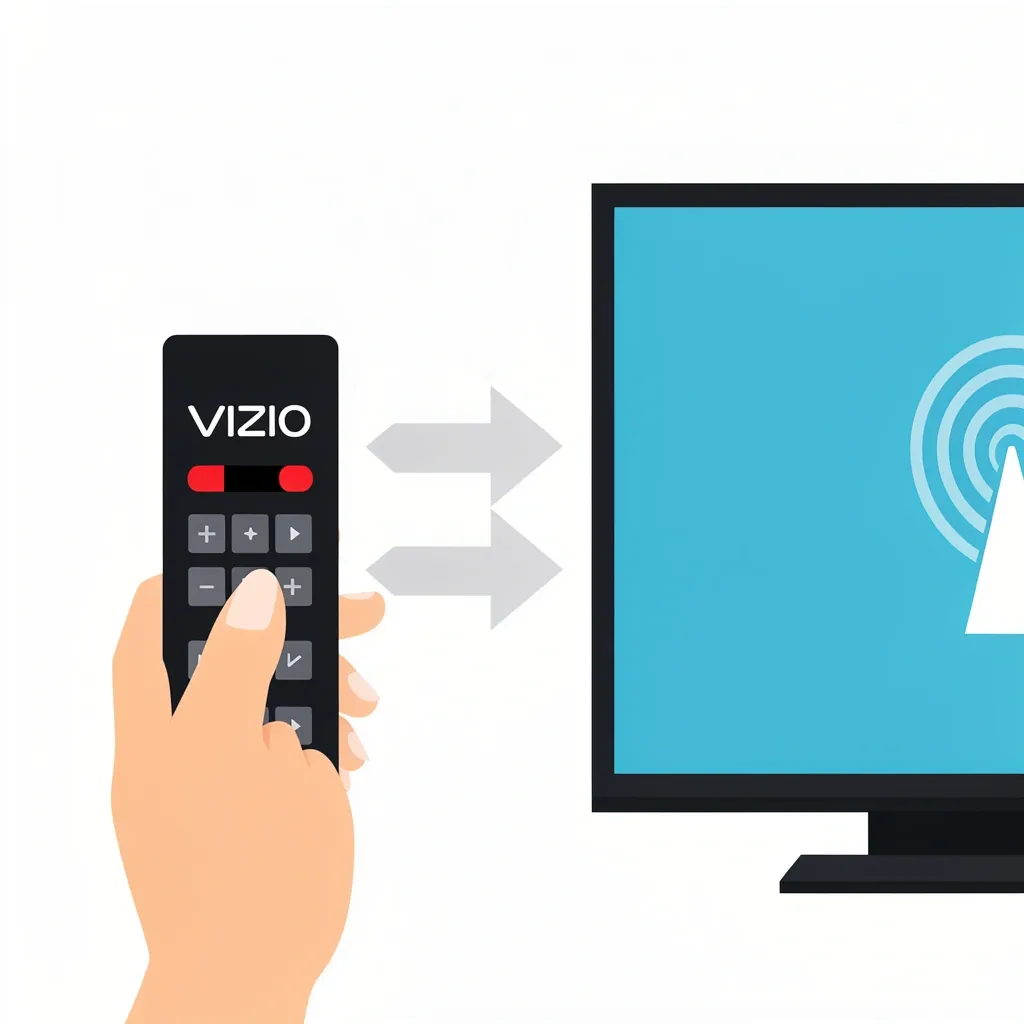
Assuming your TV has a working internal tuner, the antenna signal must be "mapped" to the channels available in your area. Follow these steps:
- Connect the antenna firmly to the coaxial port labeled "CABLE/ANT" or "RF." Use a wrench or fingertip tightness – hand-tight only, don't overtighten.
- Switch your TV to the correct input. Most Vizio remotes have a "TV" or "Antenna" button. If not, press the Input button and select "TV" (not "HDMI" or "AV").
- Run the channel scan. Go to Menu → Tuner Settings → Channel Scan (or Auto Program). Let it complete – it may take 2–5 minutes. Do not interrupt it.
- After the scan, tune to any channel. If you see a picture, you're done. If still "No Signal," your antenna placement is likely the issue (see next section).
Important: If you have a SmartCast Vizio with a tuner, the channel scan option might be hidden. Press the "Menu" button on your remote, then navigate to "TV Inputs" → "Tuner" → "Channel Scan." If you don't see those options, your model might have the tuner disabled by default – a factory reset can sometimes restore it.
Antenna Signal Strength: Weak Reception vs. Dead Zone
After verifying the tuner works, the next common problem is a weak or blocked signal from the antenna. Here's how to tell the difference between a simple positioning issue and a total dead zone:
Check Signal Strength in the Menu
Tune to a channel that showed "No Signal." Then go to Menu → Tuner Settings → Signal Strength (or Channel Status). If the number is below 30% or fluctuates wildly, the antenna isn't pulling enough broadcast.
Antenna Placement Adjustments
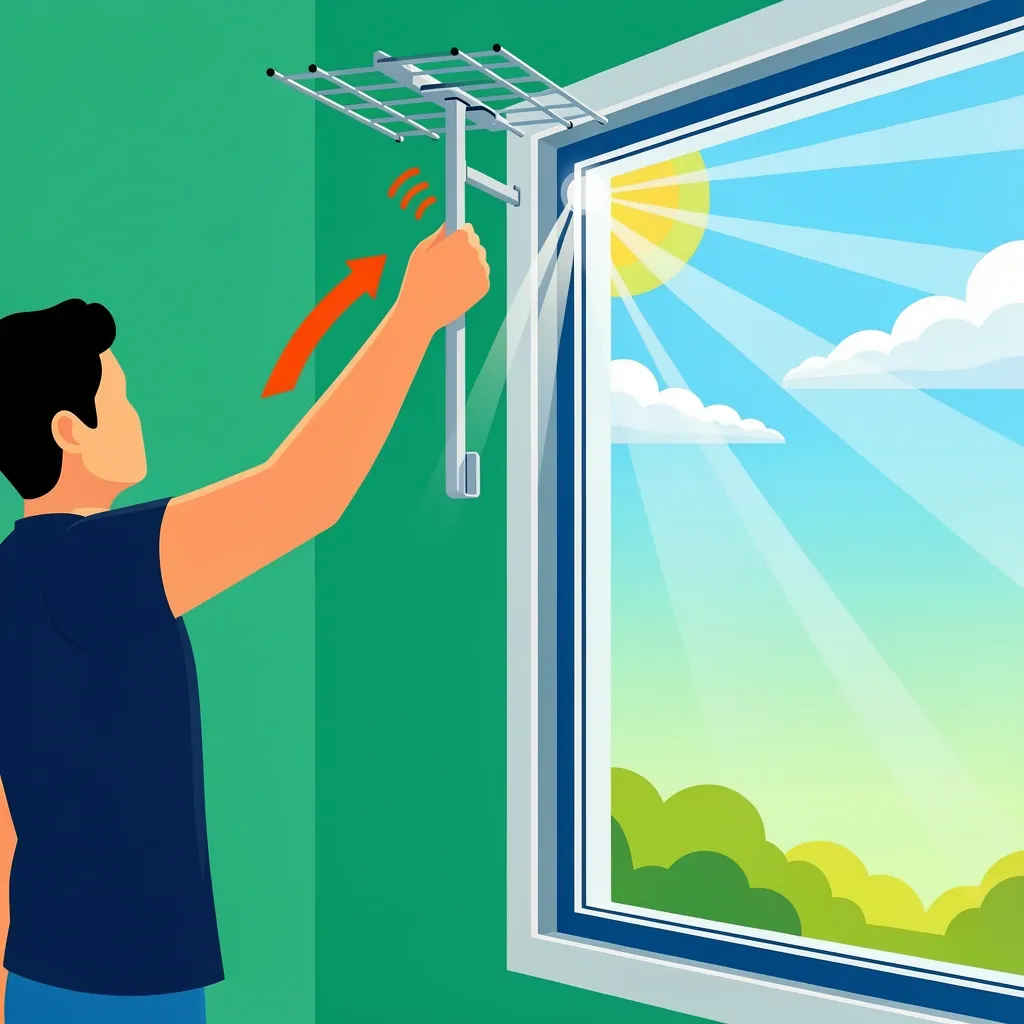
Move the antenna near a window, ideally facing the nearest broadcast towers (use RabbitEars to find tower directions). Even two feet can make a difference. Avoid placing the antenna behind the TV or near metal objects.
Amplifier: Helpful or Harmful?
If you live within 20 miles of broadcast towers, you usually don't need an amplifier. In fact, a strong signal can overload an amplified antenna and cause "No Signal" as if there were no reception. Try plugging the antenna directly into the TV without any amplifier or inline splitter. If your signal strength improves after removing the amplifier, you have too much signal – use a passive antenna instead.
If you're in a weak signal area (more than 30 miles away), an outdoor antenna with a preamplifier is the reliable fix. Indoor flat antennas rarely work at long distances.
When Your Vizio Has No Tuner: The External Converter Box Route
If you confirmed your Vizio lacks an internal tuner, you need an external ATSC tuner box. Here's the catch: don't buy a cheap "coaxial to HDMI" adapter. Those are for converting analog video (like from a camcorder), not digital broadcast TV. You need a proper digital converter box that includes an ATSC tuner.
Best Options for External Tuner Boxes
- Standard converter box (e.g., Mediasonic Homeworx) – gives you HDMI output and a remote. Plug the antenna into the box, box to TV via HDMI, then select the HDMI input to watch channels.
- Network-based tuner (e.g., Tablo, HDHomeRun) – connects to your home network. You watch live TV via an app on your Vizio SmartCast. This avoids the need for a separate HDMI input if you have a smart TV.
Setup steps for a converter box:
- Connect the antenna to the box's RF input.
- Connect the box to your Vizio using an HDMI cable.
- Turn on the box (must be powered; many come with a USB power adapter – don't skip it).
- Switch your Vizio to the correct HDMI input.
- Run the channel scan from the converter box's menu (use its remote).
If you see a "No Signal" from the box after scanning, the problem is with the antenna signal, not the box. Go back to the signal troubleshooting section above.
The Adapter Trap: Why Your Coaxial-to-HDMI Adapter Fails
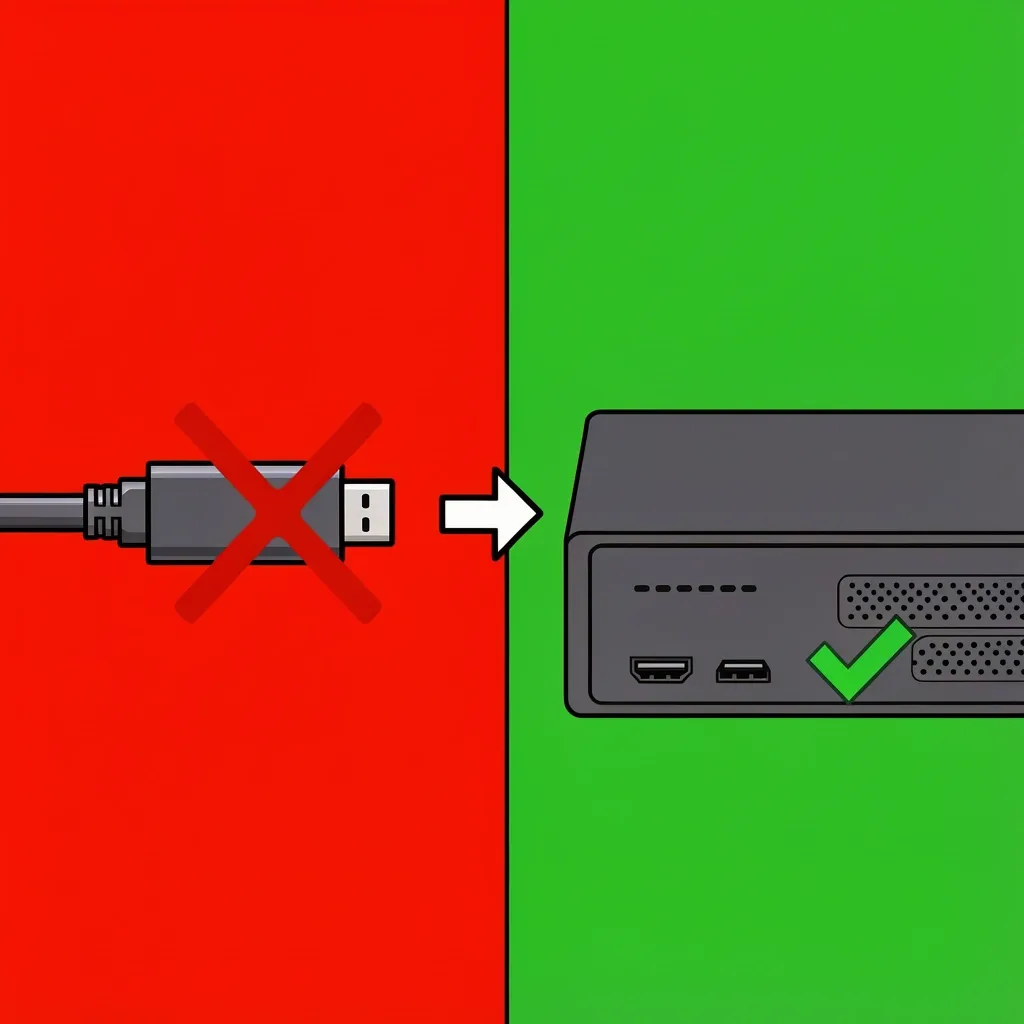
I've seen people buy a $10 passive coaxial-to-HDMI adapter, plug it in, and expect it to work. It won't. Those adapters do not convert the ATSC digital signal (which carries compressed video and audio) into HDMI format. They only pass through analog video (composite or component) or require a separate encoder box. To get broadcast TV into a tunerless Vizio, you must have a device that actively decodes ATSC – that is, a real converter box.
What to look for: The box should explicitly say "ATSC digital tuner" or "digital converter box" in the description. Avoid anything labeled only "coax to HDMI."
Frequently Asked Questions
Will a regular antenna work with any Vizio TV?
Only if the TV has a built-in ATSC tuner. If your Vizio lacks a coaxial port, you need an external converter box. The antenna itself works the same way with any tuner, but the TV must have the tuner first.
How do I find my Vizio TV model number quickly?
Look on the sticker on the back of the TV (lower left or right corner). If you can't see it, note the serial number and look up the model at Vizio's support site. You can also check the original packaging or purchase receipt.
Can I use a USB-powered antenna with my Vizio SmartCast?
Yes, you can plug a USB-powered antenna into the TV's USB port for power, but the antenna must connect to the coaxial input for signal. If your TV lacks a coaxial input, USB power won't help – you still need the external converter box.
Why does my Vizio keep losing channels after a power outage?
A power outage can reset the tuner data. Run a new channel scan after the TV restarts. If it happens often, your antenna signal might be too weak to hold channels after a power cycle. Consider using a non-volatile memory tuner (such as an external box that saves settings).
Do newer Vizio TVs support ATSC 3.0 (NextGen TV) natively?
No, as of 2026, no Vizio model includes an ATSC 3.0 tuner. You would need an external ATSC 3.0 converter box (like the HDHomeRun Flex 4K) to receive NextGen TV broadcasts.
What if my Vizio has a coaxial port but still shows "No Signal" after antenna connection?
First, confirm the TV is set to the correct input (TV, not HDMI). Then run a channel scan. If scanning finds zero channels, the antenna may be in a dead zone, or the port might be for service only (some Vizio models have coax ports that are for cable/antenna passthrough only and do not contain a tuner – check your model number using the table above).
Is there a way to watch local channels without an antenna on a Vizio TV?
Yes, if your Vizio is a SmartCast model, you can install apps like Locast (where available), or use a streaming service that carries local affiliates (YouTube TV, Hulu + Live TV, etc.). You can also set up a network tuner like HDHomeRun that streams over your Wi-Fi to the TV.
How do I reset the tuner settings on my Vizio TV?
Go to Menu → System → Reset & Admin → Reset to Factory Defaults. After the reset, set up the TV input as "TV" and run a new channel scan. This clears any corrupted tuner data.
I hope this guide saves you the frustration I went through. Double-check your model first – that alone solves half the cases I see. If you still have trouble, drop a comment below and I'll help you nail it down.