Vizio TV Black Screen with Sound: Why It Happens and How to Fix It
You are watching your Vizio TV and suddenly the screen goes black. The audio keeps playing. You try changing inputs, unplugging it, even shouting at it. Nothing works. I have been there with my own 55-inch Vizio, and I know how frustrating it is. The good news is that this problem almost always has a fix you can do yourself if you are willing to open the TV. The bad news is that some repairs require careful work. Let me walk you through exactly what is wrong and what to do about it.
Quick Checks That Rule Out Simple Glitches
Before you start removing screws, try these three things. They take two minutes and sometimes fix the problem without any hardware work. Power cycle the TV: Unplug the power cord from the wall. Wait 60 seconds. While it is unplugged, press and hold the power button on the TV itself for 30 seconds. This drains any leftover charge in the capacitors. Plug it back in and turn it on. Check all inputs: Switch between HDMI ports, the built-in smart TV apps, and an antenna or cable connection. If the screen stays black on every source, you have a hardware problem. If the screen works on one input but not others, the issue is with that input or the device connected to it. Test with an external streaming stick: Plug a Roku or Fire Stick into a different HDMI port. If the picture appears, the problem is with your cable box or the original input, not the TV itself. If none of those bring back the picture, move on to the diagnosis.
Diagnose the Exact Failure Type
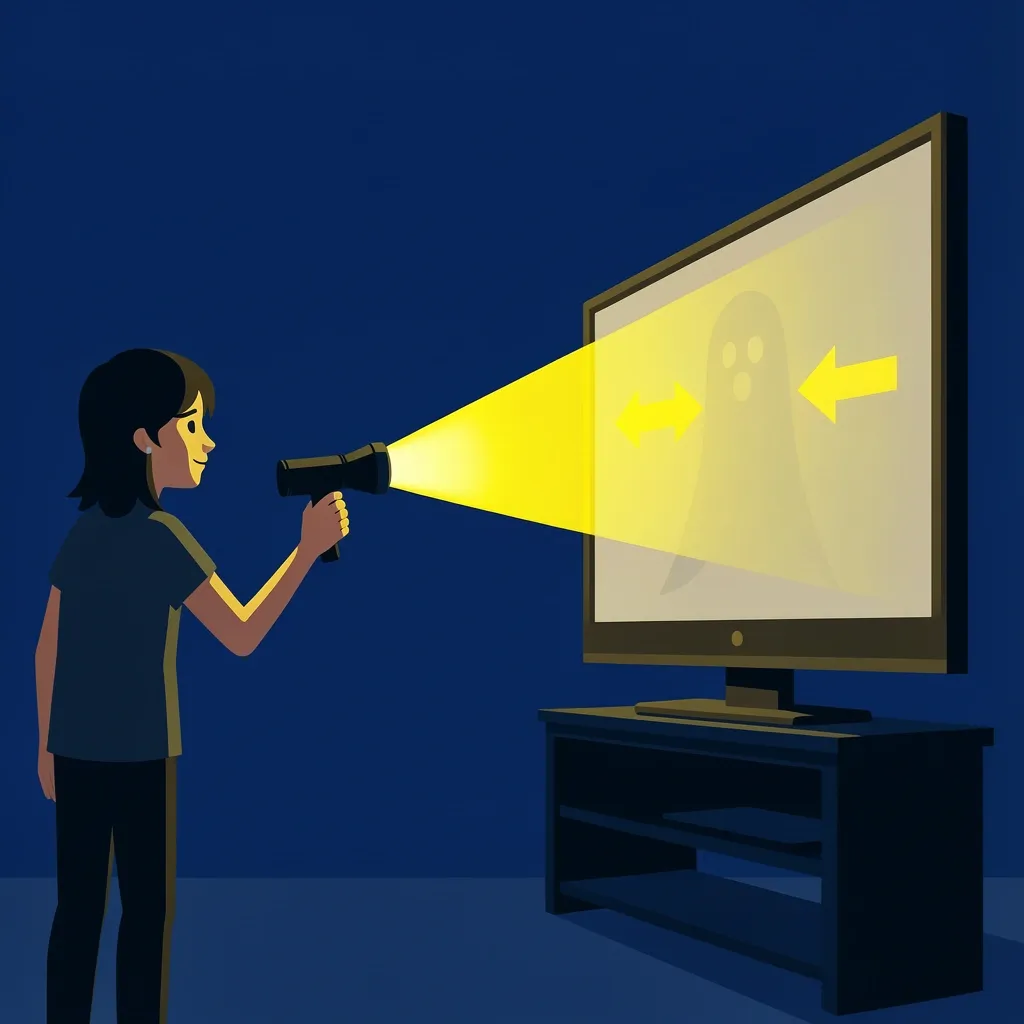
The most important test is the flashlight test. Turn on the TV in a dark room. Shine a bright flashlight directly at the screen, very close, at a shallow angle. Move the light around. If you can see a faint, dim image – like a ghost picture of the channel or menu – then the backlight has failed. If the screen stays completely black no matter where you shine the light, then the backlight is working but something else is wrong. Here is what each result means for your Vizio TV black screen with sound: Faint image visible with flashlight: Backlight failure. The LED strips behind the LCD panel have stopped working, or the driver circuit that powers them is bad. This is the most common cause on Vizio TVs made between 2014 and 2020. No image at all, even with flashlight: Could be a bad T-con board, main board, power supply, or a damaged LCD panel. You need to do more testing to narrow it down.
How to Tell If It Is the Power Supply
Check if the TV has any LED indicator light at all. If the power light is off completely, or if it blinks in a strange pattern, the power supply board might be the culprit. Look for bulging or leaking capacitors on the power board after you open the TV. If you see any, replace that board.
How to Tell If It Is the T-con or Main Board
If you see a faint image with the flashlight, skip this – it is backlight related. If you see nothing, look closely at the screen for any flashes of light when you turn the TV on. Some Vizio models show a brief white flash before going black, which often points to the main board. If the screen remains completely dark and the power light stays solid, the T-con board is a more likely suspect. Another clue: if you see vertical or horizontal lines on the screen before it goes black, the T-con board is failing.
Backlight Repair – Replace LED Strips or Driver
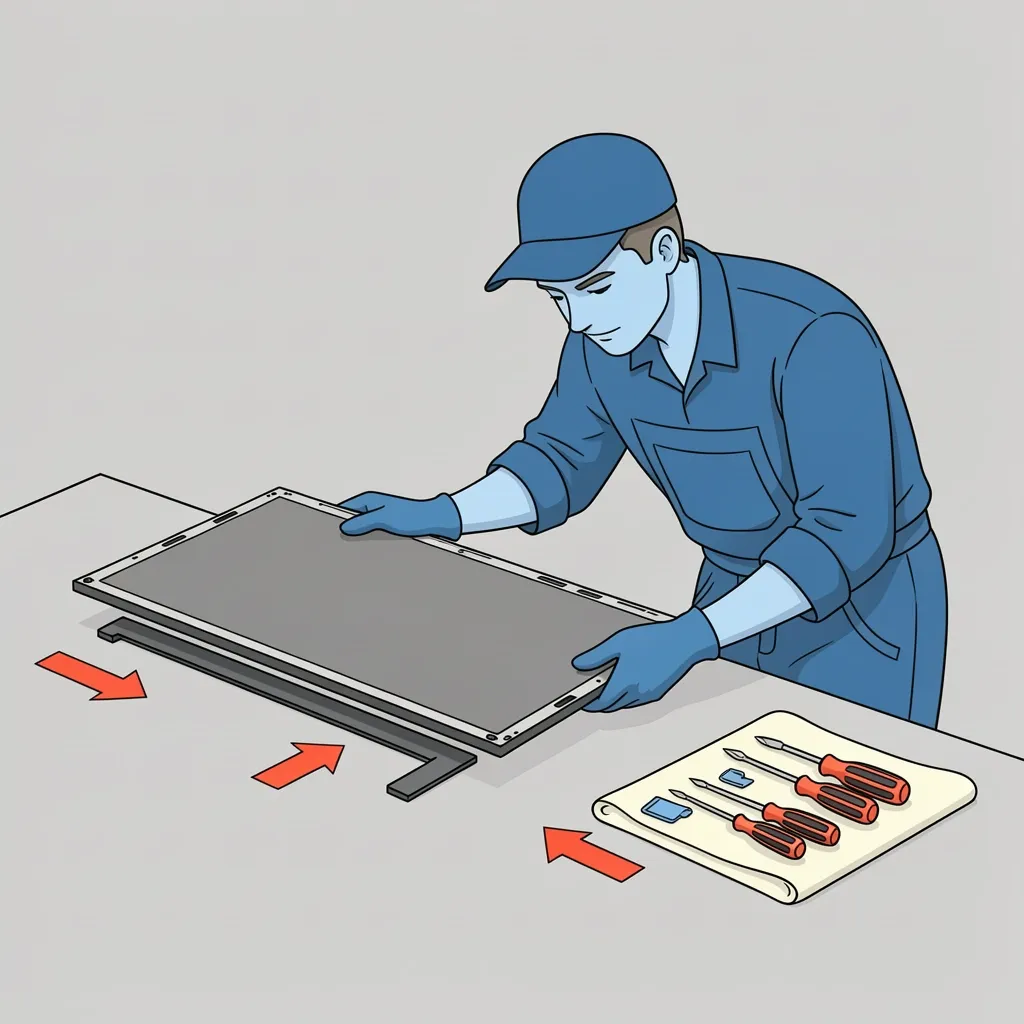
If the flashlight test showed a faint image, you have a backlight failure. This is the fix that works for most people. But be warned: opening a modern LED TV is delicate work. The LCD panel is thin and easy to crack. You need patience, a clean work area, and the right tools. Tools you will need: A set of small screwdrivers (Phillips and Torx), plastic pry tools, a flat surface covered with a soft cloth, and optionally a multimeter to test the LED strips. Step 1 – Remove the back panel: Unplug the TV. Lay it face down on a soft surface. Remove all the screws holding the back cover. Keep them organized by location because they may be different lengths. Step 2 – Identify the LED strips: Inside you will see a metal frame holding the LCD panel. The LED strips are along the edges (edge-lit) or directly behind the panel (direct-lit). Vizio uses both types. Write down the model number of the TV (on a sticker on the back) and look up the exact LED strip part number online. Do not guess – different sizes and models use different strips. Step 3 – Test the LED strips with a multimeter: Set your multimeter to diode mode. Touch the probes to the positive and negative terminals of each strip. A working LED should light up dimly. If a strip does not light up, it is dead. Step 4 – Replace all strips, not just the bad one: Here is the mistake many people make. If one strip fails, the others are often near the end of their life too. Replace the whole set. This prevents the new strip from looking noticeably brighter than the old ones. It also saves you from taking the TV apart again in a few months. Step 5 – Reassemble carefully: Reinstall the LCD panel, making sure no dust gets trapped between the panel and the diffuser sheets. Replace the back cover and screws. If the backlight works again, you are done. If it does not, the driver circuit on the power supply board may also be bad. You can test the voltage output or replace the power supply board as well.
Board Replacement – T-con, Main Board, or Power Supply
If the flashlight test showed no image at all, you need to replace one of the internal boards. Which one? Use the symptoms from earlier. Also, visually inspect each board for burnt components, bulging capacitors, or burnt connectors. Capacitors that are bulging on top or leaking brown goo are a clear sign of a bad power supply board. How to find the correct replacement board: Do not just search by TV model number. Each board has its own part number printed on it (usually a sticker with a barcode). Remove the board (disconnect all cables, unscrew it) and write down that number. Search that number on eBay or a parts website. It is the only way to guarantee a match. Cost comparison table: | Board Type | Typical Price Range | Difficulty to Replace | |------------|---------------------|-----------------------| | Power supply | $20 to $60 | Easy: few connectors | | T-con board | $30 to $80 | Medium: ribbon cables | | Main board | $50 to $150 | Medium: many cables | When to give up on board replacement: Add up the cost of the board plus your time. If the TV is over five years old and the repair cost is more than half the price of a similar new TV, it is smarter to replace the whole TV. A 55-inch Vizio from 2018 might cost $300 new. Spending $100 on a main board plus an hour of work is borderline. Spending $150 plus an hour is not worth it.
When Professional Repair Makes Sense
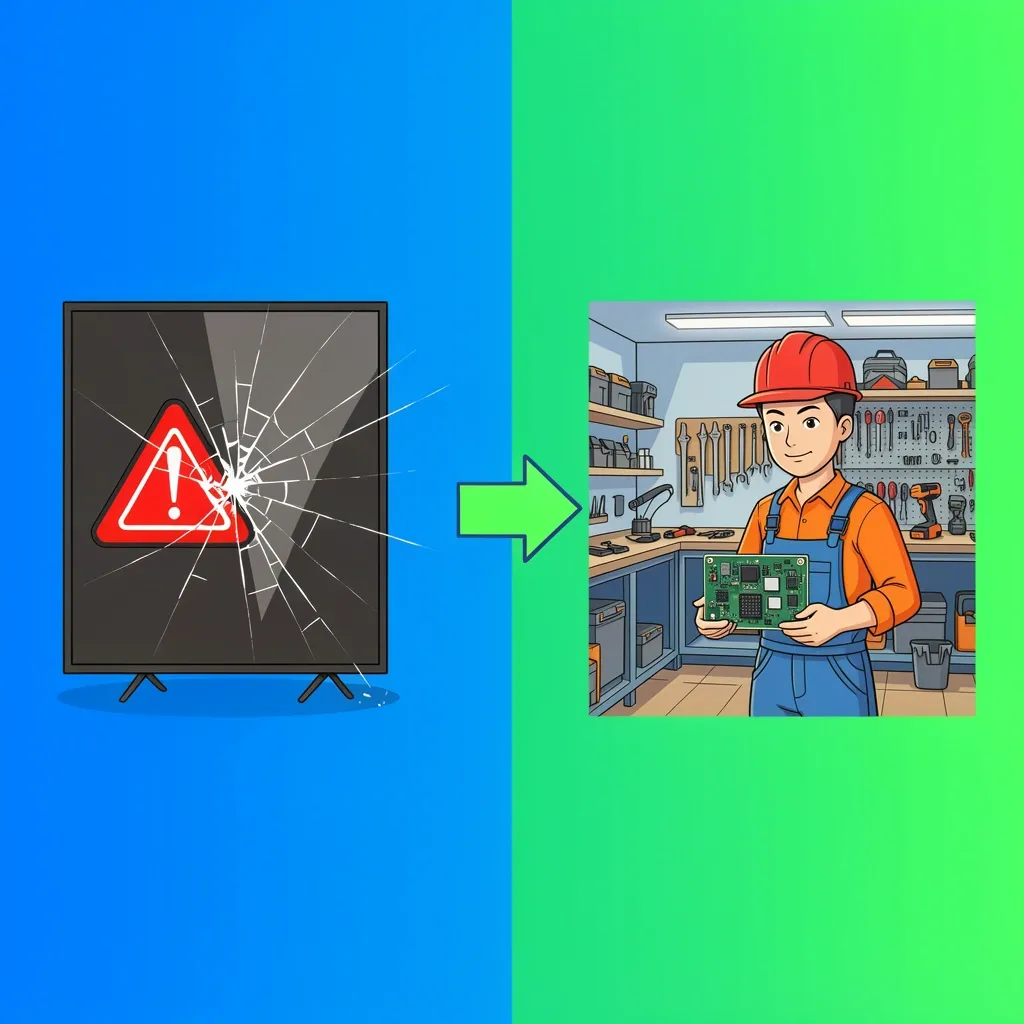
Not every repair is a good DIY project. Here are situations where you should call a technician or buy a new TV. Panel damage: If the screen has a crack, a line of dead pixels, or physical damage, no board replacement will fix it. Panel replacement usually costs more than a new TV. Do not waste money trying to fix a cracked screen. Large screen sizes (65 inches and up): The LCD panel on a 65-inch TV is large, heavy, and very fragile. One wrong move and it cracks. If you are not experienced with electronics repair, take it to a shop. The risk of breaking the panel is high. Lack of proper tools or workspace: Trying to fix a TV on a carpet or a small table increases the chance of static discharge or dust getting inside. A clean, hard, flat surface is essential. Average labor cost for a TV repair shop ranges from $100 to $200, plus parts. If the estimate comes to more than $250 total, seriously consider buying a new TV instead.
Frequently Asked Questions
Why does my Vizio TV keep going black after a few hours of use?
This is often a sign of overheating. The backlight driver circuit or the main board may have components that fail when they get hot. Check that the TV has good ventilation around it. If the problem persists, the driver or power supply board is likely failing intermittently and will need replacement.
Can I use an external streaming device (Roku, Fire Stick) if the main board fails?
No. The main board controls video processing. If it fails, no external device can bypass it. You must replace the main board to get any picture at all. However, if only the smart TV functions are broken but HDMI still works, a streaming stick can be a workaround.
Is it safe to leave the TV on with a broken backlight?
Yes, it is safe for the TV itself, but not useful. The backlight is just a light source. The image is still there, but you cannot see it. Leaving the TV on will not cause further damage. However, if a short circuit caused the backlight failure, there is a small risk of fire. If you hear buzzing or smell burning, unplug it immediately.
How long does replacing backlight strips take for a 55-inch Vizio?
For a first-timer, plan for two to three hours. The disassembly and reassembly are slow because you must handle the LCD panel with extreme care. An experienced person can do it in 45 minutes.
What does a T-con board replacement cost for a Vizio 65-inch?
The board itself costs $30 to $70 on eBay or parts websites. If you hire a technician, add $100 to $150 for labor. Total cost: $130 to $220. Compare that against a new 65-inch TV, which starts around $350. At that price point, it may be more sensible to buy a new TV.
Will a firmware update fix a black screen?
Almost never. A black screen with sound is almost always a hardware failure, not a software bug. Firmware updates can fix glitches like blinking or freezing, but they cannot restore a dead backlight or a burnt-out capacitor. If you suspect a software issue, do a factory reset from the menu (if you can see it), but if the screen is completely black, a reset will not help.