Best Vizio Sound Bar Settings: A Three-Step Calibration for Any Setup
The best Vizio sound bar settings are never a single EQ. They depend on your model, your TV, and what you are watching. This guide gives you a three-step calibration that adapts to your exact setup. Start here, then adjust for your specific content. Start with this universal starting point that works on most Vizio soundbars before any customization:
- Sound Mode: Direct or Movie (Direct gives you the purest signal; Movie adds a slight surround effect).
- EQ: Set Treble to +2, Bass to 0, Subwoofer to +2.
- Surround Sound: On (if available).
This baseline gives you clear dialogue, balanced bass, and enough treble to hear details without harshness. Now, let us make it perfect for your room.
Step 1: Fix Your TV Audio Output First
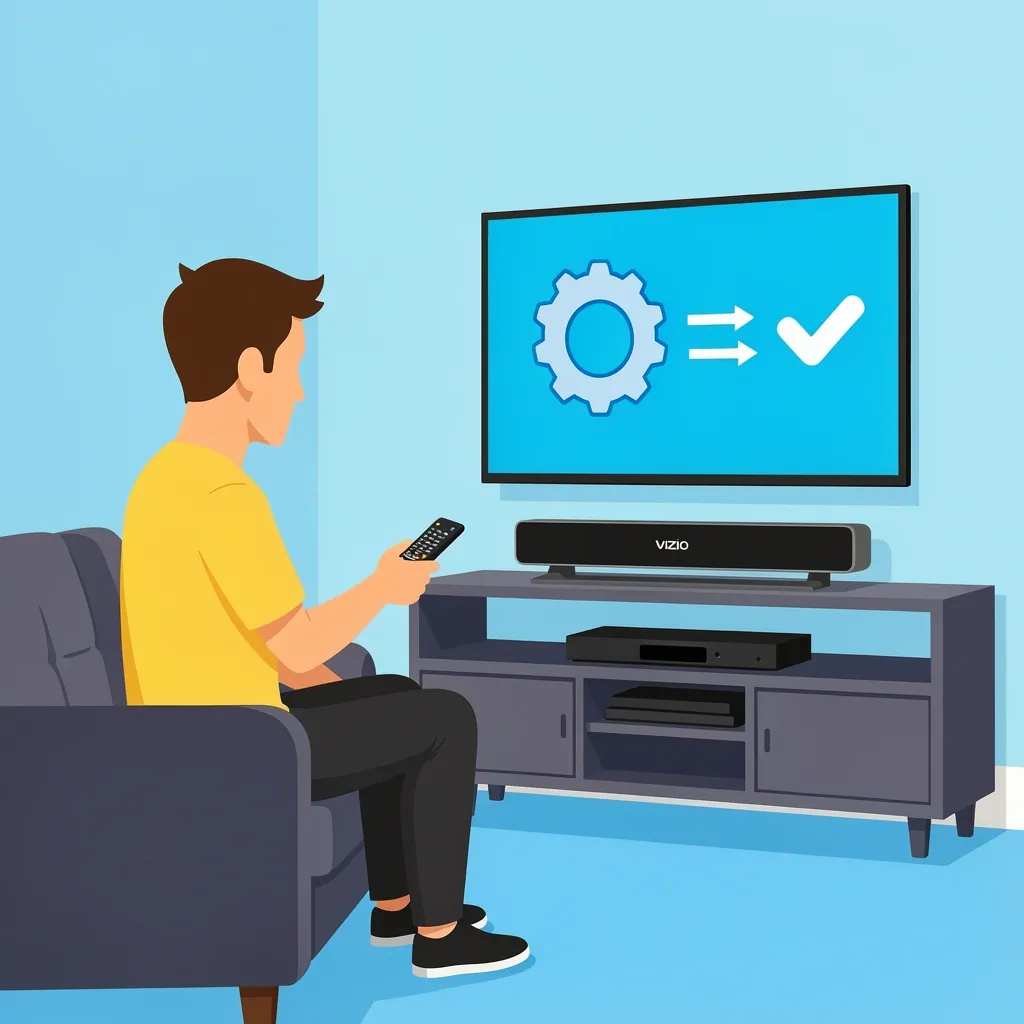
Most people skip this step and wonder why their soundbar sounds worse than the TV speakers. The TV must send the right signal to the soundbar. If the TV is set to Auto or Bitstream, it can muffle the sound or add delay. Here is what to do:
- Go to your TV audio settings.
- Set Digital Audio Out to PCM for stereo sources (music, older shows, gaming).
- Set it to Pass-Through or Bitstream for Dolby Digital or Dolby Atmos content (Netflix, Blu-ray).
- If you hear a delay between the picture and sound, turn on Audio Delay or Lip Sync and adjust it by 50-100 milliseconds.
This handshake between your TV and soundbar is the foundation. Without it, no EQ setting will sound right.
Step 2: Model-Specific EQ and DSP Maps
Each Vizio soundbar family has its own crossover points and DSP quirks. Here are the settings that work best for the most common models.
V-Series 2.1 (V21, V20, V51)
- Sound Mode: Direct (Movie mode adds too much bass that muddies dialogue).
- Treble: +3 (these models are slightly dark out of the box).
- Bass: 0 (the subwoofer handles low end).
- Subwoofer: +2 (going higher than +3 causes distortion on the small driver).
- Surround Sound: Off (Virtual:X on these models sounds hollow).
V-Series 5.1 (V51-H6, V51x-J6)
- Sound Mode: Movie (this mode activates the rear speakers properly).
- Treble: +2.
- Bass: -1 (the subwoofer is powerful enough; reducing bass prevents boom).
- Subwoofer: +1.
- Surround Sound: On (set to +1 for rear speaker volume).
M-Series and M-Series Elevate (M51a, M512a)
- Sound Mode: Direct (these models have better DSP; Direct gives the most accurate soundstage).
- Treble: +1.
- Bass: 0.
- Subwoofer: +2 (the M-Series subwoofer handles +3 well without distortion).
- Surround Sound: On (set to +2 for immersive height effects).
- Height Channels: +1 (only on Elevate models).
Older SB Series (SB3621, SB3851)
- Sound Mode: Movie (Direct mode is not available on these).
- Treble: +4 (older tweeters are less efficient).
- Bass: +1.
- Subwoofer: +3 (these subs are weaker; +3 is safe).
- Surround Sound: Off (it creates echo on these models).
Step 3: Presets for Content Types
You watch movies, sports, and music differently. Your soundbar should too.
Best Vizio Sound Bar Settings for Movies
- Sound Mode: Movie (or Direct if you have an M-Series).
- EQ: Treble +2, Bass 0, Sub +2.
- Surround Sound: On, set to +2.
- Dialogue Enhancement: On (if available).
- Why: Movies need clear dialogue and dynamic range. The slight treble lift helps voices cut through explosions. The subwoofer at +2 gives you rumble without shaking the room.
Best Vizio Sound Bar Settings for Sports
- Sound Mode: Direct (crowd noise is reduced in Direct mode).
- EQ: Treble +3, Bass -1, Sub 0.
- Surround Sound: Off (surround modes spread crowd noise too wide, making commentary hard to hear).
- Dialogue Enhancement: On.
- Why: Sports broadcasts have inconsistent audio. Boosting treble makes the announcer clear. Reducing bass stops the crowd roar from overwhelming the play-by-play.
Best Vizio Sound Bar Settings for Music
- Sound Mode: Direct (this gives you the most accurate stereo image).
- EQ: Treble 0, Bass 0, Sub +1.
- Surround Sound: Off (surround modes add reverb that ruins music timing).
- Why: Music is mixed for stereo. Direct mode preserves the original mix. Flat EQ keeps vocals and instruments balanced. A slight subwoofer boost adds warmth without muddying the bass.
Best Vizio Sound Bar Settings for Gaming
- Sound Mode: Direct (Game mode, if available, adds latency).
- EQ: Treble +1, Bass +1, Sub +2.
- Surround Sound: On (set to +1 for directional audio).
- TV Audio Output: Set to PCM (Bitstream can add delay).
- Why: Games need fast response and clear directional cues. Direct mode keeps latency low. The slight bass boost makes explosions feel impactful without hiding footsteps.
Room Acoustics and Placement Calibration
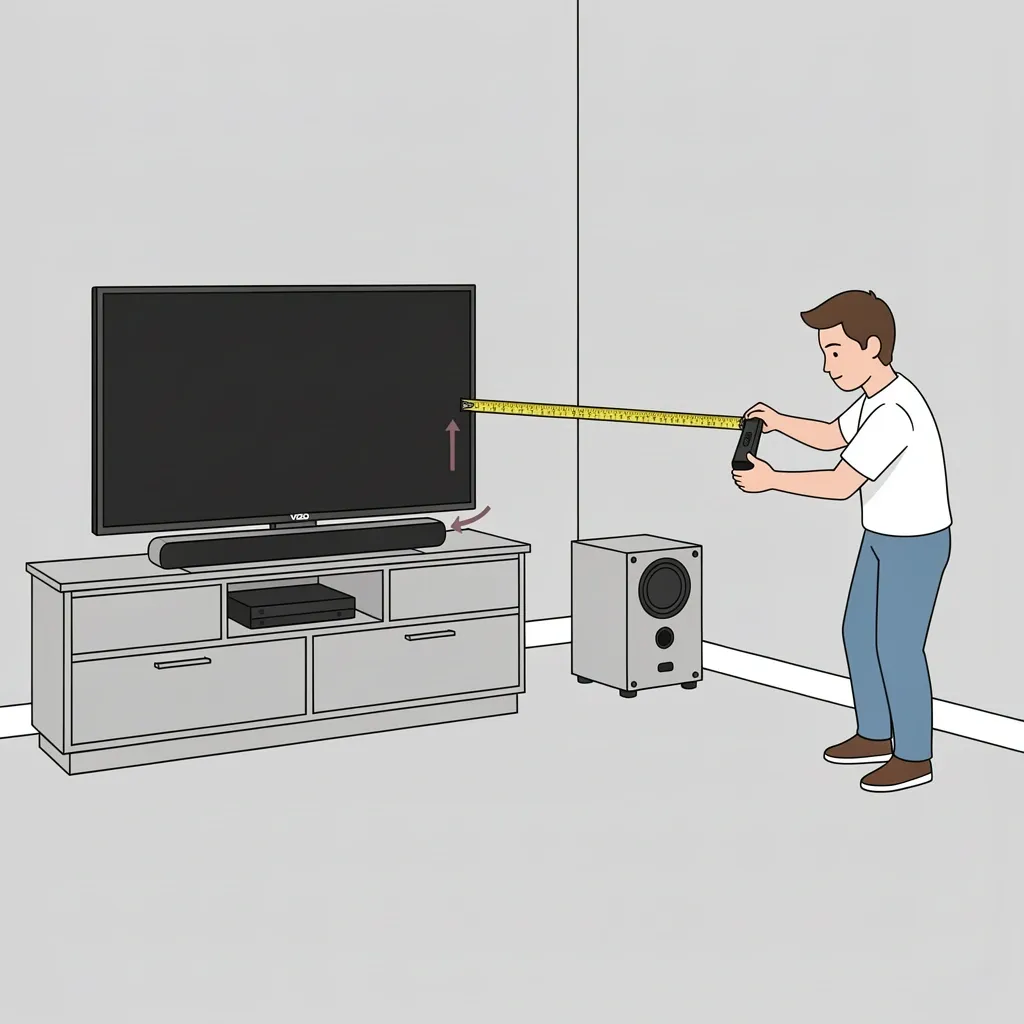
Your room changes how the soundbar sounds. Here are three placement rules that matter more than any EQ setting. Distance from the wall. If the soundbar is less than 6 inches from the wall, bass becomes boomy and muddy. Pull it forward to at least 6 inches. If you cannot move it, reduce the subwoofer level by 1. Height placement. The soundbar should be at ear level when you are seated. If it is below ear level (like on a low TV stand), tilt it upward slightly. If it is above ear level (mounted high), tilt it down. This fixes dialogue clarity instantly. Subwoofer corner loading. Placing the subwoofer in a corner makes it sound louder but also creates uneven bass. Move it away from the corner by at least 12 inches. If you still get boom, reduce the subwoofer level by 1 and move it another 6 inches from the wall.
Myth vs. Reality: Common Forum Advice Debunked
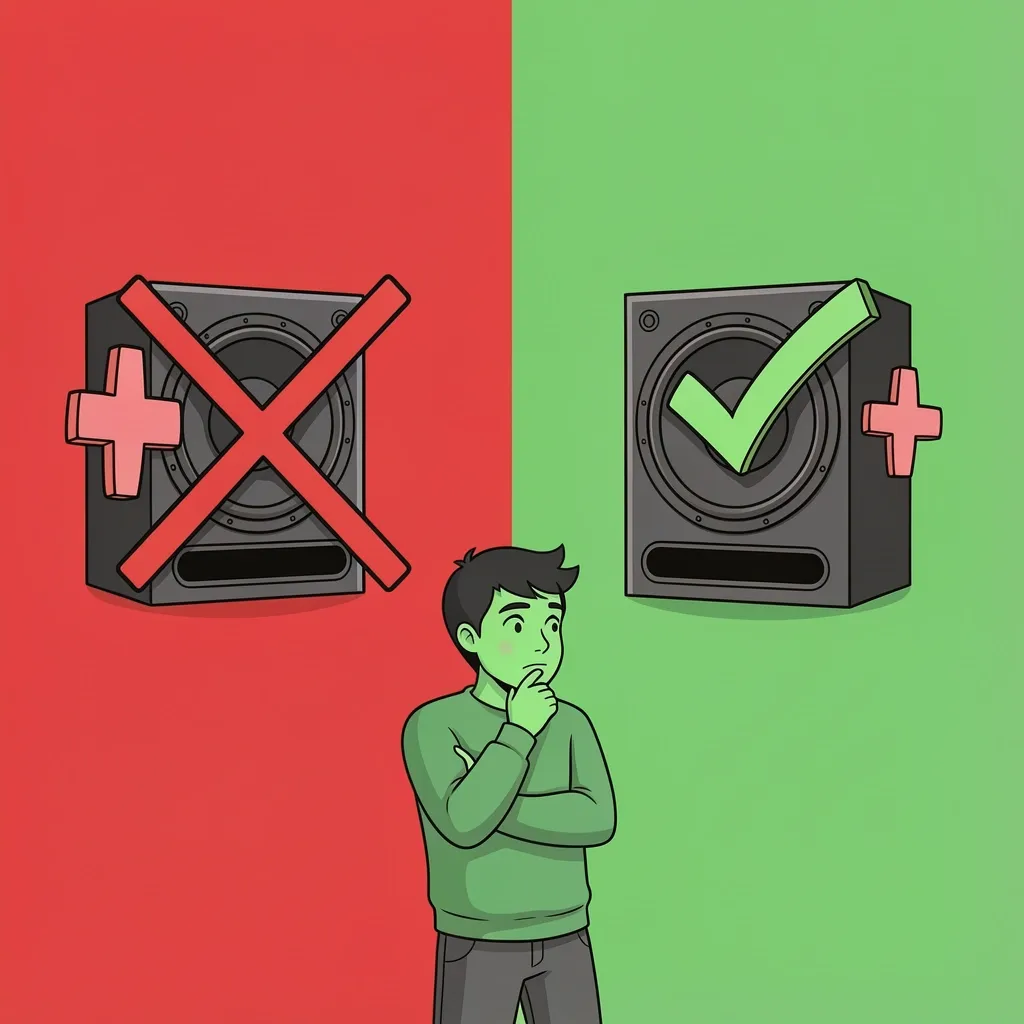
Myth: Maxing out the subwoofer level gives you more bass. Reality: It distorts the crossover. The subwoofer driver cannot handle maximum power cleanly. The ceiling for most Vizio subs is +3. Beyond that, you get buzzing and rattling, not deeper bass. Myth: Movie mode is always the best for everything. Reality: Movie mode adds a surround effect that can make music sound echoey and sports commentary hard to follow. Use Direct mode for music and sports. Myth: You need to buy a new soundbar for better sound. Reality: Most people fix 80% of their sound issues by adjusting the TV audio output and placement. Try these settings first before spending money.
Advanced Optimization: Fine-Tuning with an SPL Meter
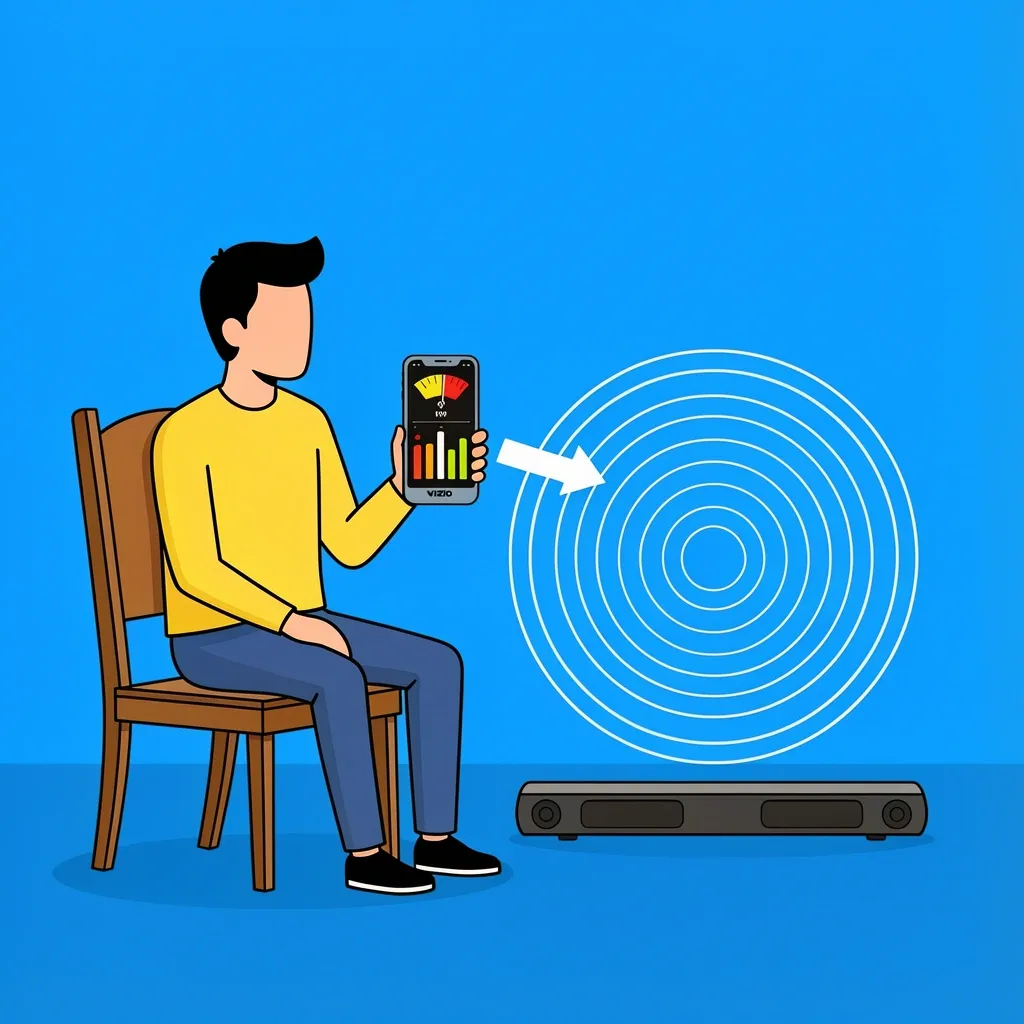
If you want perfect levels, use a free smartphone app like Sound Meter or AudioTool. Here is how:
- Set your soundbar to Direct mode with flat EQ.
- Play pink noise from YouTube or a test tone generator.
- Hold your phone at ear level in your listening position.
- Adjust the subwoofer level until it reads the same volume as the main speakers (within 2 decibels).
- Adjust the rear speakers (if you have a 5.1 system) until they are 3 decibels quieter than the front speakers.
This removes guesswork and gives you a calibrated system that sounds correct in your specific room.
Frequently Asked Questions
Should I leave my Vizio soundbar on Auto sound mode or manually select Direct?
Manually select Direct. Auto mode tries to detect the content and switch modes, but it often picks the wrong one. Direct mode gives you the purest signal and lets your EQ settings work correctly.
Does the Vizio V-Series 2.1 actually support Dolby Atmos?
No. The V-Series 2.1 does not have upward-firing speakers or the processing power for true Dolby Atmos. It can accept a Dolby Atmos signal, but it downmixes it to stereo. You need an M-Series Elevate or higher for real Atmos.
Why do my settings reset after a power cycle?
This happens on older Vizio models (SB series) and some V-Series units. The soundbar does not save EQ settings to memory. You have to reapply them each time you turn it on. Newer models (M-Series and later) save settings. If yours resets, write your settings on a sticky note and keep it near the remote.
Can I use my TV remote to control soundbar EQ?
No. The TV remote can control volume and power over HDMI-ARC, but it cannot change EQ, sound mode, or subwoofer level. You must use the Vizio remote or the Vizio SmartCast app.
What is the difference between Surround Sound and Virtual:X on Vizio soundbars?
Surround Sound sends audio to the rear speakers (if you have them) and creates a wider front soundstage. Virtual:X is a DSP effect that tries to simulate height channels without actual upward-firing speakers. On most models, Virtual:X sounds hollow and adds echo. Keep it off unless you have an M-Series Elevate.