How to Fix Vizio TV Sound Cutting In and Out
If your Vizio TV sound cuts in and out every few seconds, you are dealing with a frustrating problem that feels like a hardware failure. The video stays on perfectly, but the audio drops for a full second, then comes back. You are not alone, and you do not need to replace the speakers or buy a new TV. This guide walks you through the exact steps to stop the dropout, starting with the most likely cause and moving deeper only if needed.
Start with the Most Common Cause: Audio Format Mismatch
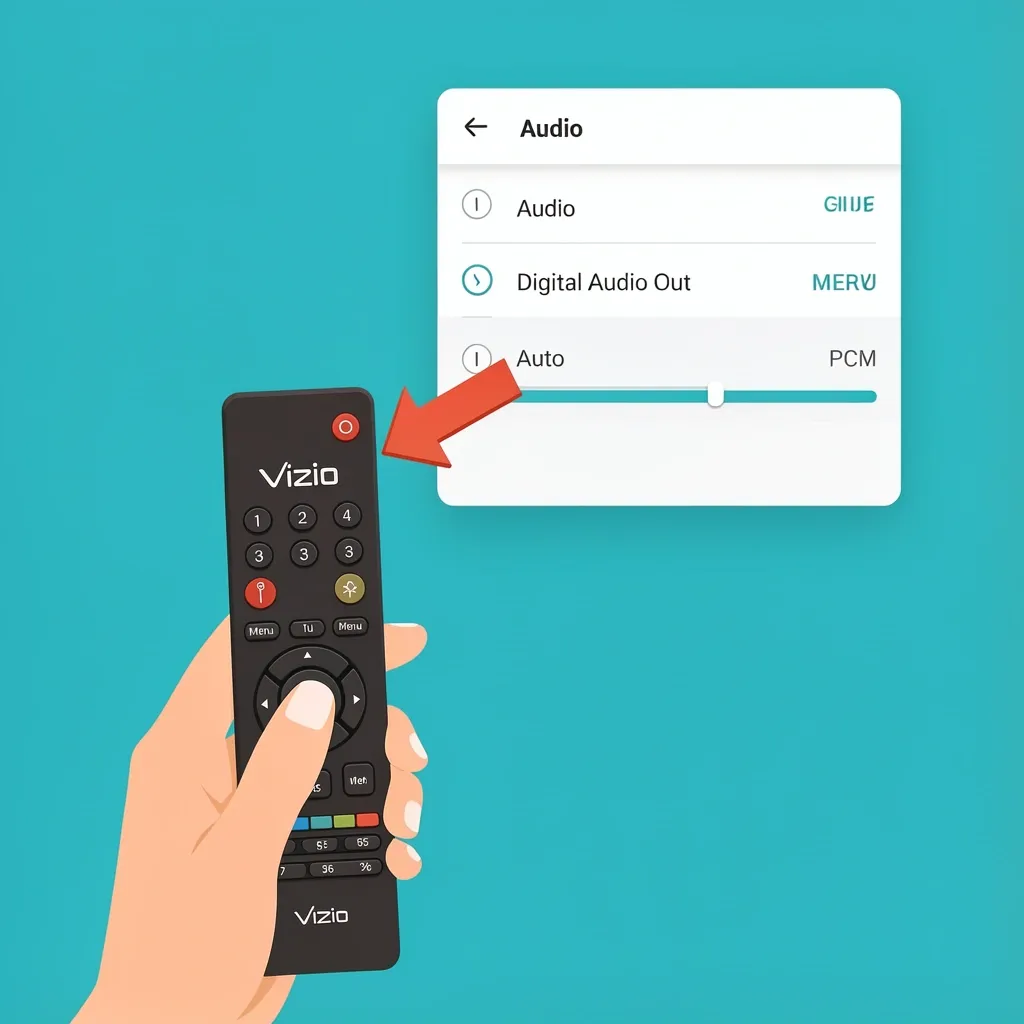
The first thing you do is check your TV's digital audio output setting. Vizio TVs often ship with the audio format set to "Auto." This setting tells the TV to detect the best format for whatever device you are using. The problem is that the TV re-negotiates the audio stream every time it detects a format change. That re-negotiation looks and sounds like a dropout: the audio cuts for a second, then resumes. To fix this:
- Press the Menu button on your Vizio remote.
- Go to Audio > Advanced Audio.
- Find Digital Audio Out.
- Change it from Auto to PCM.
PCM is a simpler, more stable audio format that your TV can handle without dropping out. This single change stops the dropout for most people, especially if you use a soundbar or external speaker system over HDMI.
Turn Off Volume Leveling and Dynamic Range Control
Your Vizio TV has a feature designed to make loud parts quieter and quiet parts louder. It is called Volume Leveling or Dynamic Range. The problem is that this feature sometimes overcorrects during silent moments. When a scene goes quiet, the TV thinks there is no audio and actually mutes the signal for a split second. That creates the sound cutting out behavior during quiet scenes, between YouTube clips, or during pauses in dialogue. Here is how to turn it off:
- Open the Menu.
- Go to Audio > Advanced Audio.
- Find Volume Leveling or Dynamic Range.
- Set it to Off.
If you see options like "Night Mode," "Movie Mode," or "Broadcast," choose "Broadcast" or "Off." Night Mode is the worst for this issue because it aggressively compresses the audio range.
Check Your HDMI ARC Connection
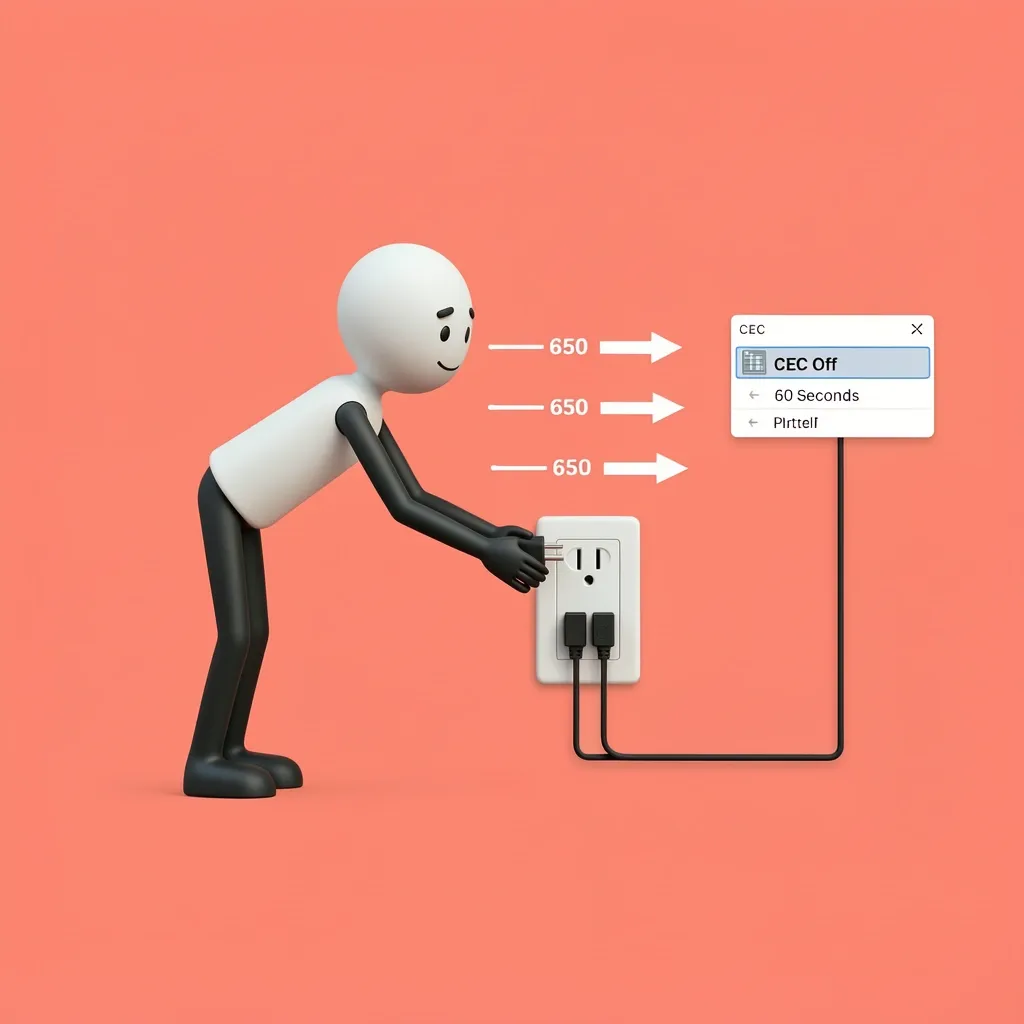
If you use a soundbar or home theater receiver connected through HDMI ARC, the dropout is often caused by a handshake issue between the TV and the external device. Every time the TV and the soundbar talk to each other to confirm the audio format, they can lose the connection for a second. This results in a repeating cycle of cutouts, usually every 15 to 30 seconds. To fix this:
- Press the Menu button.
- Go to System > CEC.
- Turn CEC off.
- Unplug the TV and the soundbar from power for 60 seconds.
- Plug them both back in and turn them on.
- Go back to the System > CEC menu and turn CEC back on.
This forces both devices to rebuild the connection from scratch. If the problem returns, test your soundbar using an optical cable instead of HDMI. Optical cables do not use ARC or CEC, so they bypass the negotiation process entirely.
Identify Whether the Problem Is Internal or External
A quick test will tell you exactly where the issue lives. Use the TV's built-in streaming apps, like Netflix or YouTube, and play any video. If the sound is stable, the problem is with an external device like your cable box, game console, or streaming stick. If the sound still cuts out, the problem is internal to the TV's audio processing system.
If the Sound Cuts on Internal Apps
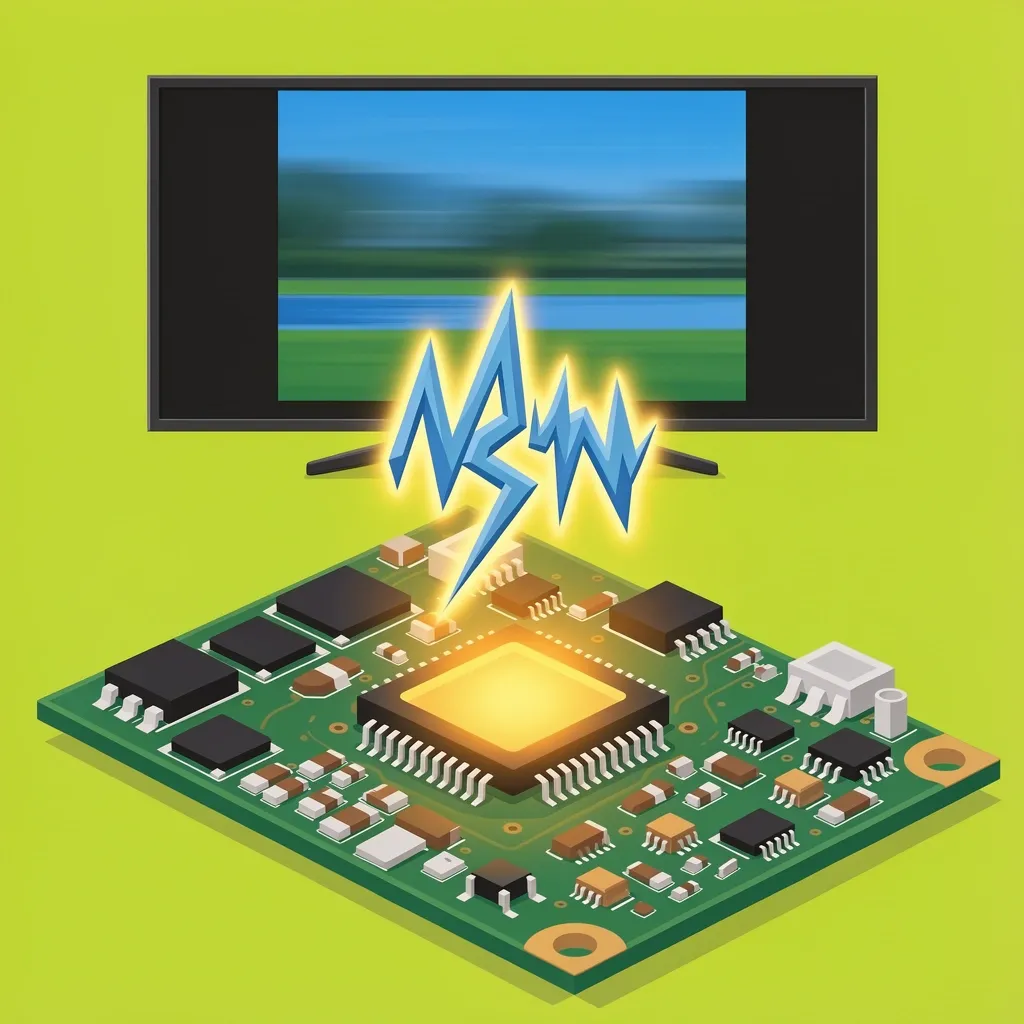
The issue is in the TV's main board, not the speakers. The audio amplifier chip on the main board can fail over time, especially on older models like the M-series or D-series. A failing chip will produce a consistent dropout pattern even when nothing is plugged into the TV. Replacing the main board is the fix here, not replacing the speakers.
If the Sound Cuts Only on External Devices
The problem is an HDMI handshake or EDID negotiation issue. EDID is the protocol that allows the TV and the external device to agree on what format to use. When the negotiation fails, the TV drops audio to re-negotiate. Try these steps:
- Plug the device into a different HDMI port on the TV.
- Use a different HDMI cable that is labeled High Speed or Premium High Speed.
- If using a game console, set the audio output to PCM in the console's settings.
What to Do When Nothing Else Works
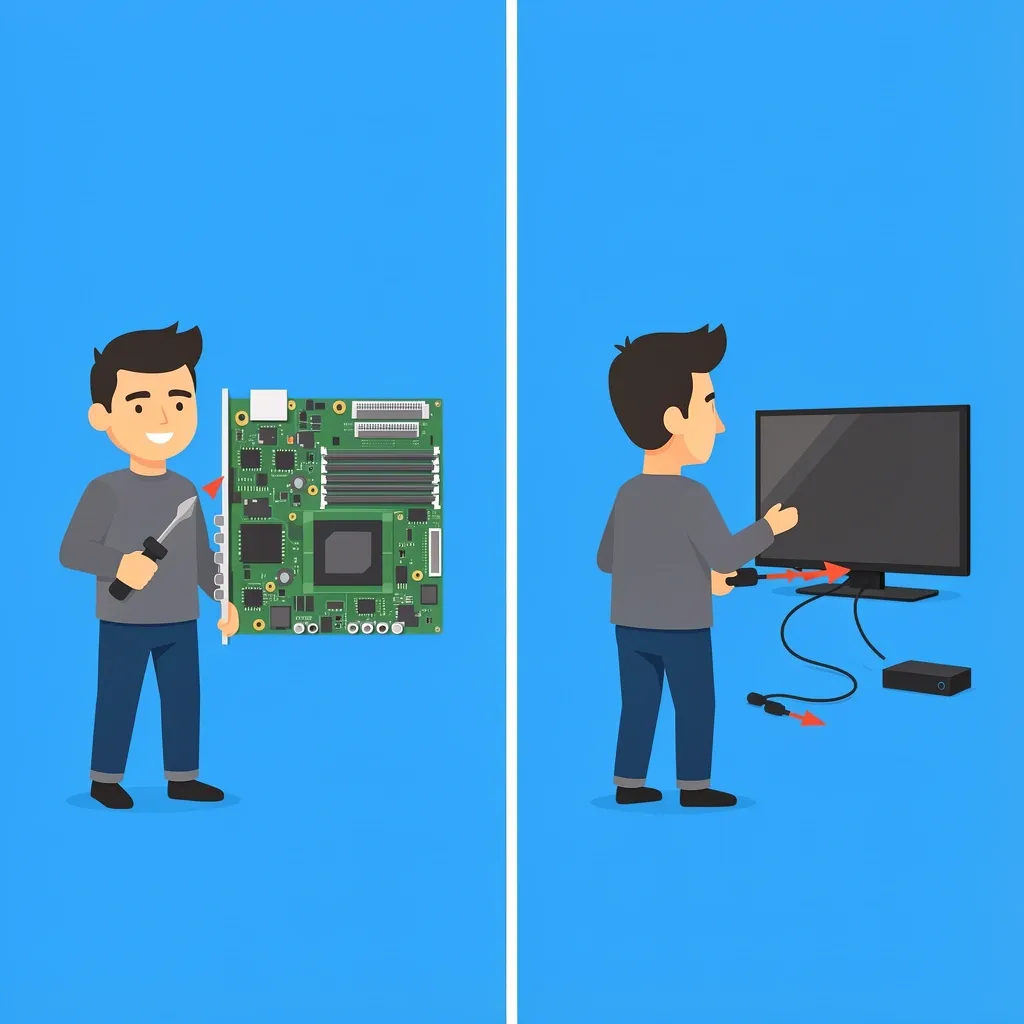
If you have changed the audio format to PCM, disabled Volume Leveling, and tested with an optical cable, the dropout likely comes from a hardware fault on the main board. You have two options:
- Replace the main board. You can find a replacement board online for your specific Vizio model. It costs less than a new TV and is the only permanent fix for a failing audio IC.
- Use an external audio device. Connecting a soundbar or receiver through optical audio completely bypasses the TV's internal audio processing. If the dropout only happens on internal speakers, this solves the problem without opening the TV.
Do not replace the physical speakers. If the sound cuts out for a second and comes back, the speakers are working fine. The problem is in the chip that sends the signal to the speakers, not the speakers themselves.
Frequently Asked Questions
Why does my Vizio TV sound cut out but the video stays on?
This confirms the problem is in the audio processing path, not the video or power supply. The video signal goes through a separate circuit. When audio drops alone, you are dealing with a handshake issue, a software setting, or a failing audio chip on the main board.
Will a factory reset fix the intermittent audio on my Vizio TV?
Yes, but only if the cause is a corrupted software cache or a setting conflict. A factory reset wipes all your picture and audio settings, including any changes you made to PCM or Volume Leveling. Try the other steps first, and only reset the TV as a last check before replacing hardware.
Can a faulty HDMI cable cause sound to drop every 15 seconds?
Yes. A damaged or low-speed HDMI cable can cause the TV to lose the digital audio signal. The TV then re-negotiates the connection, which looks like a one-second dropout. Test with a different cable before blaming the TV or your external device.
Does Vizio TV sound cutting out affect only certain models?
The M-series (like M551d-A2) and older D-series have a higher rate of actual audio chip failure. Newer V-series and P-series models usually show the software-driven throttle issue that is fixed by setting the audio format to PCM and turning off Volume Leveling.
What does "Digital Audio Out: Auto" actually do that causes drops?
"Auto" tells the TV to detect the best format for each device. When a device sends a different format than expected, the TV pauses the audio stream, re-samples the signal, and starts again. This pause is the dropout you hear. Locking the setting to PCM forces the TV to use one stable format and avoids this re-negotiation. One sentence to remember: 90% of Vizio intermittent audio is solved by toggling PCM and disabling Volume Leveling. If that fails, suspect the main board, not the speakers.