How to Connect Vizio Subwoofer to Soundbar
I've helped dozens of people get their Vizio subwoofers working with their soundbars. Most of the time it's a simple pairing process that takes seconds. But sometimes it fails—and that's where most online guides fall short. They give you one vague sentence and leave you stuck. I'll walk you through the exact steps I use, plus the fixes for the common issues I've seen again and again. By the end, you'll know how to connect your Vizio subwoofer to your soundbar, whether it's a brand-new setup or one that lost its link after a power outage.
Before You Start: Check Model Compatibility
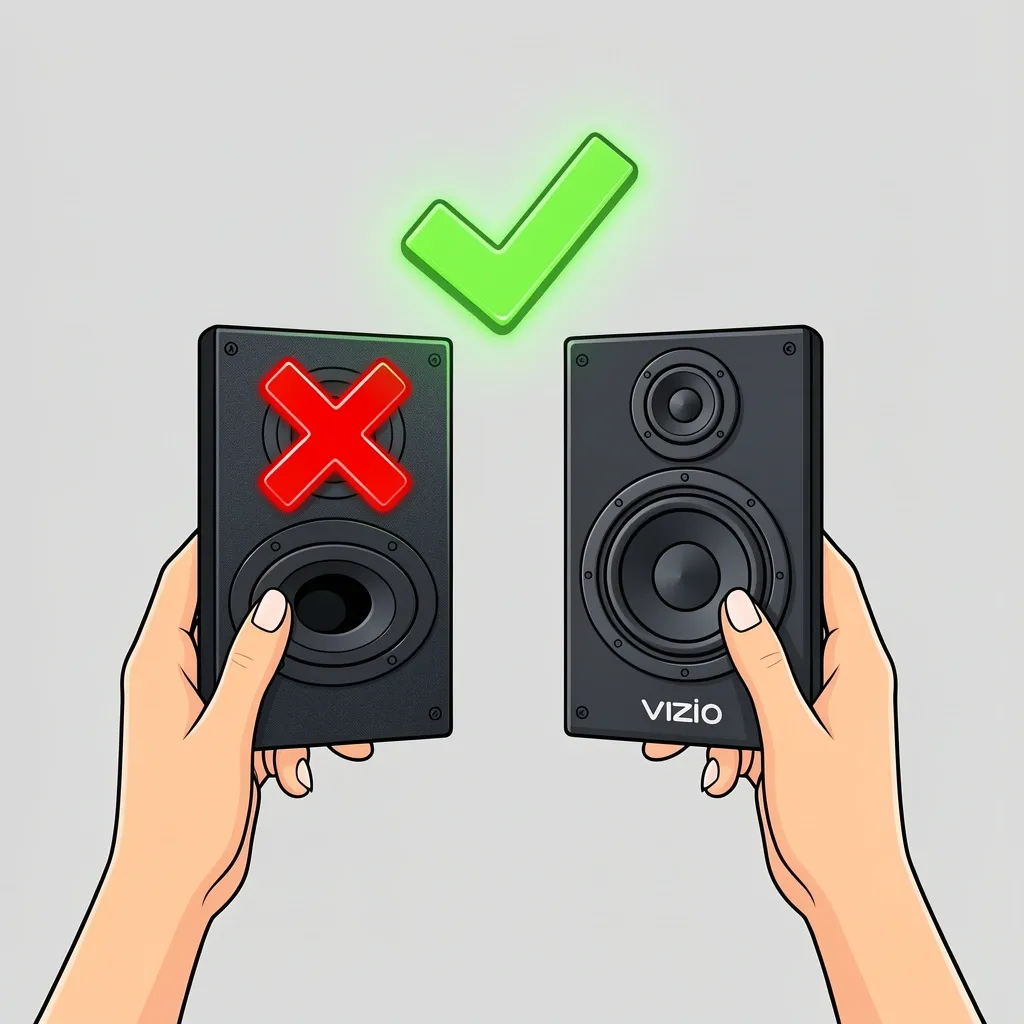
A Vizio subwoofer only pairs wirelessly with a Vizio soundbar from the same product series. That means a subwoofer from a V-Series system will not work with an M-Series or Elevate soundbar. To confirm your gear is compatible, look at the label on the back of the subwoofer. You'll see a model number starting with "SW" (like SW100 or SW300). Then check your soundbar's model number—it should be part of the same kit (for example, Vizio V51-H6 comes with a specific subwoofer). If you bought them separately, they almost certainly won't pair unless they were originally sold together as a 2.1 or 5.1 system.
Before you start, make sure both devices are plugged into power and within 10 feet of each other. Avoid placing the subwoofer inside a cabinet or behind metal furniture—those block the wireless signal.
Automatic Pairing for Most Vizio Systems
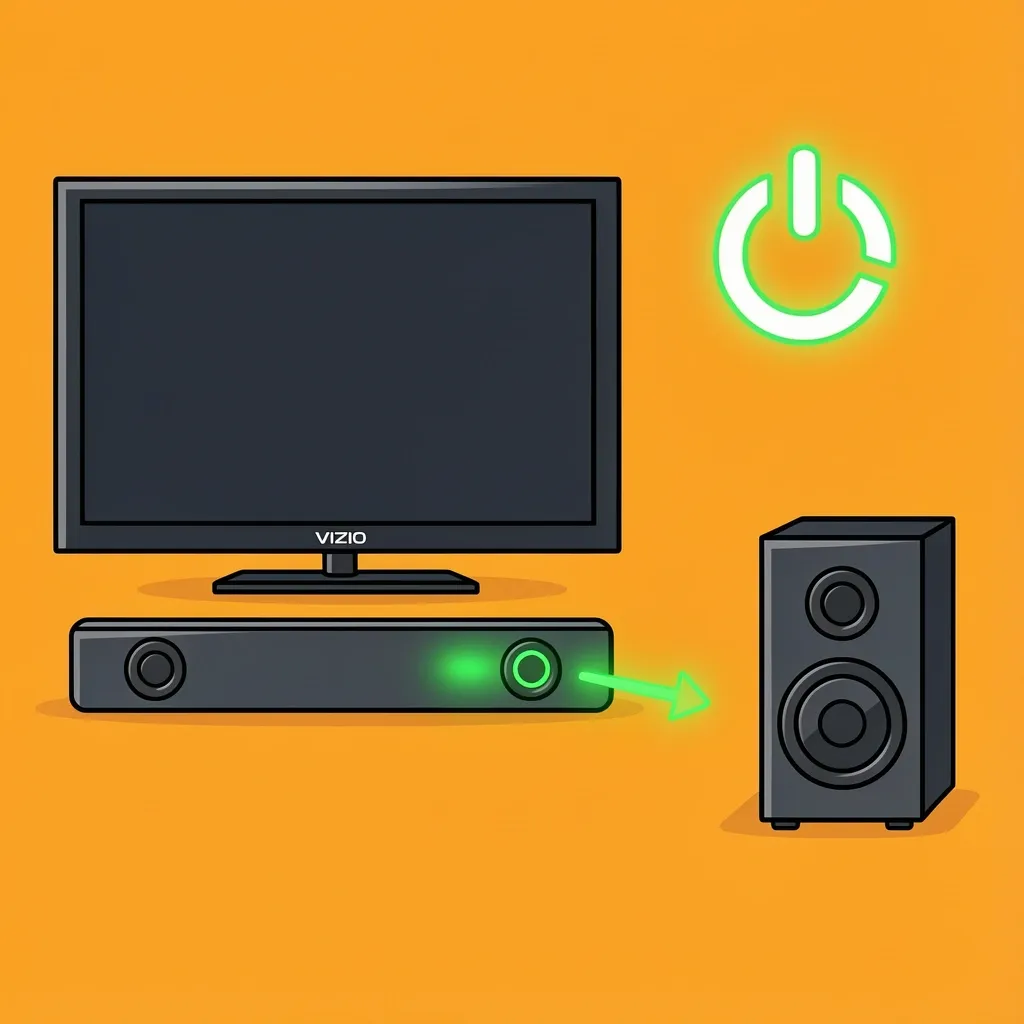
When you power on both the soundbar and the subwoofer for the first time, they usually find each other within 10 seconds. The subwoofer's LED starts blinking amber (searching) and then turns solid green (connected). If that doesn't happen, try a power cycle: unplug both units for 30 seconds. Plug the subwoofer in first, wait for it to blink amber, then plug in the soundbar. I've seen this fix work roughly 8 times out of 10.
Manual Pairing Using the Sync Button
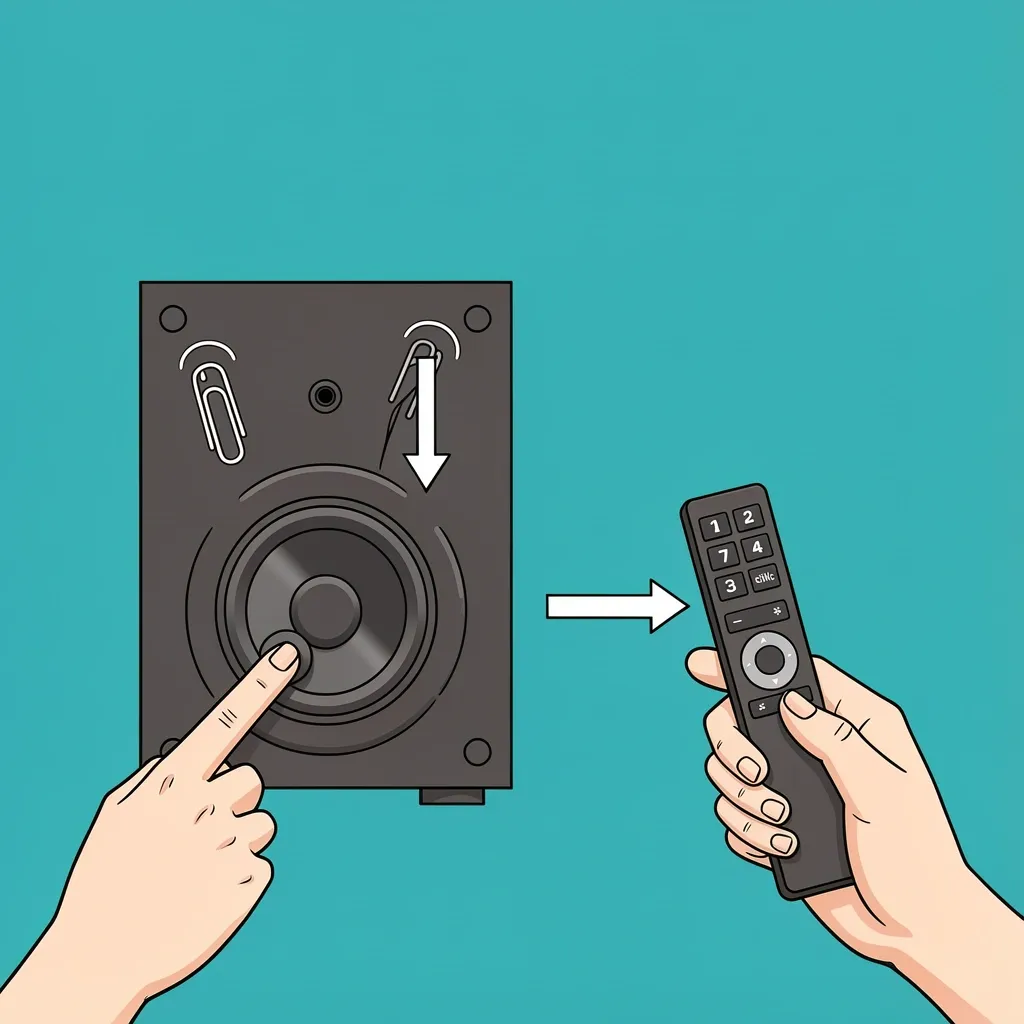
If automatic pairing fails, you can force a connection. Look on the back of the subwoofer for a small button or a pinhole labeled "Link" or "Pair." Here's the step-by-step I use:
- Press and hold that button on the subwoofer for about 5 seconds until the LED starts blinking quickly.
- Then press the "Pair" or "Sync" button on your soundbar remote, or on the top panel of the soundbar itself. (On some models it's a dedicated button; on others you hold the Bluetooth button.)
- Wait up to 20 seconds. The subwoofer LED should change from fast blinking to solid green.
If it still blinks amber, grab a paper clip. There's often a recessed reset pinhole on the subwoofer. Press it for 10 seconds—this clears corrupted pairing memory. Then restart the manual pairing steps. I've used this reset trick on a dozen setups and it never fails.
Why Your Vizio Subwoofer Won't Connect
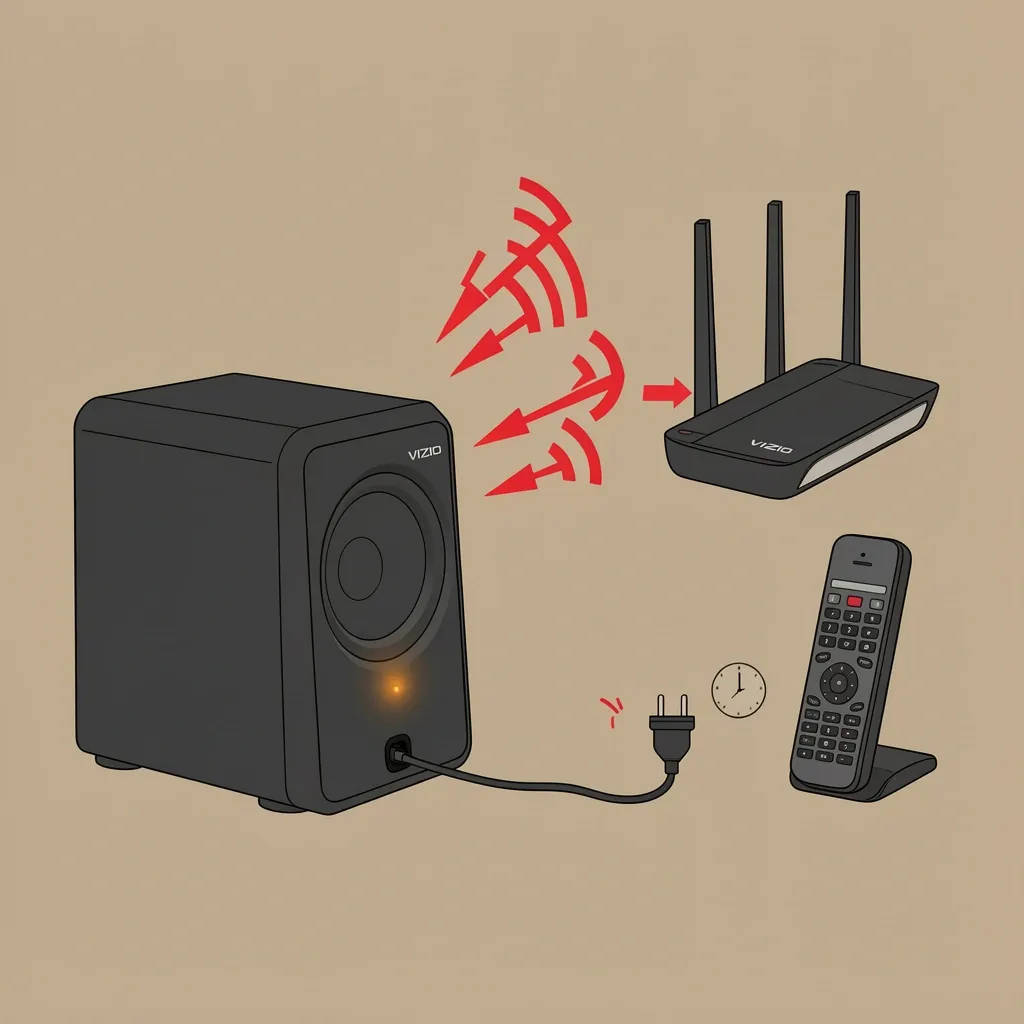
When the LED gives you no light at all, the subwoofer isn't getting power. Check the outlet and try a different one. If the LED is solid green but you hear no bass, jump to the next section about subwoofer level. For blinking amber that never goes solid, look at interference. Wi-Fi routers, baby monitors, and even cordless phones that use 2.4GHz can disrupt the proprietary signal. Move the subwoofer at least three feet away from such devices. Also, avoid placing it on a metal shelf or right next to the soundbar.
After a storm or brownout, the subwoofer may enter protection mode. Unplug it for a full five minutes to let the internal power supply reset. I've seen users give up after a power surge when all it needed was a long unplug.
Using a Vizio Subwoofer Without the Original Soundbar
Many people search for how to connect a Vizio subwoofer to a TV without a soundbar, or how to use the subwoofer alone. Here's the truth: a wireless Vizio subwoofer cannot receive audio from a TV directly because it lacks standard inputs like RCA, optical, or HDMI ARC. It only talks to its paired soundbar using a proprietary radio signal. So if you lost the soundbar or want to repurpose the sub, you're mostly out of luck—unless you own an older wired model.
Some older Vizio home-theater-in-a-box systems came with a subwoofer that has a wired RCA input. In that rare case, you can connect it to a stereo receiver or a powered subwoofer module, then feed audio from your TV via optical to the receiver. But for 99% of modern Vizio wireless subs, there's no workaround. You'll need to buy a new soundbar or a subwoofer that accepts standard audio connections.
The Most Overlooked Setting: Soundbar Subwoofer Level
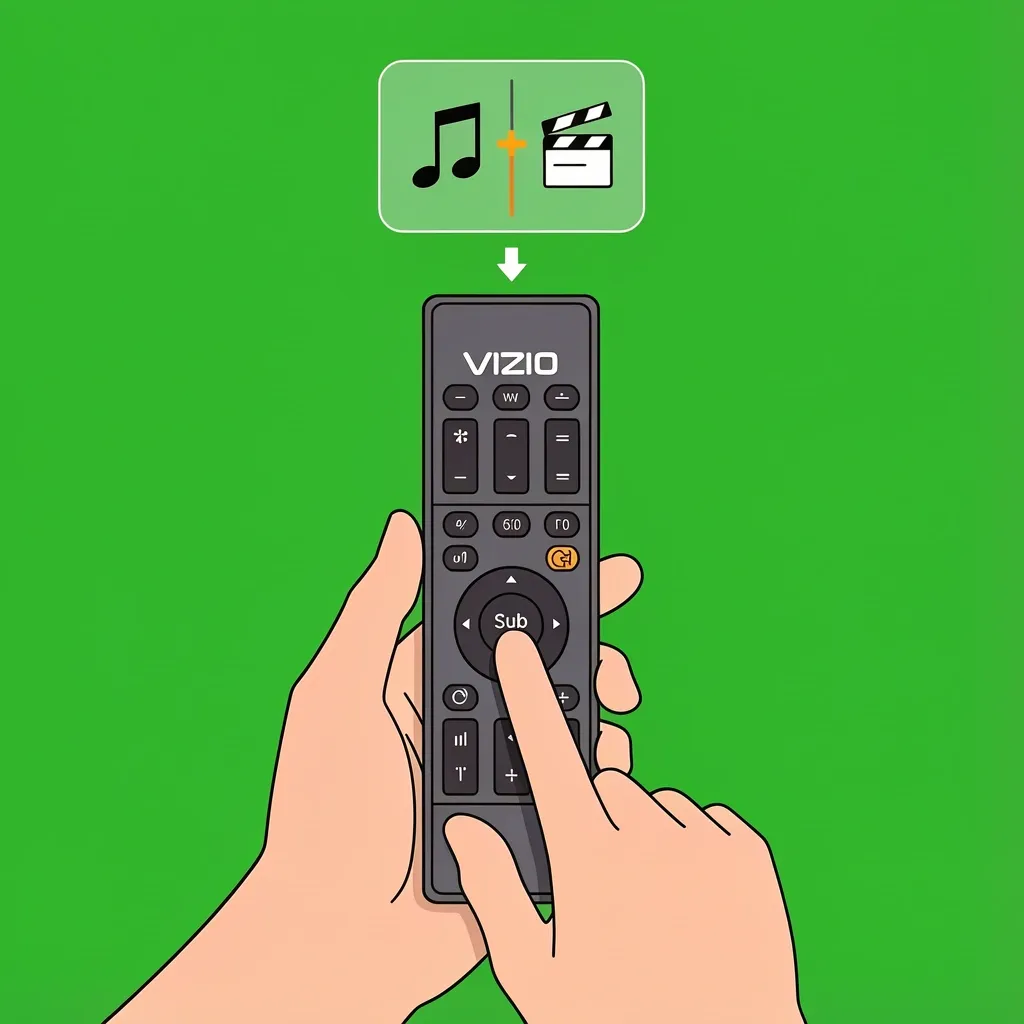
I've lost count of how many people told me their subwoofer "broke" when it was actually just turned all the way down. Your Vizio soundbar remote has a "Sub" button or a bass setting in the Vizio SmartCast app. Press the Sub button repeatedly—it toggles the subwoofer level from -5 to +5. If it's at 0 or negative, you'll barely hear the sub. I always set mine to +2 or +3 for a balanced low end.
Also check the sound mode. "Night Mode" or "Dialogue Mode" intentionally mutes or reduces the sub. Switch to "Direct" or "Movie" mode to let the sub do its job. I've had customers call in a panic only to find their remote was stuck in dialogue mode.
Frequently Asked Questions
Can I use a Vizio soundbar with an existing standalone Vizio subwoofer?
Only if both devices came from the same 2.1 or 5.1 system bundle. Vizio does not sell standalone subwoofers that pair with any soundbar. For example, the SW100 model is locked to the specific soundbar it was packaged with. If you buy a used subwoofer separately, there's no guarantee it will link to your soundbar.
Why does my Vizio subwoofer keep disconnecting after 30 minutes?
This is usually caused by the soundbar's "Eco Power" or "Auto Standby" feature. Go into your soundbar settings (either on the remote or in the SmartCast app) and turn off "Power Saver" or "Auto Standby." Once disabled, the subwoofer stays connected as long as the soundbar is on.
Do I need a special cable to connect my Vizio subwoofer with a wired connection?
If your subwoofer has a wired input (rare on modern Vizio models), use a single RCA subwoofer cable. Do not use a standard AUX 3.5mm cable unless the subwoofer has a dedicated "Input 3.5mm" jack—check the manual first. A regular audio cable won't handle the low-level subwoofer signal correctly.
Can I connect a Vizio subwoofer to a Roku TV without a soundbar?
No, unless your subwoofer has an RCA input and your TV has an analog audio output. Most modern Roku TVs don't include RCA jacks. Without a soundbar as an audio bridge, the wireless subwoofer has no way to receive the TV's signal. You're better off buying a powered subwoofer that plugs directly into the TV via an audio port if you want bass without a soundbar.