Vizio Sound Bar Subwoofer Not Connecting
I have owned several Vizio sound bars over the years, and I know the specific frustration when the subwoofer just stops working. The sound bar plays fine, but the bass is gone. Before you assume the subwoofer is broken, try the quick fix that works most of the time.
Quick Fix: Power Cycle and Re-Pair
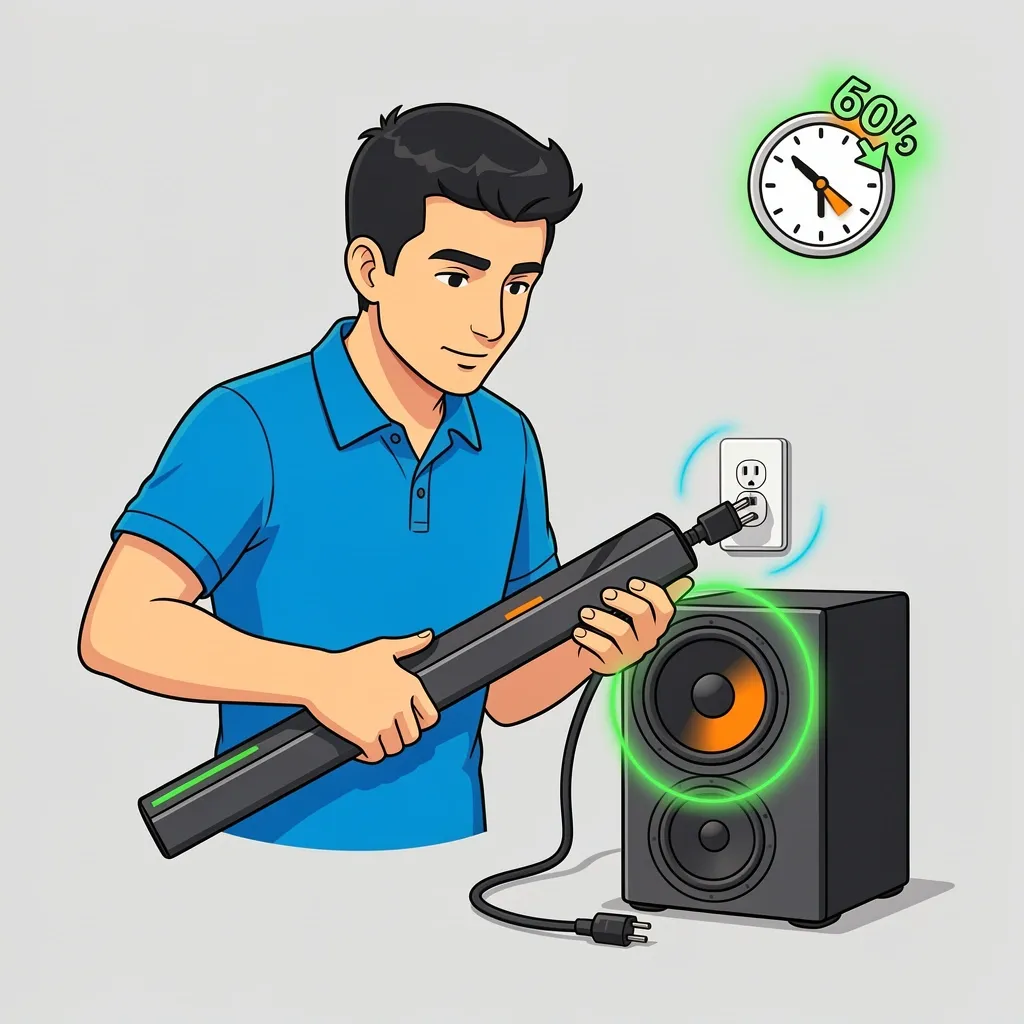
This single step solves the connection problem in about seven out of ten cases. Do this before anything else.
- Unplug both the sound bar and the subwoofer from power.
- Wait 60 seconds.
- Plug the subwoofer back in first.
- Plug the sound bar back in.
- Press and hold the pairing button on the back of the subwoofer for five seconds.
- Wait up to two minutes for the LED to turn solid.
If the LED on the subwoofer changes from blinking to solid, you are done. If not, move to the next section.
Why Your Vizio Sound Bar Subwoofer Is Not Connecting
Understanding the cause helps you pick the right fix. Here are the most common reasons:
Power surges or unplugging. The subwoofer loses its pairing memory when power is cut suddenly. This is the most frequent cause.
Wireless interference. Vizio subwoofers use the 2.4 GHz band. That is the same frequency many Wi-Fi routers, cordless phones, and baby monitors use. If the subwoofer is too close to these devices, the signal gets blocked.
HDMI-CEC conflicts. When your TV controls the sound bar through HDMI-CEC, it can interfere with the subwoofer pairing. The sound bar thinks it is connected to the TV, so it ignores the subwoofer.
Firmware glitch. A sound bar software update can reset the pairing list. The subwoofer is still on the old firmware, so they no longer talk to each other.
LED Diagnosis: What the Light Tells You
The subwoofer LED on the back panel is your main diagnostic tool. Look at it carefully before you start troubleshooting.
| LED Behavior | What It Means | What To Do |
|---|---|---|
| Solid amber | Paired and idle | Your connection is fine. Check the sound bar volume and source. |
| Slow blink (once per second) | Searching for the sound bar | Put both devices closer together and re-pair. |
| Fast blink (multiple times per second) | Pairing failed | Power cycle both devices and try again. |
| Off | No power or deep sleep | Check the power cable and outlet. Press the power button if it has one. |
| Blinking then goes off | Interference or weak signal | Move the subwoofer closer to the sound bar. Remove nearby electronics. |
Basic Pairing Reset by Model Type
Vizio uses two different pairing methods depending on the model. Using the wrong one will waste your time.
For 2.1 Channel Models (SB2920, SB3621, SB3821)
These models have a physical pairing button on the back of the subwoofer.
- Turn off the sound bar.
- Press and hold the pairing button on the subwoofer until the LED starts blinking rapidly.
- Turn the sound bar back on while the subwoofer is blinking.
- Wait 90 seconds for the LED to go solid.
For 5.1 Channel Models (SB3651, SB4051, SB3851)
These models use a small pairing hole instead of a button.
- Unplug the sound bar from power.
- Insert a paperclip into the pairing hole on the back of the subwoofer and hold for 10 seconds.
- Plug the sound bar back in.
- The subwoofer should pair automatically within two minutes.
Advanced Troubleshooting for Persistent Problems
If the basic steps did not work, try these fixes in order.
Wireless Interference
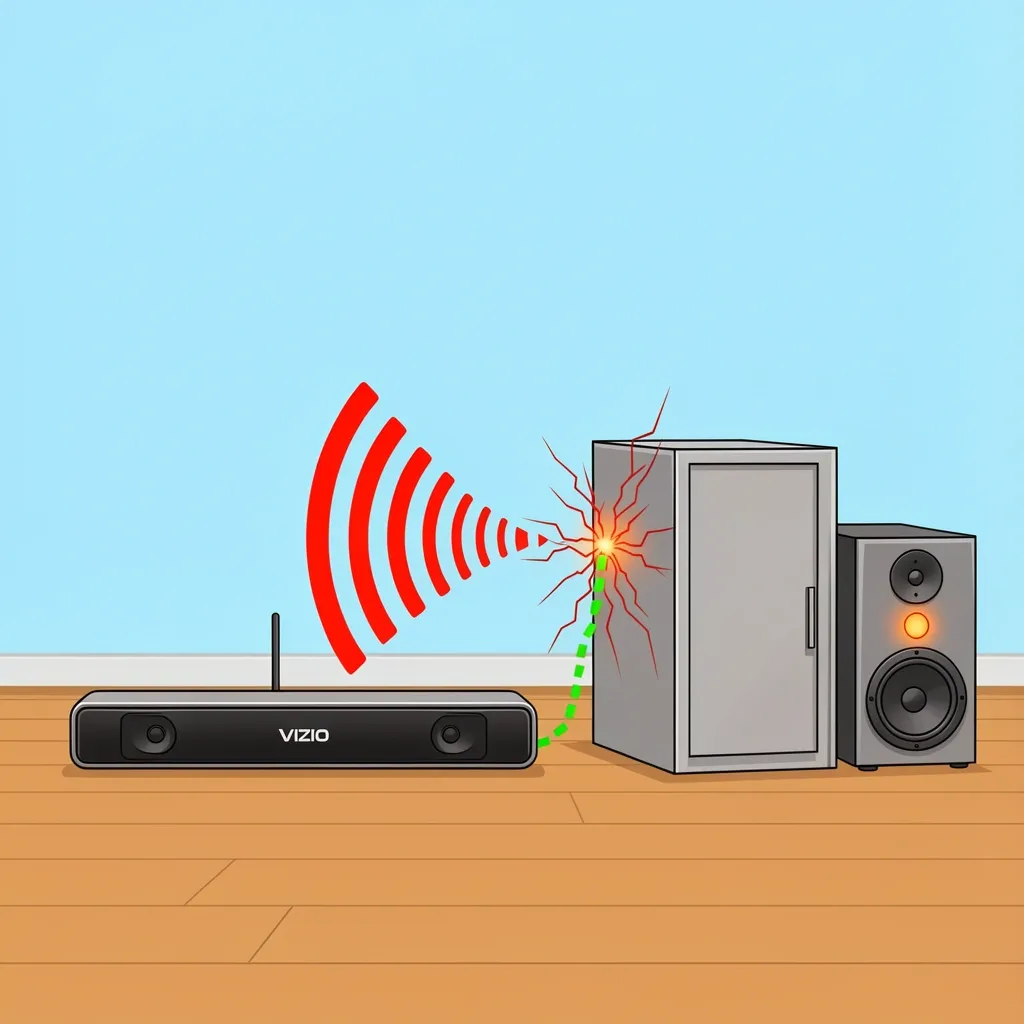
Move the subwoofer away from your Wi-Fi router by at least six feet. If your router sits on your TV stand, place the subwoofer on the floor on the opposite side of the room. Metal furniture, large mirrors, and concrete walls also block the wireless signal.
Try turning off your Wi-Fi temporarily to test. If the subwoofer pairs while Wi-Fi is off, you know interference is the issue. Change your router to a different channel or move the subwoofer further away.
HDMI-CEC Toggle
HDMI-CEC lets your TV remote control the sound bar volume. But it can also keep the subwoofer from connecting.
- Go to your TV settings menu.
- Find the HDMI-CEC setting. It might be called "CEC," "Anynet+," "Bravia Sync," or "Simplink" depending on your TV brand.
- Turn it off.
- Power cycle both sound bar and subwoofer.
- Try pairing again.
If the subwoofer connects with CEC off, you can leave it off or try turning it back on later to see if the pair holds.
Factory Reset the Sound Bar
This erases all settings and returns the sound bar to out-of-box condition. You will need to set up your audio preferences again.
- Unplug the sound bar from power.
- Press and hold the "Power" and "Volume Up" buttons on the sound bar itself (not the remote).
- While holding those buttons, plug the sound bar back in.
- Continue holding the buttons until the sound bar LEDs flash, then release.
- The sound bar will restart in factory default mode.
- Pair the subwoofer using the standard procedure for your model.
Firmware Update via USB
Vizio releases firmware updates that fix pairing bugs. Check your sound bar model number on Vizio's support website. If a newer firmware exists, download it to a USB drive.
- Format a USB drive to FAT32.
- Copy the firmware file to the root of the drive.
- Turn off the sound bar.
- Plug the USB drive into the sound bar.
- Turn the sound bar on. It will automatically detect and install the update.
- Do not unplug the sound bar during the update.
Myths About Pairing That Keep Your Subwoofer Disconnected
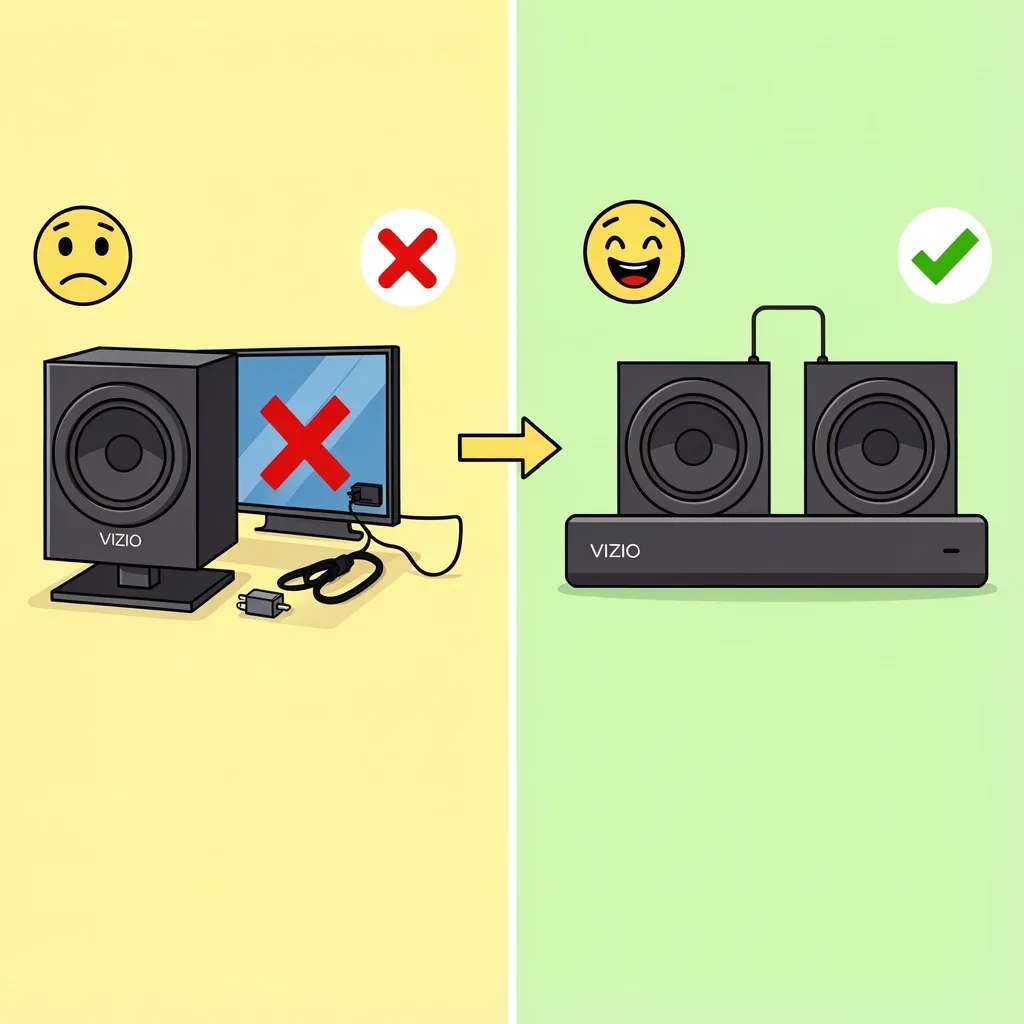
I have seen incorrect advice repeated in forums and even in some support articles. Here is the truth.
Myth: You must pair the subwoofer while the sound bar is connected to the TV.
Reality: Pair the subwoofer in standalone mode first. Connect the sound bar to the TV only after the subwoofer shows a solid LED.
Myth: If the LED is off, the subwoofer is broken.
Reality: The subwoofer may be in deep sleep mode or the power supply may have a loose connection. Check the power cable at both ends. Try plugging it into a different outlet.
Myth: All Vizio subwoofers use the same pairing procedure.
Reality: 2.1 models use a pairing button. 5.1 models use a pairing hole with a paperclip. Some newer models pair automatically when both devices are powered on. Check your manual.
Myth: A firmware update always makes things better.
Reality: Sometimes a new firmware resets the pairing list. That is why the subwoofer stops working after an update. Simply re-pair it and it will work again.
How to Verify Your Subwoofer Is Actually Working
Even when the LED shows solid, sometimes the subwoofer produces no sound. Test it with these methods.
Test tone method. Play a bass-heavy song you know well. Stand near the subwoofer and listen for air movement from the port. You should feel the bass physically.
Volume test. Go into the sound bar audio settings and raise the subwoofer level to maximum. If you hear a difference, the subwoofer works. Lower it to your normal level.
Isolation test. Turn the sound bar volume all the way down. Play any audio. If the subwoofer produces sound independently, you will hear it clearly.
Frequently Asked Questions
How do I tell if my subwoofer is in pairing mode?
The LED on the back of the subwoofer blinks slowly about once per second. If it blinks fast, the pairing attempt is happening but failing. If the LED stays off, the subwoofer is not getting power or is in deep sleep.
Can a sound bar software update break the subwoofer connection?
Yes. Firmware updates can reset the pairing list on the sound bar. If your subwoofer stopped working right after a sound bar update, simply re-pair it using the procedure for your model. The connection will restore.
Why does my subwoofer work for a few minutes then disconnect?
This is almost always wireless interference. Something in your room is blocking or disrupting the 2.4 GHz signal. Move the subwoofer closer to the sound bar. Turn off nearby Wi-Fi routers, cordless phones, or Bluetooth speakers to test. Also check if the subwoofer is on a metal surface, which can block the signal.
My Vizio sound bar is connected via optical – will the subwoofer still pair?
Yes. The wireless pairing between the sound bar and subwoofer is independent of the audio input cable. Whether you use optical, HDMI, or RCA, the subwoofer pairs the same way. If the subwoofer does not pair, the problem is not your connection cable.
If you have tried all the steps here and the subwoofer still will not connect, the issue is likely a hardware failure. Contact Vizio support for warranty service. But in my experience, most cases resolve with a simple power cycle and re-pair. Start there and work through the steps in order. You will likely have your bass back in ten minutes.