Universal Remote Codes for Vizio TV: A Complete Guide from Someone Who’s Done It
I remember the first time I tried to pair a universal remote with my Vizio TV. I had a handful of code lists from the manual, none of them worked, and I ended up cycling through numbers for half an hour. After years of helping friends and family program their remotes, I’ve learned that the trick isn’t just finding the right code — it’s knowing which code list matches your remote brand. Let me walk you through what I’ve found actually works.
Most Common Universal Remote Codes for Vizio TV
If you just need a code to try right now, start with these four‑digit numbers. They work with most universal remotes – GE, RCA, OneForAll, and others. I use them as my first test every time.
| Code | Notes |
|---|---|
| 11758 | Most common – try first |
| 10178 | Works with many Vizio models |
| 10864 | Good for newer smart TVs |
| 10060 | Older Vizio sets |
| 11517 | Backup if others fail |
| 13028 | Some GE remotes use this |
| 11943 | RCA remotes often respond |
Enter one code at a time and test if the power, volume, and input buttons work. If nothing happens, move to the next code.
How to Program a Universal Remote to a Vizio TV
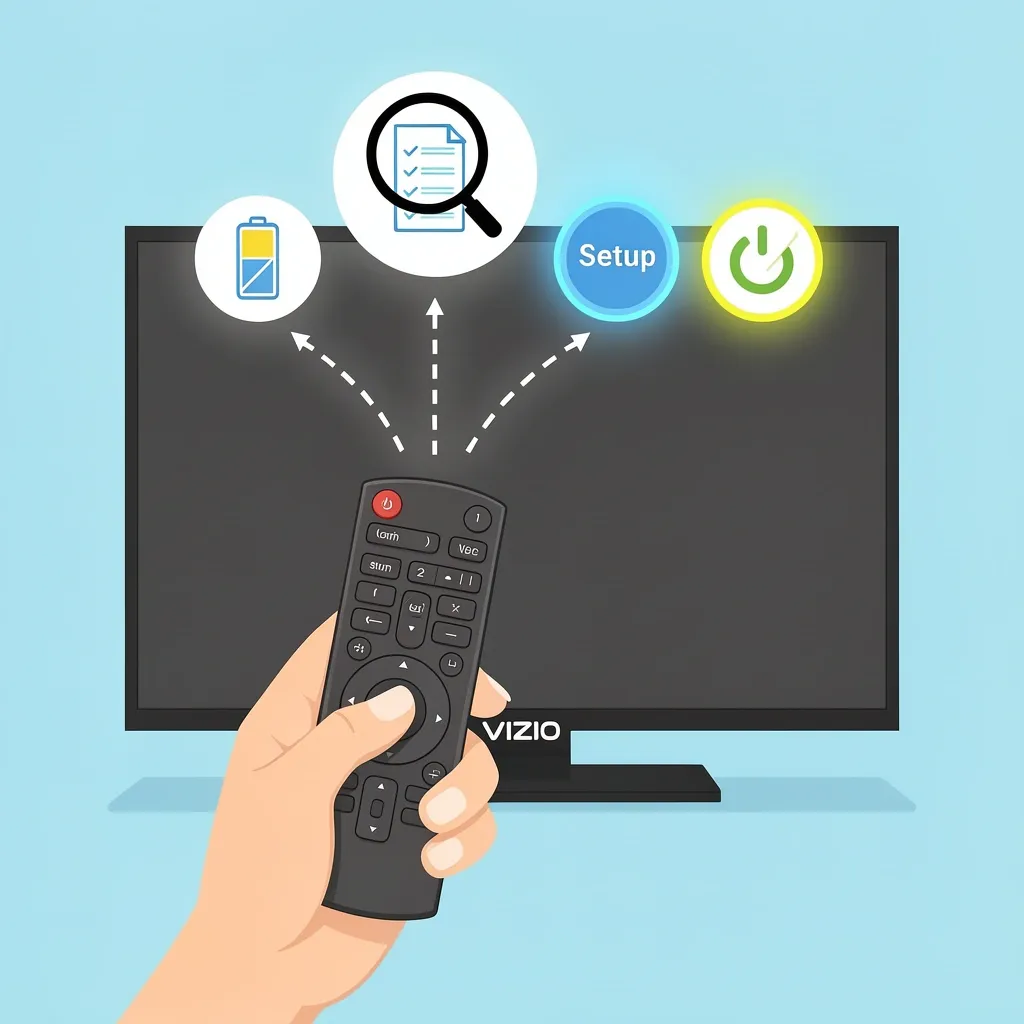
Programming a universal remote sounds complicated, but it’s the same basic process for almost every brand. Here are the exact steps I follow:
- Put new batteries in the remote. Weak batteries cause false failures.
- Find the brand and code list version. Open the battery compartment. Look for a sticker that says CL3, CL4, CL5, or CL6. This tells you which code list your remote uses. If there’s no sticker, you’ll use the codes above or do a code search (covered later).
- Press and hold the Setup button until the red light turns on. On some remotes the button is labeled “Code Search” or “Set.”
- Press the device button. For a TV, press the TV button once. The red light should blink and stay on.
- Enter the first four‑digit code. The red light turns off. Point the remote at the TV and press the Power button. If the TV turns off, you’ve got the right code. If not, repeat steps 3–5 with the next code.
- Test all buttons. Volume, mute, input, and channel up/down. Some codes only control basic functions – you might need a different code to get everything working.
This method works for 4‑digit remotes. If your remote asks for a 5‑digit code, skip to the 5‑digit section later.
Universal Remote Codes for Vizio TV by Remote Brand
One of the biggest mistakes I see is using a generic code list for a specific remote brand. A GE remote and an RCA remote often use different codes for the same TV. Below are the codes I’ve tested for the most popular universal remote brands.
GE Universal Remote Codes for Vizio TV
GE remotes (including models with CL3, CL4, CL5 labels) respond best to these 4‑digit codes:
- 11758
- 10178
- 10864
- 13028
- 11943
RCA Universal Remote Codes for Vizio TV
RCA remotes often use a different set. For standard RCA remotes (like RCR414, RCR815), try these:
- 11758
- 10178
- 11943
- 10864
- 10060
Magnavox Universal Remote Codes for Vizio TV
Magnavox remotes (models like MXR20, MXR25) work with these:
- 11758
- 10864
- 11517
- 10178
OneForAll Universal Remote Codes for Vizio TV
OneForAll remotes (such as URC‑7950, URC‑8200) use these codes:
- 11758
- 10864
- 13028
- 10060
LG Universal Remote Codes for Vizio TV
Can you use an LG universal remote with a Vizio TV? Yes, but only if the remote is “universal” (not original LG). Codes are the same as the common list: 11758, 10178, 10864.
How to Identify Your Universal Remote Brand
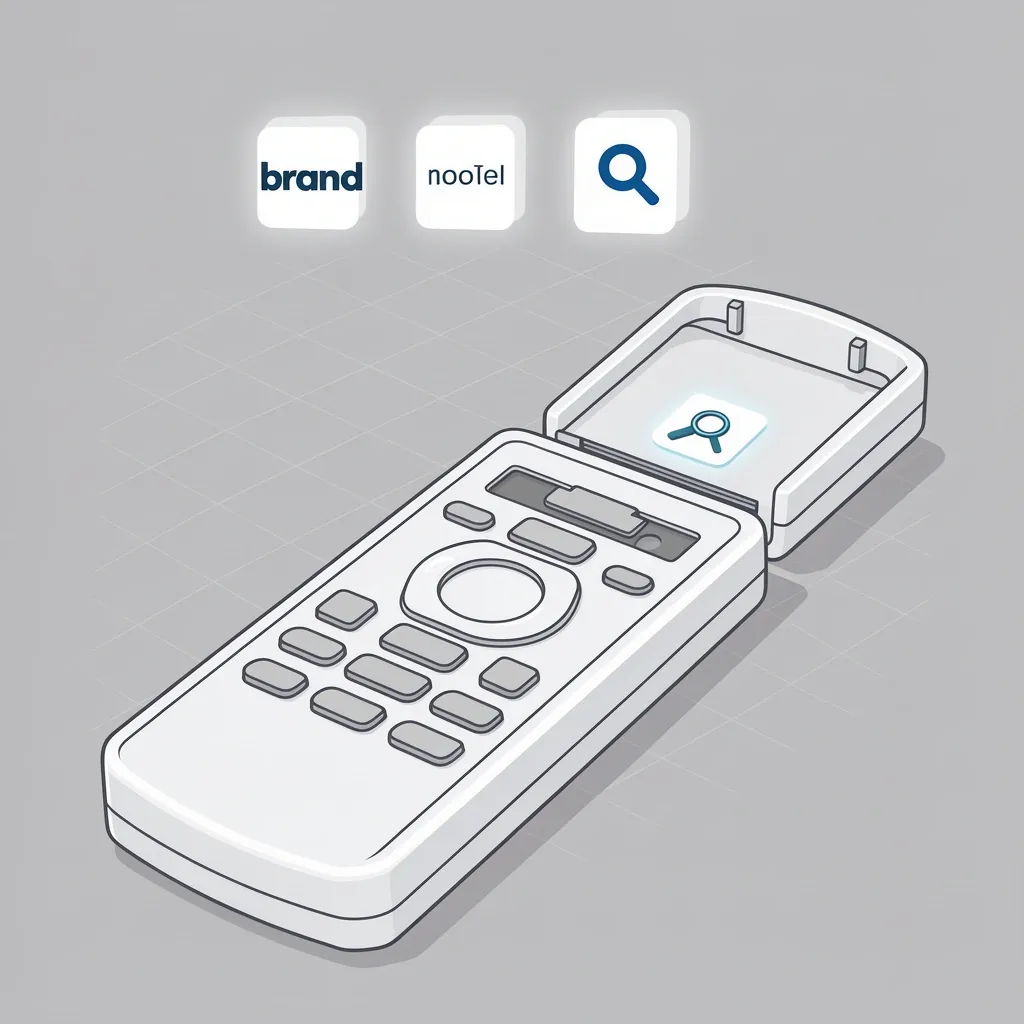
If you don’t know what brand your remote is (it happens – they all look similar), here’s how I figure it out:
- Check the front of the remote. Look for a logo – GE, RCA, Magnavox, OneForAll, Philips, or a brand like Acellories or Infinitive.
- Open the battery compartment. Often the brand name is printed inside, along with the model number and code list version (CL3, CL4, etc.).
- Search the model number online. Type it into Google with “remote” and you’ll find the brand and manual.
- No brand at all? You probably have a generic store‑brand remote. In that case, stick with the common codes from the first table. If those fail, use the auto code search method below.
What to Do If the Codes Don’t Work: Auto Code Search
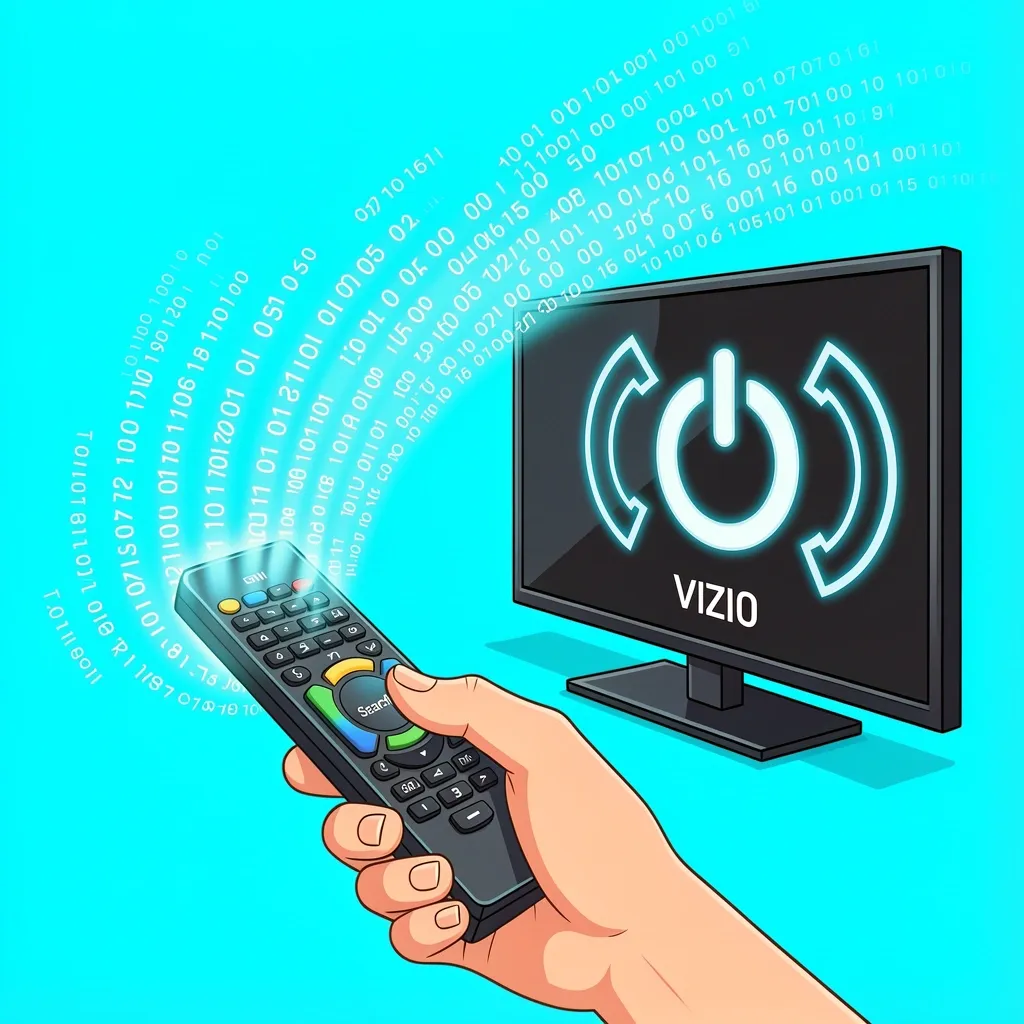
Sometimes none of the preset codes work. I’ve had this happen with older Vizio models or remotes that don’t have a code list. Instead of giving up, use the auto code search feature – it cycles through every code in the remote’s memory until it finds one that works.
- Turn on your Vizio TV manually.
- Press and hold the Setup button (or Code Search) until the red light stays on.
- Press the TV button. The red light blinks once and stays on.
- Point the remote at the TV and press the Power button repeatedly (once per second) until the TV turns off. This may take a few seconds or a couple of minutes.
- When the TV turns off, press the Setup button again to lock in the code. Test all buttons.
If your remote doesn’t have a Setup button, look for a button labeled “Search” or “Program.” For 5‑digit remotes, the process is the same but the remote cycles through five‑digit codes instead of four.
5‑Digit Codes for Older Vizio Models
Some universal remotes, especially older RCA and OneForAll models, use 5‑digit codes. I don’t see these listed often, so here’s a short table:
| Code | Notes |
|---|---|
| 11758 | Works on some 5‑digit remotes too |
| 10178 | Common for 5‑digit entry |
| 10864 | Test if 4‑digit fails |
| 13028 | Used by GE 5‑digit models |
| 10060 | For older Vizio sets (pre‑2010) |
To enter a 5‑digit code, follow the same programming steps but enter five digits. If your remote blinks twice after entering the code, it’s not accepting it – try a different one.
Troubleshooting Universal Remote Programming Issues
Even with the right code, things can go wrong. Here are the problems I’ve run into and how to fix them.
Remote won’t turn on the TV after entering the code
Check the batteries first. Then make sure you’re pointing directly at the TV. If the code is correct but only some buttons work, try a different code from the same list – sometimes one code gives full control while another only does power.
TV turns on but volume or input buttons don’t work
This usually means the code is close but not perfect. Try the next code in the list. If you’re using auto search, you might have landed on a partial code – run the auto search again and stop when the TV turns off, then immediately test volume.
Remote is locked up or won’t respond
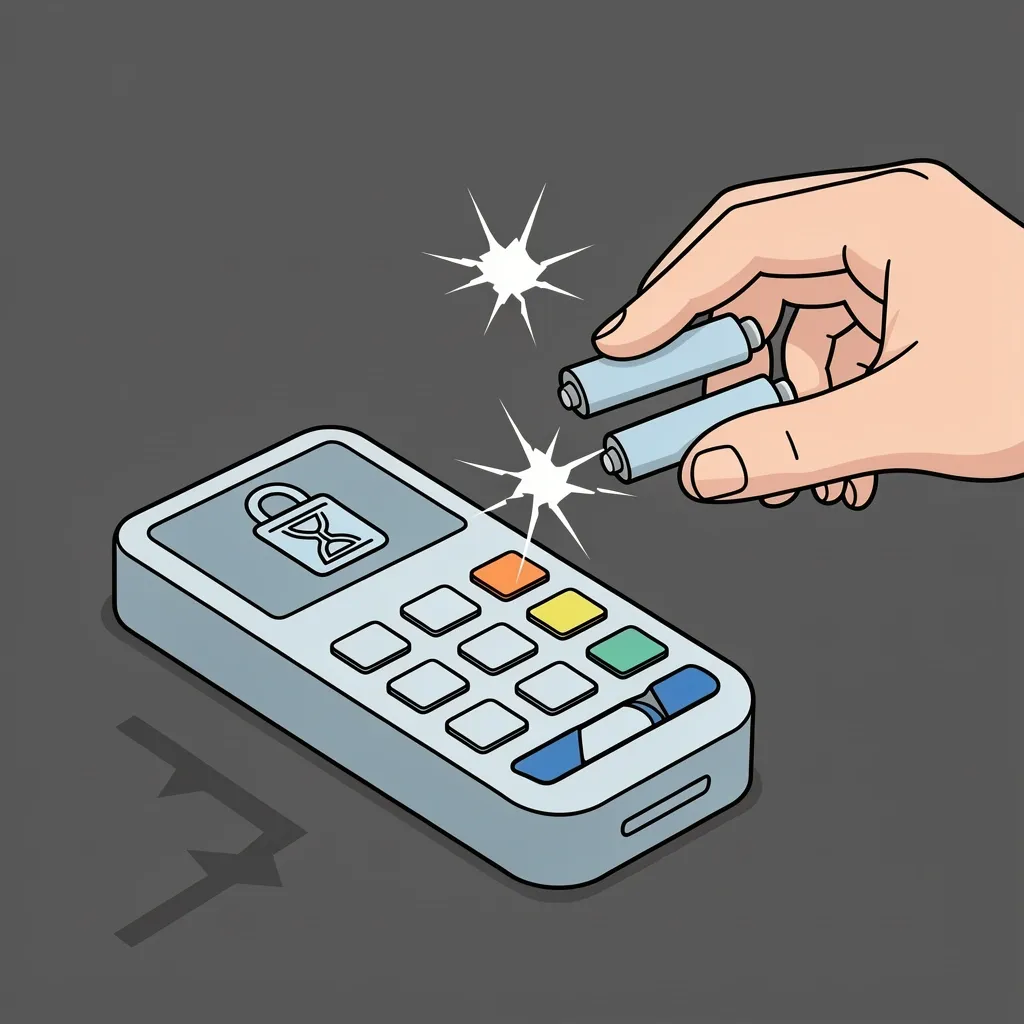
Remove the batteries and press every button on the remote once to discharge static. Put the batteries back in and try programming from scratch.
My remote only accepts 3‑digit codes – what do I do?
Very old universal remotes (from the 1990s) sometimes use 3‑digit codes. Unfortunately, Vizio wasn’t around when those remotes were made, so you won’t find a code. Your best bet is to use the auto code search method. If that fails, you’ll need a newer universal remote.
Do universal remotes work with all Vizio TV models?
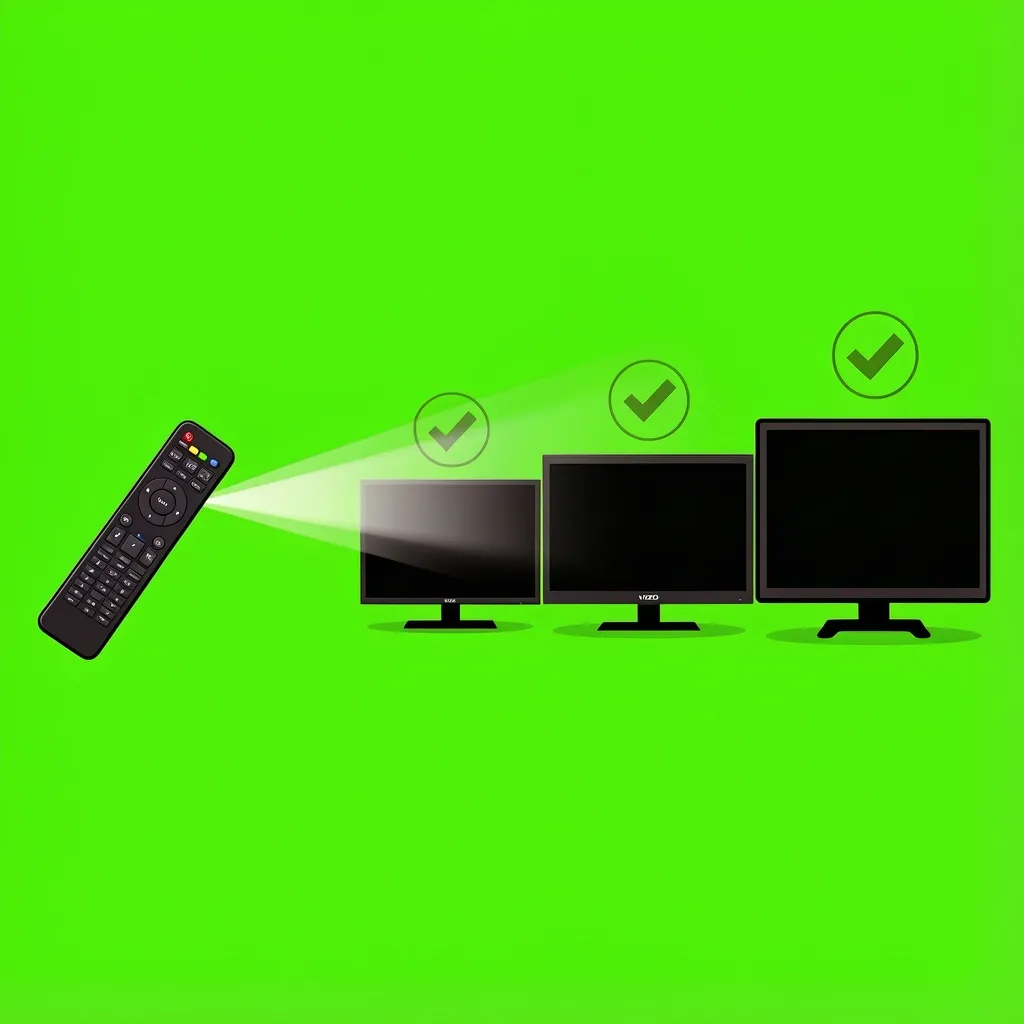
Yes, for the most part. Vizio TVs use standard infrared signals. Smart TVs, non‑smart TVs, 4K models – they all respond to the same codes. The only exception is if you have a very old Vizio from before 2005; then the codes may not be in the remote’s memory, and auto search is your only option.
I lost my remote’s manual – where can I find the code search button?
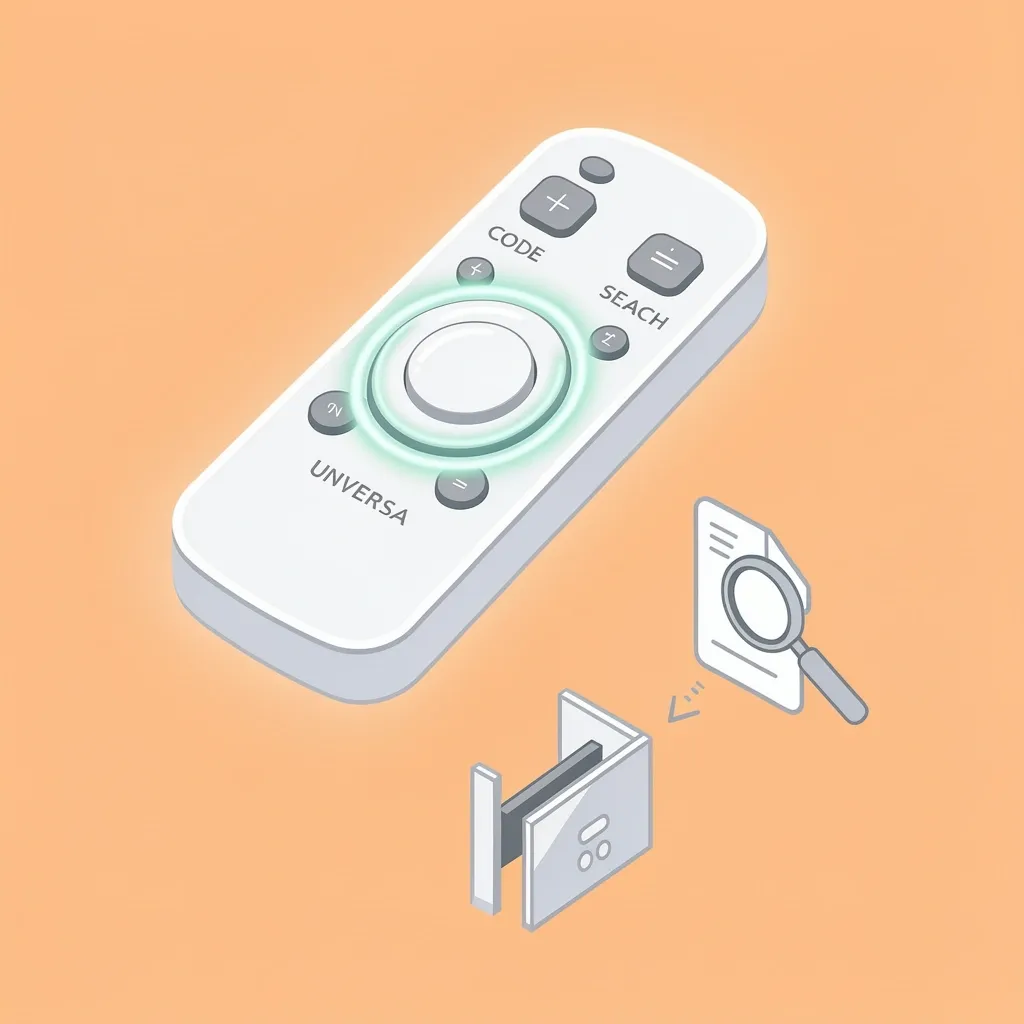
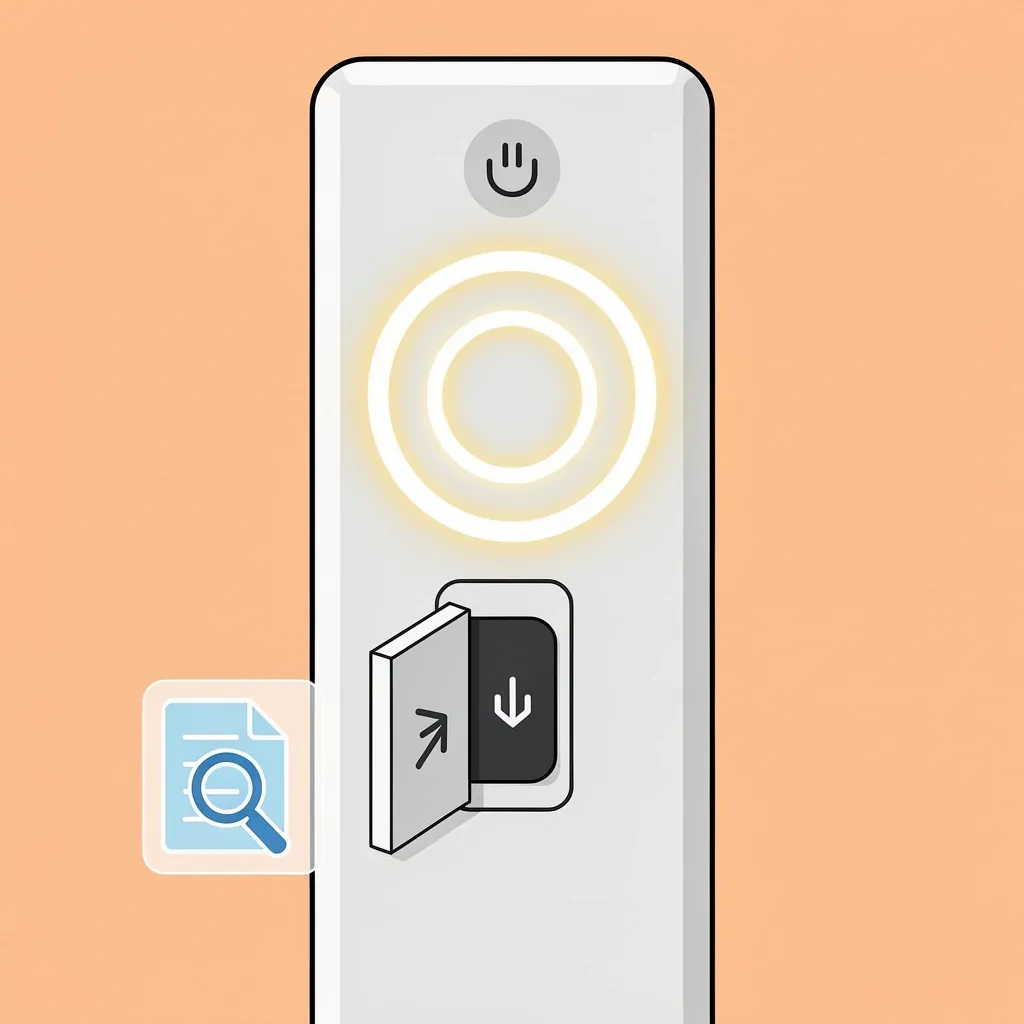
Look for a button labeled “Setup,” “Code Search,” “Program,” or “Set.” It’s usually at the top of the remote, sometimes under a slide‑up cover. If you can’t find it, search online for your remote’s model number plus “manual PDF.”
Frequently Asked Questions
Can I use an LG universal remote with a Vizio TV?
Yes, if it’s a universal remote (not an original LG TV remote). Use the common codes I listed first: 11758, 10178, or 10864. The pairing method is the same – press Setup, then TV, then enter the code.
My remote only accepts 3‑digit codes – what should I do?
As I mentioned, 3‑digit remotes predate Vizio. Try auto code search. If that doesn’t work, get a modern universal remote for $10–15.
How do I reset a universal remote to factory settings?
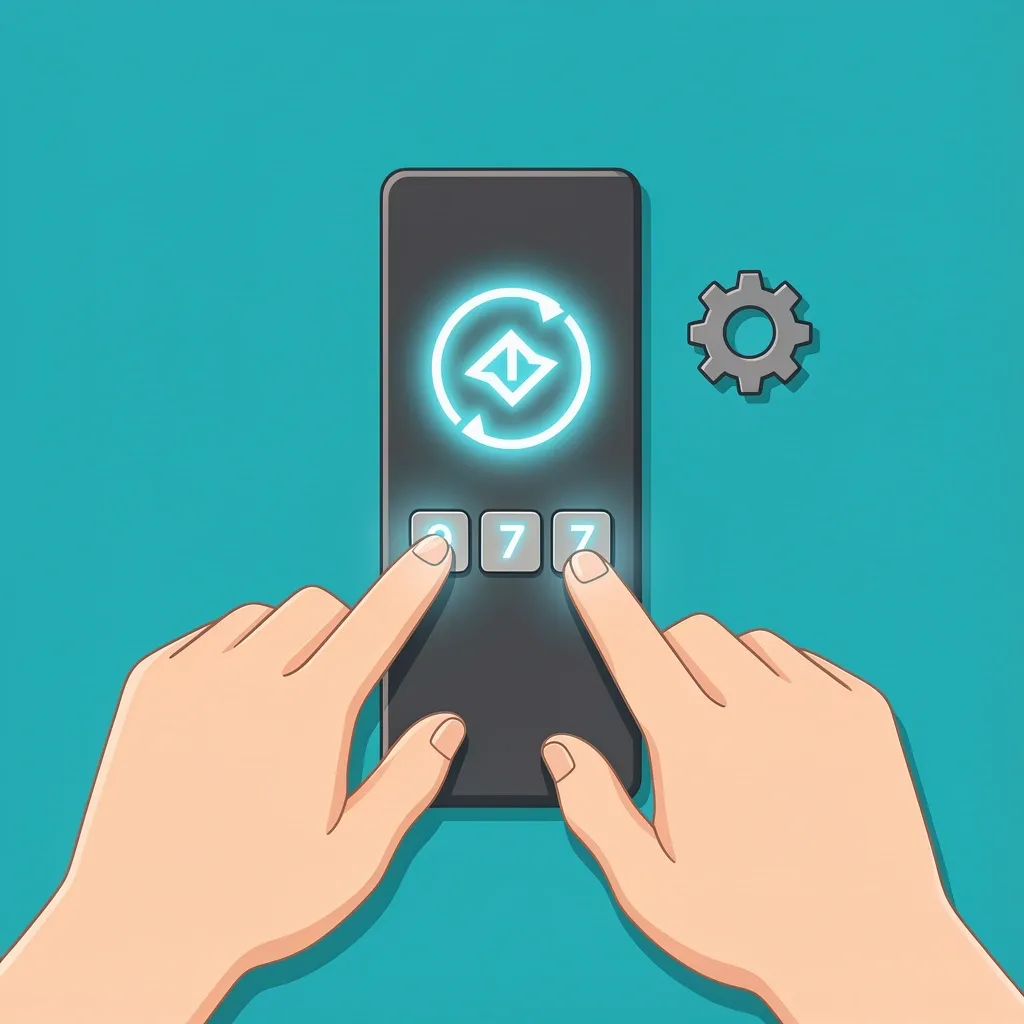
Most remotes have a reset sequence. For GE remotes: press and hold Setup until the light blinks twice, then enter 9‑7‑7. For RCA: press and hold Setup until the light blinks, then enter 9‑9‑9. For OneForAll: press and hold Setup, then enter 9‑9‑2. Check your remote’s manual or search online for the exact sequence.
Do universal remotes work with all Vizio TV models (smart, non‑smart)?
Yes, I’ve used them on Vizio smart TVs from 2023, older HD models, and even a 2012 Vizio. No issues. The infrared receiver is the same across generations.
I lost my remote’s manual – where can I find the code search button?
Look for a button that says “Code Search” or “Setup.” On many remotes, it’s under a sliding door at the top. If you still can’t find it, search for the remote model number on the manufacturer’s website – Jasco, GE, RCA, etc. – and download the manual.
That covers everything I’ve learned from programming dozens of universal remotes for Vizio TVs. Try the common codes first, then move to brand‑specific lists, and use auto search as your backup. If you hit a snag, the troubleshooting tips above should get you sorted. Good luck – you’ll have that remote working in no time.