Why Is My Vizio Sound Bar Not Working? The Real Reasons and How to Fix It
A Vizio sound bar that suddenly stops working is almost always caused by one of three things: a power or connection hiccup, a setting conflict with your TV, or an internal standby feature. Before you panic, run through these three quick checks (1 minute each).
- Is the sound bar’s LED lit? If not, check the power outlet. Try another outlet. Press the power button on the unit itself — not the remote.
- Is your TV set to output audio to external speakers? Look for “Audio Output” or “Speaker Settings” in your TV menu. Change it from TV speaker to external, ARC, or optical.
- Is the volume turned up? It sounds obvious, but many sound bars have independent volume from the TV. Press volume up on the sound bar remote or the unit.
If none of those work, don’t worry. This guide walks you through every likely cause and the exact steps to fix it. I’ve owned three Vizio sound bars over the years and helped dozens of friends troubleshoot theirs. Most problems are simple once you know where to look.
Common Reasons a Vizio Sound Bar Has No Sound or Won’t Turn On
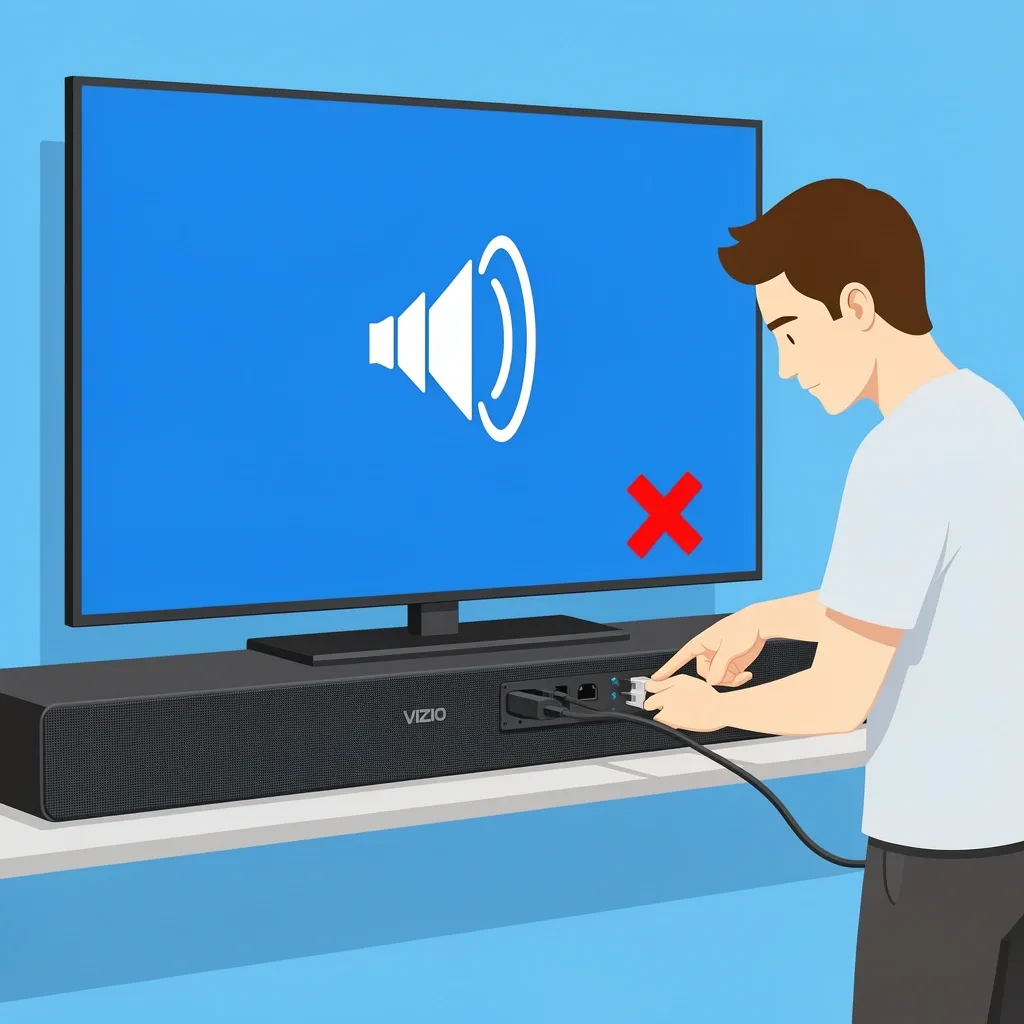
When your Vizio sound bar stops working, it’s usually one of these five things:
- Power supply failure or loose cable. The barrel connector on the back is easy to knock loose. Make sure it’s pushed all the way in.
- TV audio output set to internal speakers. Your TV may still be sending sound to its own speakers, so the sound bar gets nothing.
- Mute accidentally activated. Check the remote and the sound bar’s display (if it has one). Some remotes have a mute button that’s easy to hit.
- Incorrect input source on the sound bar. If you’re using HDMI but the sound bar is set to Optical, you get silence. Cycle through inputs (press Source or Input button).
- Eco mode automatic shutoff. Many Vizio sound bars enter standby after 15–20 minutes of no audio. I’ll cover this in detail below.
Troubleshooting Step by Step for No Power or No Audio
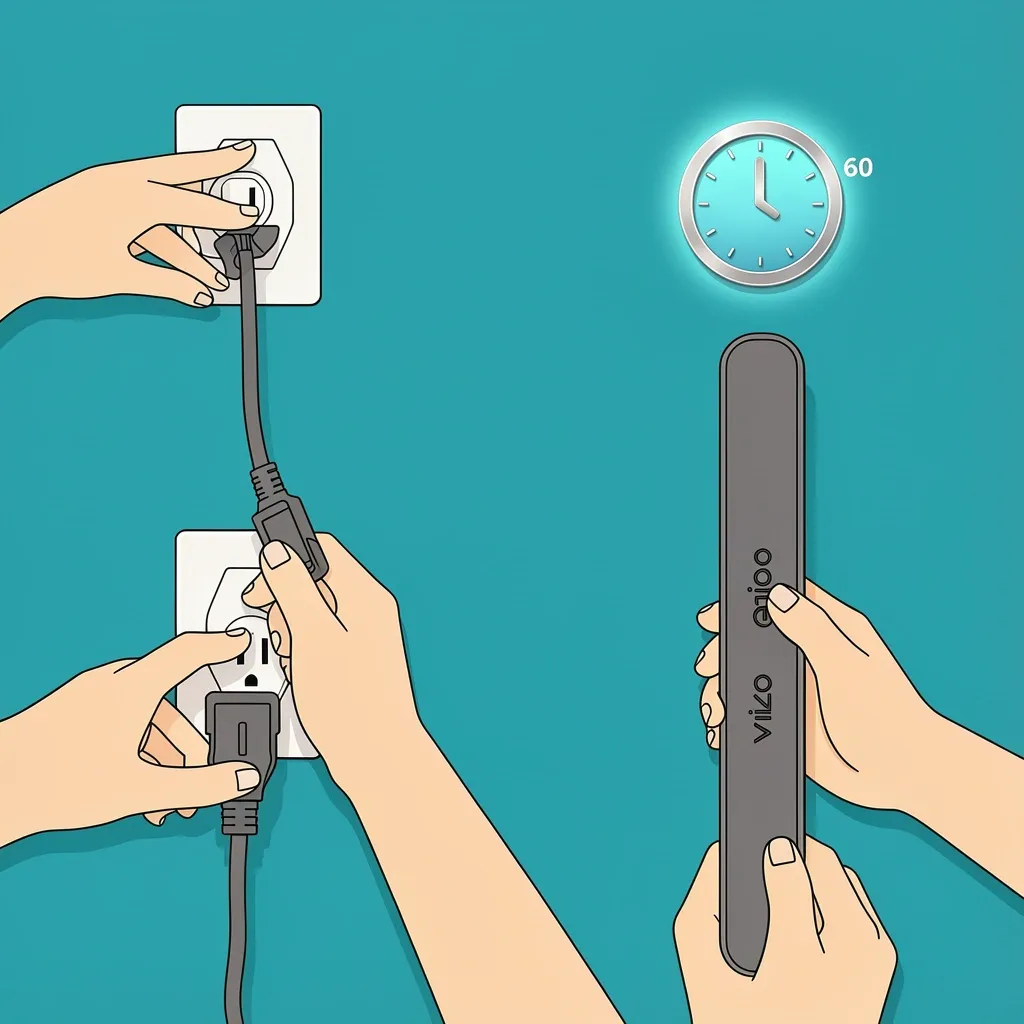
Try these in order. Do not skip any step — each one eliminates a common problem.
- Hard reset the sound bar. Unplug the power cord from the wall and the sound bar. Wait 60 seconds. Plug it back in. This clears the internal memory and often fixes stuck firmware.
- Confirm TV audio settings. Go to your TV’s sound menu. Set “Speakers” to “External” or “Audio System.” If you’re using HDMI ARC, make sure “ARC” is enabled in the TV settings. If you’re using optical, select “Optical” as the output.
- Swap the cable. HDMI and optical cables fail. Try a different HDMI cable (make sure it’s high-speed) or a different optical cable. Even a brand new cable can be defective.
- Test with a different source. Pair your phone to the sound bar via Bluetooth. If you get sound, the sound bar is fine and the problem is with your TV or the cable. If no sound, the issue is in the sound bar itself.
- Factory reset the sound bar. Hold the power button and the volume down button at the same time for 10 seconds. The LED will flash. Release the buttons. This wipes all settings and returns the sound bar to out-of-box state.
Why Your Vizio Sound Bar Keeps Turning Off Automatically
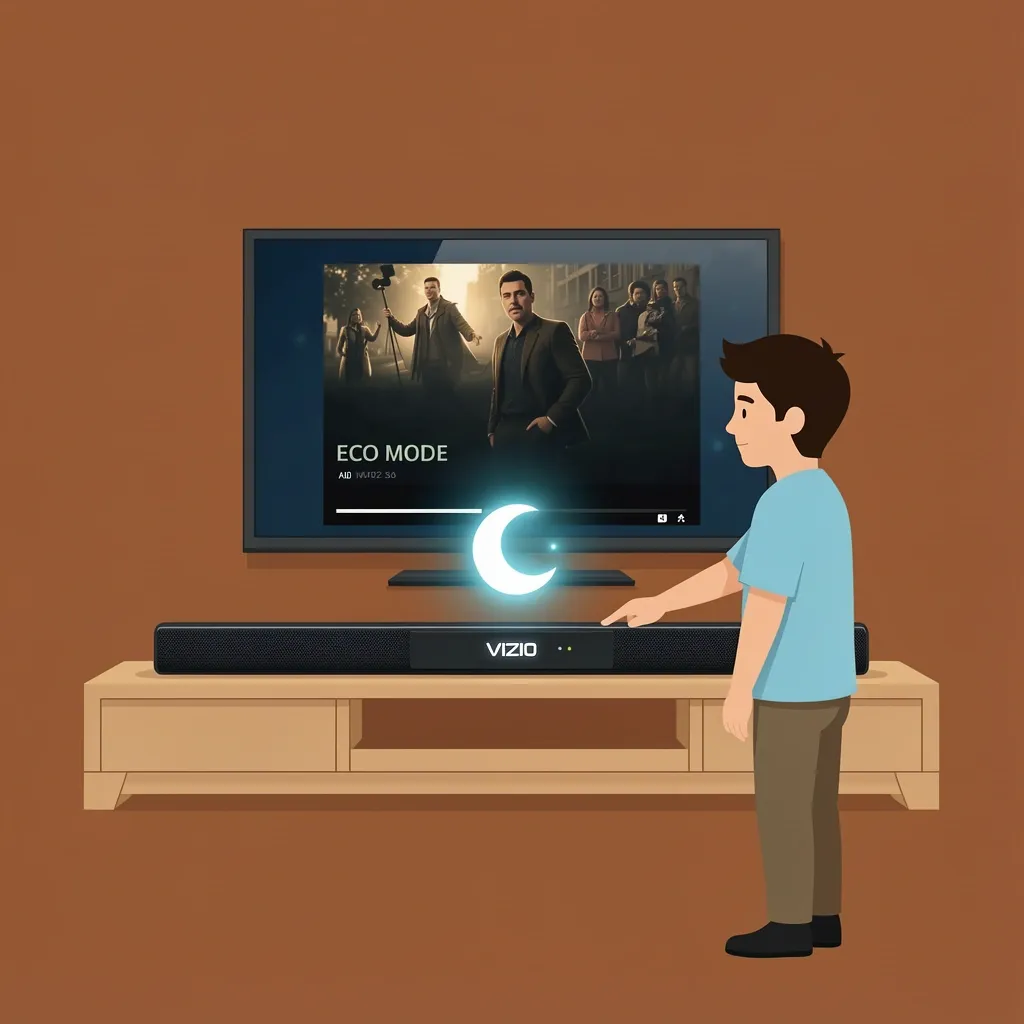
This is the most frustrating issue because it looks like a real failure when it’s actually a feature. Vizio sound bars have an Eco mode (energy-saving mode) that puts the sound bar into deep sleep if no audio signal comes through for 15–30 minutes. The sound bar appears dead, but pressing the power button or sending any audio wakes it right up.
Here’s the trap: if you connect the sound bar with an optical cable, the TV does not send a continuous audio signal. It only sends audio when something is playing. After a movie ends or you pause a show, the signal stops, and the sound bar assumes it’s idle and shuts off. When you press play again, the sound bar may not wake up automatically — you have to press the power button manually.
How to Disable Eco Mode on a Vizio Sound Bar
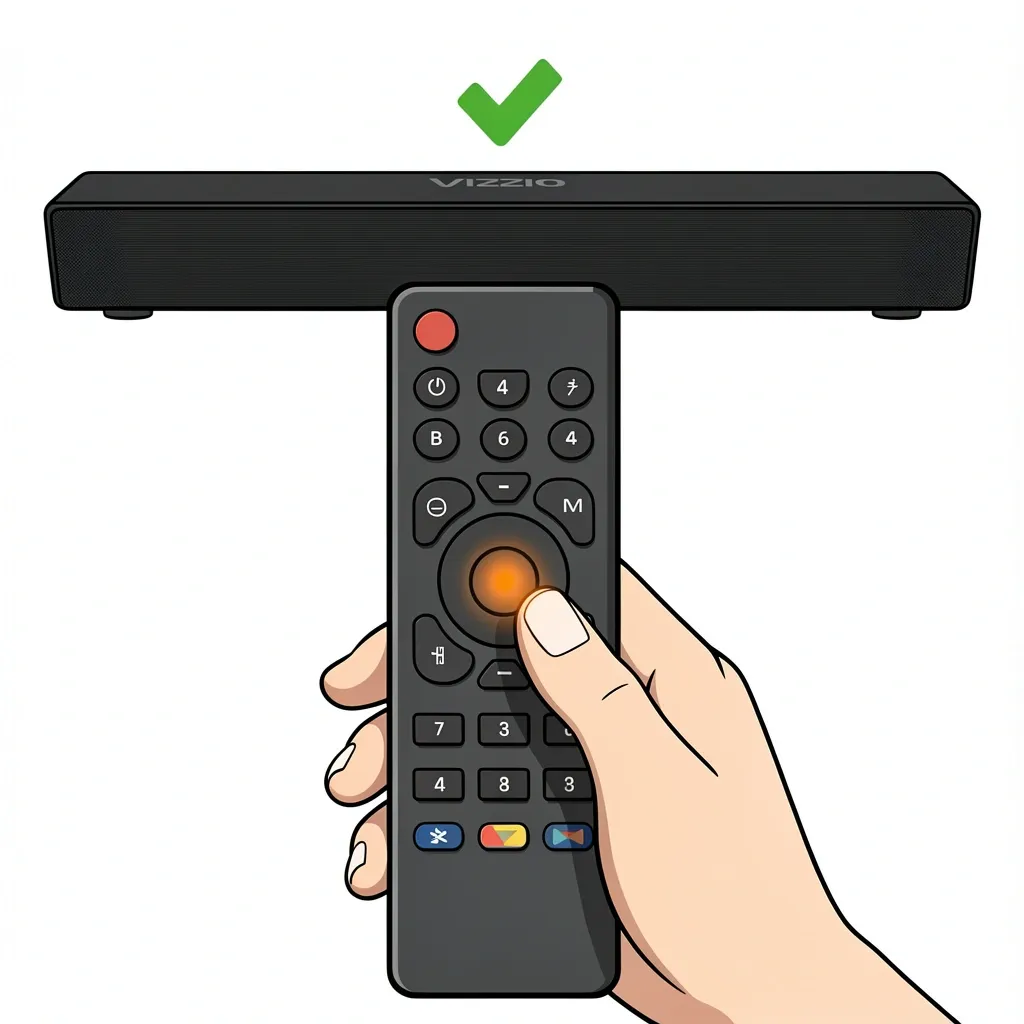
Not all models have a menu option, but most do. Try these methods:
- Press and hold the Bluetooth button on the remote for 5 seconds. The LED will blink, and Eco mode will toggle off.
- If that doesn’t work, press and hold the Input button on the remote for 5 seconds. Some models show “Eco Off” on the display.
- On newer sound bars, open the Vizio SmartCast app on your phone. Go to Settings > System > Eco Power and turn it off.
If you can’t disable Eco mode, the best workaround is to switch to HDMI ARC. HDMI keeps a constant signal handshake, so the sound bar stays awake. If your TV doesn’t have ARC, you can buy an HDMI ARC adapter.
Fixing Subwoofer That Won’t Connect or Has No Bass
The wireless subwoofer that comes with many Vizio sound bars often loses its pairing after a power outage, moving the sound bar, or even a firmware update. The symptom is simple: the sound bar plays, but the subwoofer is silent, or the subwoofer’s LED blinks continuously without turning solid white.
Manual Re-Pairing Procedure
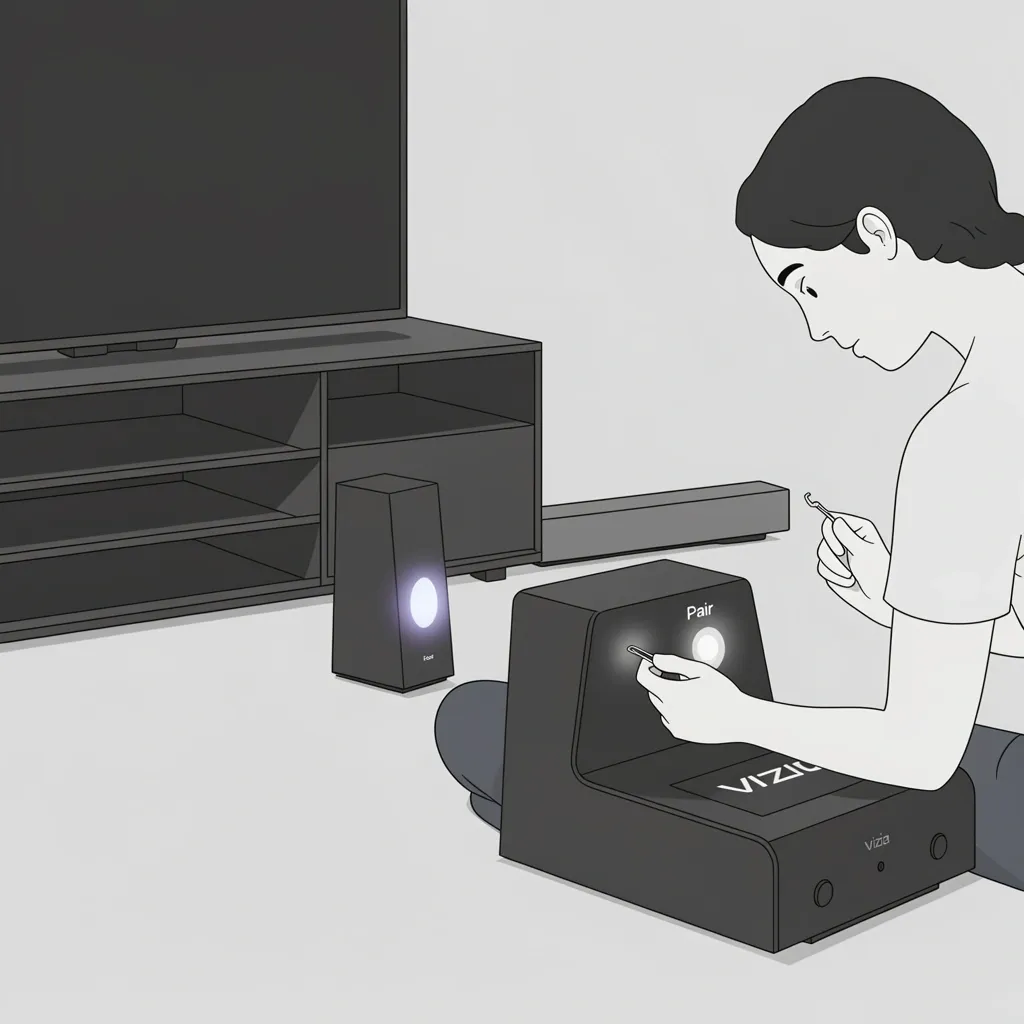
- Move the subwoofer within 30 feet of the sound bar with no major obstructions (like a thick wall).
- Press the Pair button on the back of the subwoofer. You may need a paperclip; the button is recessed.
- On the sound bar, press and hold the Volume Up button for 5 seconds. The LED will flash.
- Wait up to 30 seconds. The subwoofer LED should turn solid white.
If pairing fails, try a full factory reset of the sound bar (step 5 from the previous section) and then repeat the pairing process. Some models also allow you to adjust the subwoofer level separately. Press the Subwoofer button on the remote (if available) and use volume up/down to set it.
HDMI ARC or Optical? Choosing the Right Connection and Solving Conflicts
Many sound bar problems come down to the wrong cable or a conflict between the TV and sound bar. Let me break it down.
HDMI ARC (Audio Return Channel)
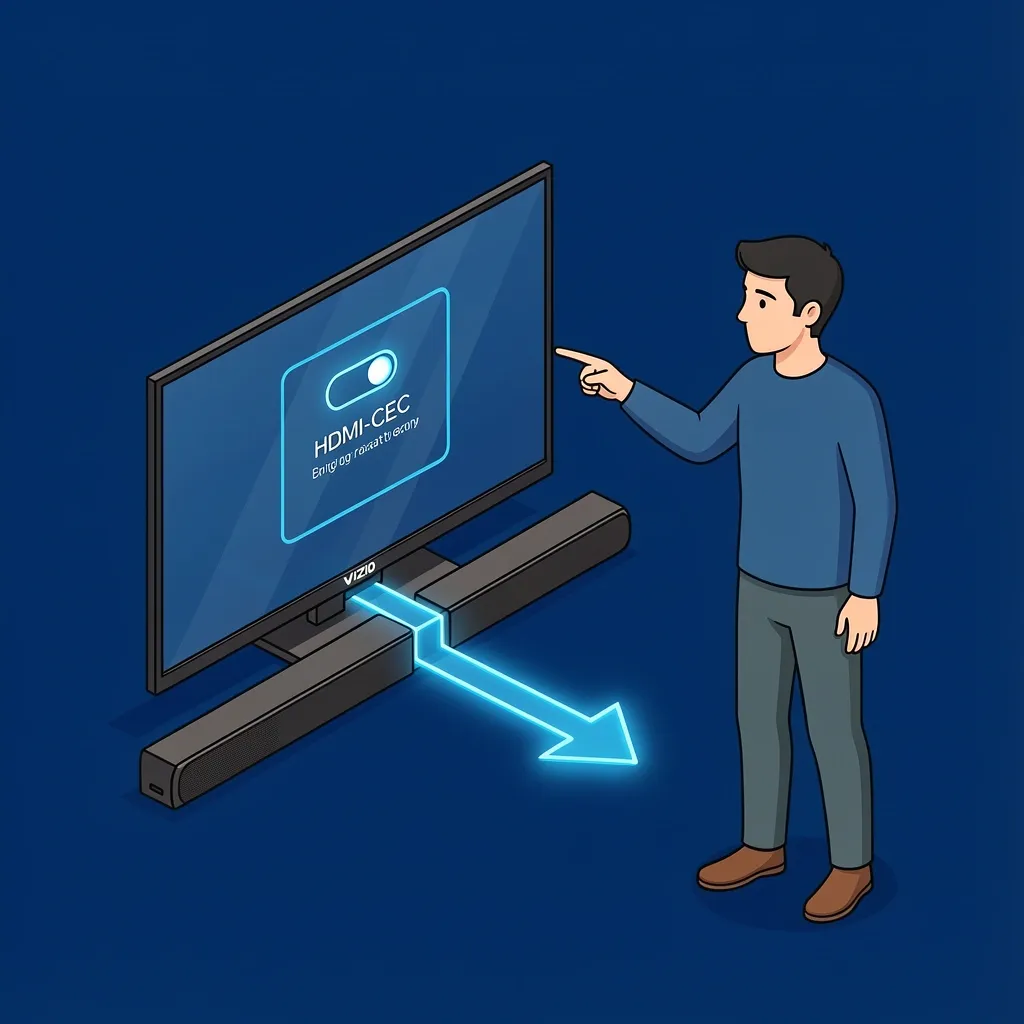
This is the best connection for a Vizio sound bar. It lets the TV remote control volume and power. But HDMI ARC uses a feature called CEC (Consumer Electronics Control). Your TV might call it “HDMI Control,” “Bravia Sync,” “Simplink,” or “Anynet+.” When CEC works, it’s magic. When it conflicts, it can cause the sound bar to turn off randomly, refuse to change volume, or not power on with the TV.
Test for CEC conflict: Disable HDMI-CEC in your TV settings. Then see if the sound bar works normally using the sound bar remote. If it does, you have a CEC conflict. You can either leave CEC off (and use the sound bar remote for volume) or try adjusting CEC settings on the TV. Some TVs have separate options for ARC and CEC — try turning off only “TV auto power” but keeping “Audio system” enabled.
Optical Cable
Optical is simple but limited. It can carry high-quality digital audio, but it cannot carry volume commands. If you use optical, the TV remote cannot control sound bar volume — you must use the sound bar remote. Many users blame the sound bar for “not working” when it’s just missing this feature. Optical also triggers the auto-standby issue I mentioned earlier because there’s no continuous signal.
Which one should you use? If your TV has an ARC-labeled HDMI port, use HDMI ARC and set the sound bar input to HDMI ARC. If not, use optical but understand its limitations. In either case, make sure the TV’s audio output is set to the matching connection.
When All Else Fails – Advanced Resets and Firmware Update
If you’ve tried everything so far and the sound bar still won’t work, there are two last-resort steps.
Full Factory Reset (the hard way)
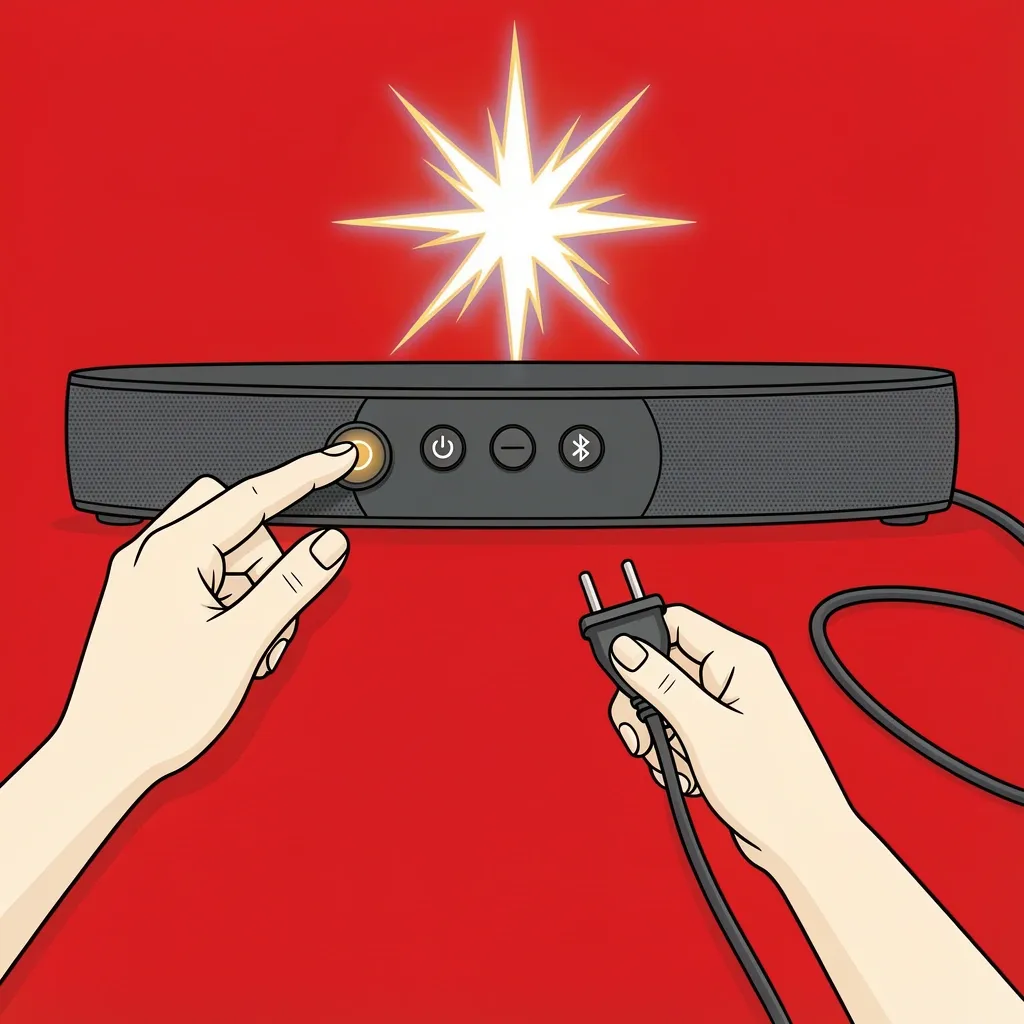
On many Vizio sound bars, you can perform a deeper reset that clears all internal data. Unplug the sound bar. Press and hold the Power button, the Bluetooth button, and the Volume Down button at the same time. While holding them, plug the sound bar back in. Keep holding for 15 seconds. The LED will flash rapidly. Release. The sound bar will restart completely fresh.
Firmware Update via USB
If the sound bar still has issues after a factory reset, a corrupted firmware update may be the cause. Go to Vizio’s support website, enter your sound bar model number, and download the latest firmware to a USB drive (FAT32 format). Insert the USB into the sound bar’s service port (usually micro-USB or full-size USB). The sound bar should automatically detect the file and update. Warning: Do not unplug the sound bar during the update — it can brick the unit. Only do this if you are comfortable and troubleshooting has failed.
If none of this works, call Vizio support. Look for LED error codes: a solid red LED means hardware failure, and a flashing red LED means overheating or a short circuit. Unplug the sound bar and let it cool for an hour before trying again. If the light stays red, it’s time for a replacement.
Frequently Asked Questions
Why is my Vizio sound bar not showing up on Bluetooth?
First, check if it is already paired to another device. Turn off Bluetooth on all nearby phones and laptops. Then put the sound bar into pairing mode: hold the Bluetooth button for 3 seconds until the LED blinks. If it still doesn’t show, reset the Bluetooth stack on your phone by turning Bluetooth off and on again, or restart the phone entirely.
Can I use a universal remote with my Vizio sound bar?
Yes, but you need the correct code. For many Vizio sound bars, code 11756 works with popular universal remotes (like Xfinity XR15). However, power and volume buttons may behave differently depending on whether you use HDMI ARC or optical. If the power button turns the sound bar off but not on, that’s a common limitation with some codes.
Why does my Vizio sound bar make a popping sound when it turns off?
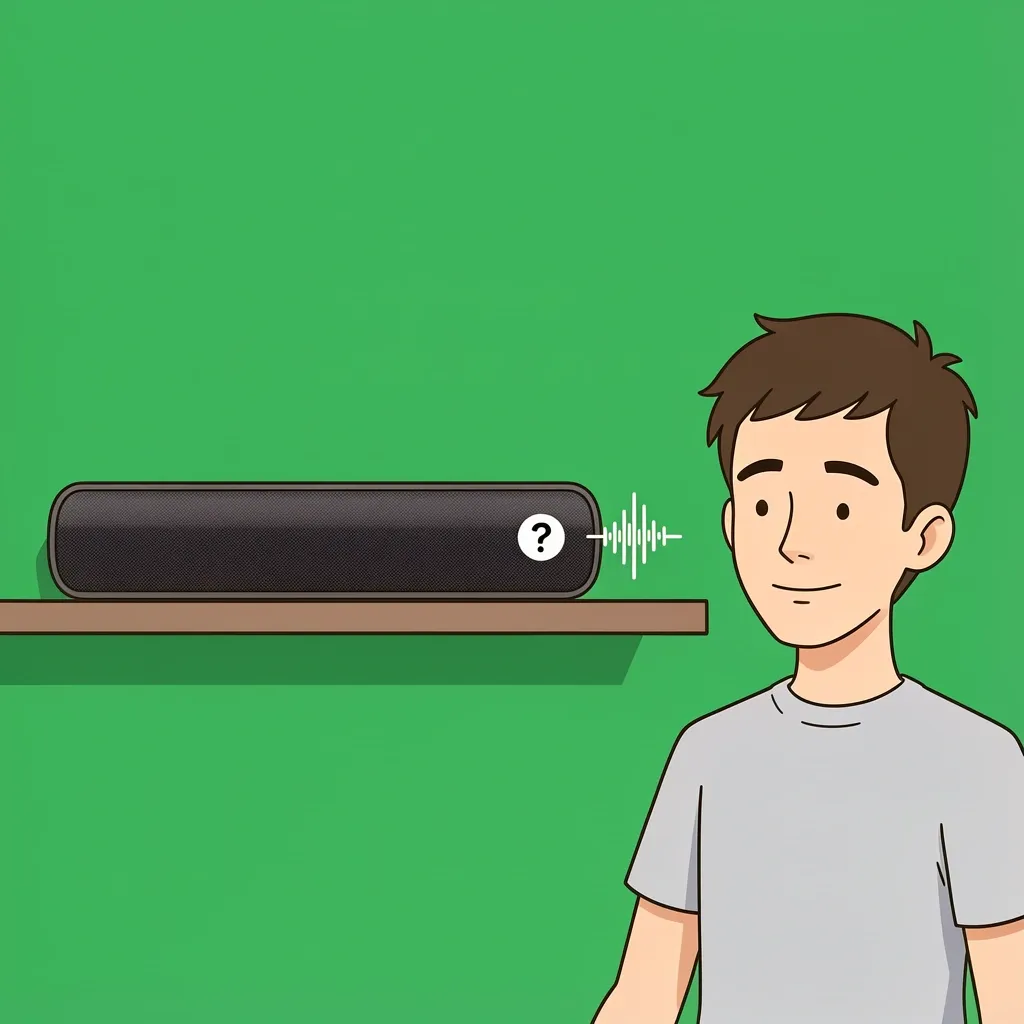
That popping noise is normal. It’s the internal capacitors discharging when power is cut. If the pop is very loud or accompanied by smoke or a burning smell, unplug it immediately and contact Vizio. Otherwise, it’s nothing to worry about.
How do I disable the LED light on my Vizio sound bar?
Most Vizio sound bars do not have an option to turn off the LED completely. Some models allow you to dim it by pressing and holding the Input button for 5 seconds. Check your user manual for your specific model.
What does a flashing red or white LED mean?
- Flashing red: Protection mode – usually overheating or a short circuit. Unplug the sound bar, let it cool for an hour, then try again.
- Flashing white: Pairing mode or firmware update in progress. Wait for it to stop. If it flashes more than 5 minutes, unplug and retry.
- Solid red: Hardware failure. Contact Vizio support.
This covers the vast majority of Vizio sound bar problems. Start with the three quick checks at the top, and work through the sections that match your symptoms. Most issues are solved in under 10 minutes. If you still have trouble, don’t hesitate to reach out to Vizio support — tell them exactly what you tried and what LED pattern you see.